Productivity●Mid
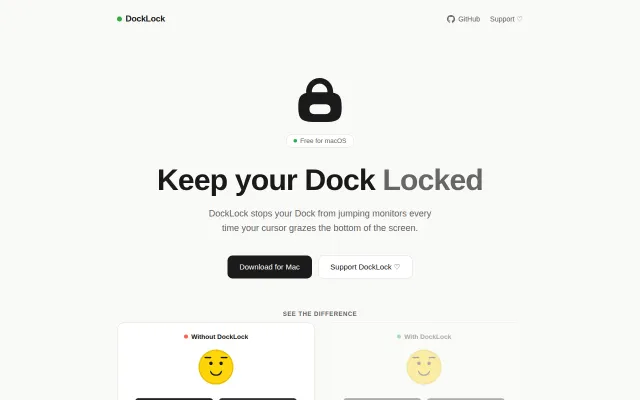
A tiny macOS app that stops your Dock from jumping between monitors
Finally fixes the Dock jumping annoyance that macOS should have solved years ago.
CozySolve My Problem
telenardo
213mo ago
MacOS utils app that toggles between Mirrored and Extended for external displays
Tucks one-click display-mode switching into the menu bar with explicit actions — 'Switch to Internal Only' and 'Restore Extended' — plus optional auto-restore and launch-at-login. Under the hood it wraps displayplacer and exposes runnable CLI actions and Raycast commands, which makes it practical and easy to integrate into a power-user workflow; the README even includes packaging/install scripts and a synthetic demo note.
macOS users who use external monitors (remote workers, developers, presenters) who want a fast way to toggle display modes
With this app I just hit Switch to Internal Only, keep working on my MacBook screen, and later click Restore Extended when everything is working again.
Finally fixes the Dock jumping annoyance that macOS should have solved years ago.
Notch pet that lives in your MacBook notch while tracking Claude token usage.
Native menu bar dots track Claude Code sessions plus browser-cookie usage limits.
Menu bar battery monitor is useful, but macOS already shows this natively now.
Multi-tool session monitor via PTY wrapping, plugin events, and fallback scanning.
Discovers Claude Code sessions automatically across any terminal—no plugins, no vendor lock-in.