Developer Tools●●●Banger
Winclipshot – Ctrl+V screenshots as file paths in Windows terminals
Windows terminal helper that converts clipboard images to file paths automatically.
Solve My ProblemBig Brain
swq115
302mo ago
Paste screenshots as file paths in your terminal. Built for Claude Code, Codex CLI, and AI coding agents. Copy any image, press a hotkey, and the saved file path is typed into your active window — with automatic WSL/Windows path detection. Zero dependencies, single portable .exe
Hotkey screenshot → file path, auto-detects WSL vs Windows paths.
Windows/WSL developers using AI coding agents like Claude Code and Codex CLI
Clipboard managers with hotkey-to-file workflows · Greenshot with scripting
Windows terminal helper that converts clipboard images to file paths automatically.
Clipboard event listener saves screenshots as paths when terminal gains focus.
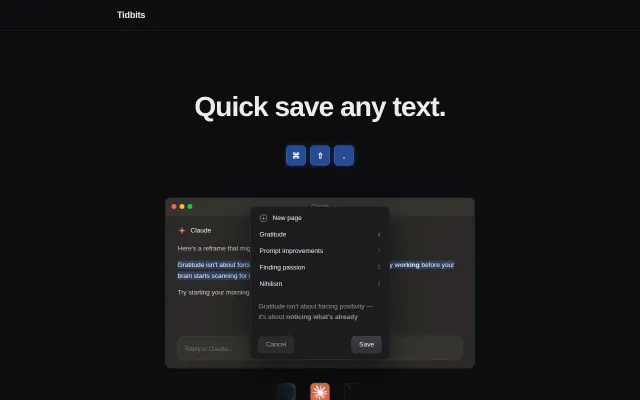
Global hotkey saves text to local files for Claude Code context integration.
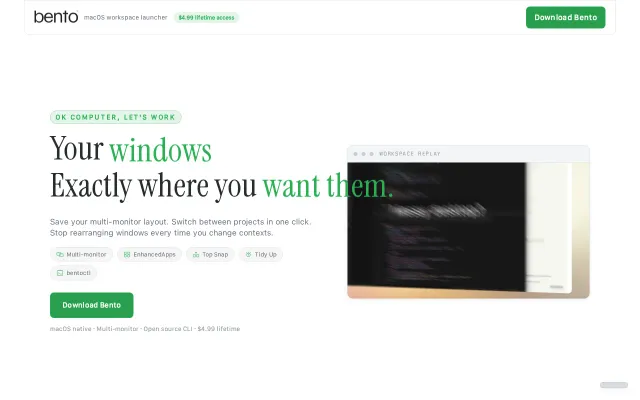
Restores Chrome tabs and terminal paths alongside window positions across multiple monitors.
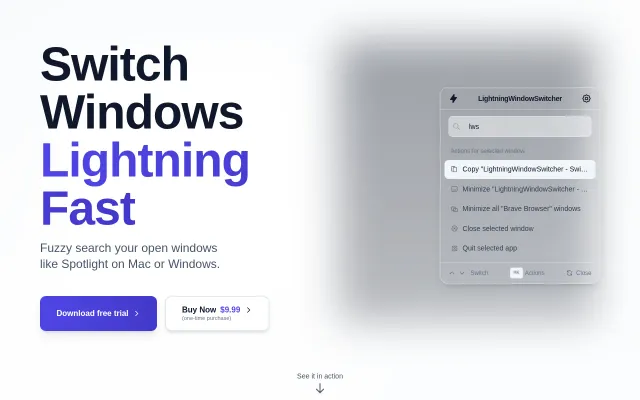
Spotlight for window switching when Raycast and Alfred already do this.
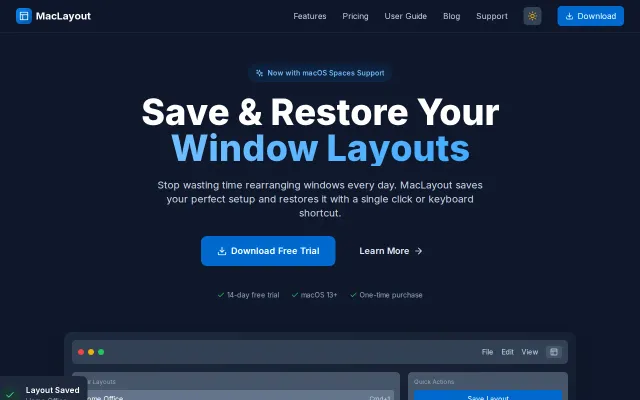
Restores full window layouts when monitors connect, unlike Rectangle or Magnet.