Developer Tools●●Solid
I open-sourced a macOS native Markdown rendering engine
TextKit 2 engine with wiki-link roundtripping beats generic WebView wrappers.
Niche GemSlick
jacobchen7
724d ago

Native macOS feel without Electron bloat; offline LaTeX and Mermaid support.
macOS developers and writers working with technical markdown, academic papers, or diagrams
Typora · MacDown · iA Writer
I built a macOS-native Markdown viewer/editor called Markdown Prism.
Website: https://prism.huconn.xyz
GitHub: https://github.com/hulryung/markdown-prism
I originally built this for myself. I wanted a lightweight Markdown viewer on macOS that:
wasn’t Electron-based
rendered GFM properly
supported LaTeX math and Mermaid diagrams
worked fully offline
Most native apps I tried were either minimal but missing key features (math, diagrams), or full-featured but Electron apps. I wanted something in between — native feel, but with the mature JS Markdown ecosystem.
How it works
It’s a hybrid approach:
SwiftUI for the native app shell
WKWebView for rendering
markdown-it, KaTeX, highlight.js, and Mermaid.js bundled locally
So you get native performance and integration (Quick Look, file watching, drag-and-drop), but still benefit from battle-tested JS rendering libraries. Everything is bundled for offline use.
Features
Split-pane editor with live preview (400ms debounce)
GFM (tables, task lists, strikethrough)
LaTeX math via KaTeX
Mermaid diagram support
Syntax highlighting (190+ languages)
Quick Look extension (preview .md in Finder)
Dark mode
File watching for external edits
Install via:
brew install hulryung/tap/markdown-prism
or download the DMG from the website.
It’s free and open source (MIT), macOS 14+.
Would love feedback — especially from people who use Markdown heavily. What’s missing? What would make this your daily Markdown tool?
TextKit 2 engine with wiki-link roundtripping beats generic WebView wrappers.
Emacs without Lisp—faster startup, sane defaults, but alpha-stage and solo-authored.
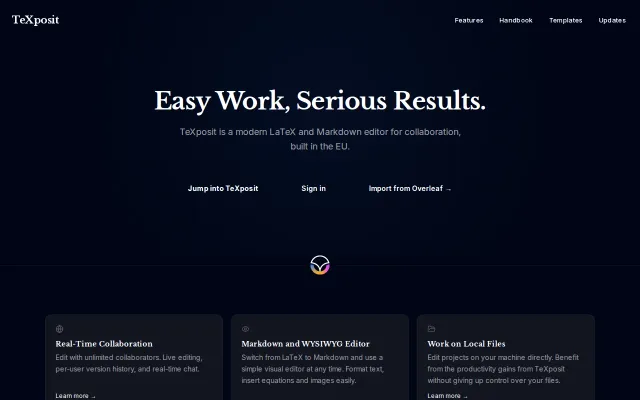
Overleaf alternative with EU hosting when GDPR compliance matters.
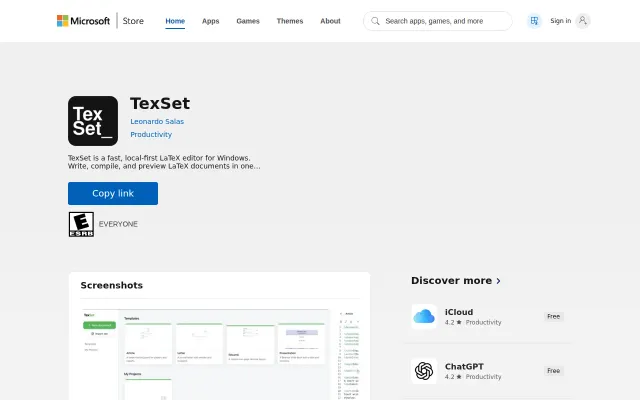
Local-first LaTeX editor for Windows when Overleaf dominates the cloud space.
Yet another Markdown reader when Typora, MarkText, and Quick Look already exist.
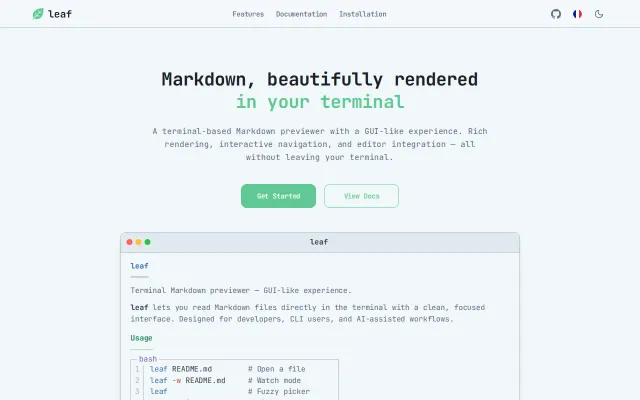
Mermaid diagrams and LaTeX math rendered as ASCII in your terminal.