Productivity●Mid
Sidebar based/tabbed tiling window manager for macOS
Aerospace wrapper with nice intent zones — no multi-monitor support yet.
Eye CandyShip It
zimengx
503mo ago
macOS bookmark manager that attaches to any browser window as a sidebar
Arc's sidebar, but for any browser—local-first, no signup required.
macOS users who want Arc browser's sidebar organization across Chrome, Safari, Brave, or other browsers
Arc browser · Raindrop.io · Notion Bookmarks
You get workspace-based links/bookmarks organization with nested folders, drag-and-drop reordering, and custom workspace colors. For the most part I tried replicating Arc's sidebar UX as close as possible.
1. Local-first: all data lives in a single JSON file ( ~/Library/Application Support/Arcmark/data.json). No accounts, no cloud sync.
2. Works with any browser: Chrome, Safari, Brave, Arc, etc. Or use it standalone as a bookmark manager with a regular window.
3. Import pinned tab and spaces from Arc: it parses Arc's StorableSidebar.json to recreate the exact workspace/folder structure.
4. Built with swift-bundler rather than Xcode.
There's a demo video in the README showing the sidebar attachment in action. The DMG is available on the releases page (macOS 13+), or you can build from source.
This is v0.1.0 so it's a very early version. Would appreciate any feedback or thoughts
Aerospace wrapper with nice intent zones — no multi-monitor support yet.
Gamepad HUD for window management, but AeroSpace already handles the actual tiling.
gTile port to macOS with flexible grid system; fills gap for keyboard-first window management.
Infinite-canvas window orchestrator with real macOS displays and undo/redo, beats tmux for visual workflows.
Folder-native manifests plus a global SQLite index let you keep originals untouched while getting album features and very fast queries — smart trade-offs for large local libraries. Live Photo pairing/playback, a map view, and GPU-accelerated browsing show real engineering focus; it's not reinventing the genre (digiKam/Lightroom exist), but this is a tidy Photos-to-Windows port with thoughtful implementation details.
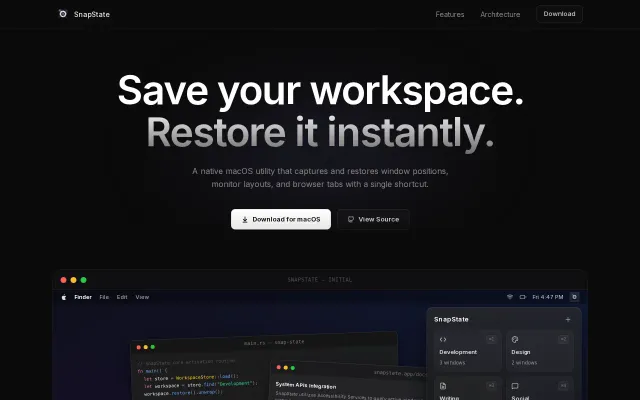
Browser tab restoration across 5 browsers sets this apart from Moom and Magnet.
![Yoke – gamepad-style window manager for macOS built on AeroSpace [video]](/screenshots/47640223_thumb.webp)