Design●●Solid
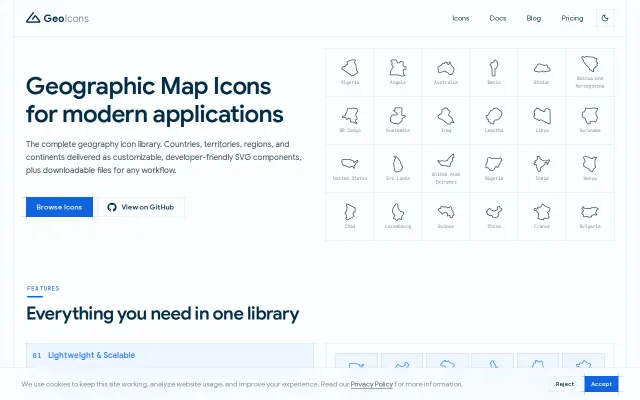
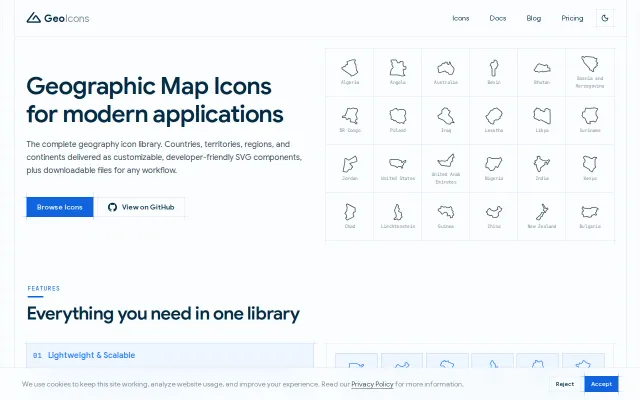
GeoIcons – Country and region map icons as tree-shakable components
Hand-drawn SVGs at 0.8KB gzipped beat generic map libraries on size and style.
CozySlick
takencoder
1010d ago
ls-f is a Linux terminal ls that displays file-type-specific icons using Nerd Fonts. It enhances file listings by adding colorful, meaningful icons for different file types . Works on all Linux distributions and all terminals that support Nerd Fonts. 🚀
Single static binary is the clever bit — you get hundreds of Nerd Font icons, built-in --tree and --git indicators without pulling in Python or other fragile runtime deps. The README includes micro-benchmarks and GNU-ls flag compatibility, so it feels like a pragmatic, performance-minded rewrite rather than vaporware; still, it's an incremental entrant in an already crowded ls-with-icons space.
Linux terminal users, power users, developers and sysadmins who want an enhanced 'ls' with icons, tree view and git indicators
Then a recent update broke eza's package icons just turned into ugly boxes/rectangles everywhere.anyhow ls is also stop working .Reinstall, rebuild deps, downgrade, nothing helped. Classic rolling-release Friday night.
I got tired of fighting it so I finally finished something I'd been tinkering with for a while: ls-f.
It's a from-scratch Rust rewrite (v5 is the new one) of an old Bash ls wrapper I made years ago. Main goals were:
- Single static binary → zero runtime deps (no drama when Arch updates something) - Nerd Font icons for file types (hundreds supported) - Tree view built-in (--tree) - Git indicators (--git) without extra cruft - Speed basically on par with GNU ls (benchmarks in the readme — icons add ~0 overhead in most cases) - Supports most common ls flags so aliases just work: ls='lsf', ll='lsf -l', la='lsf -la', lt='lsf --tree'
No config files needed anymore, no Python/Bash layers. Just drop the binary in PATH.
Repo: https://github.com/swadhinbiswas/ls-f
Quick install on Arch (or anywhere with Rust/cargo): ```bash git clone https://github.com/swadhinbiswas/ls-f.git cd ls-f make install # or cargo install --path . ```
Make sure your terminal uses a Nerd Font (JetBrainsMono NF, MesloLGS NF, etc.) , otherwise icons show as boxes (there's a troubleshooting section in the readme).
It currently has only a handful of stars because I mostly built it for myself + a few friends, but after this eza breakage I'm actually using it daily now and it feels more reliable.
Would love to hear thoughts / feedback / brutal honesty: - Does it cover the flags you actually use? - Any missing icon or weird rendering in your setup? - Better name? (ls-f is short but maybe too generic)
Thanks for looking!
(Using it right now in Hyprland on Arch feels snappy and zero surprises so far.)
Hand-drawn SVGs at 0.8KB gzipped beat generic map libraries on size and style.
Hand-drawn country icons at 0.8KB gzipped beat generic Mapbox vectors for dashboards.
Fresh update to a classic icon set, but Simple Icons and Devicon already dominate this space.
Implements its own Brotli decompression for WOFF2 to bypass missing browser APIs.
Full OpenType variable font support and CPU rasterization in WASM with zero unsafe Rust code.
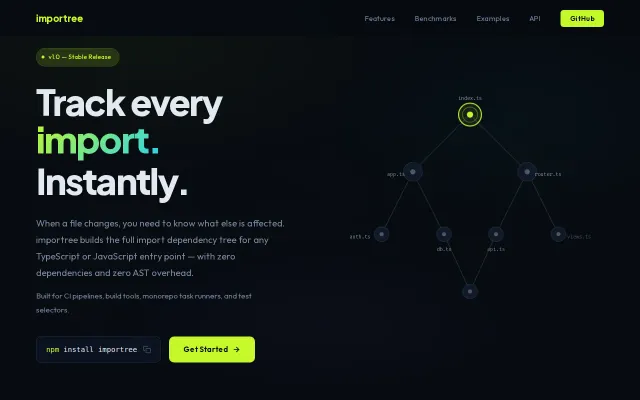
Regex instead of AST parsing: 12ms dependency tree for 500 files versus 50ms+ for competitors.