Design●●Solid
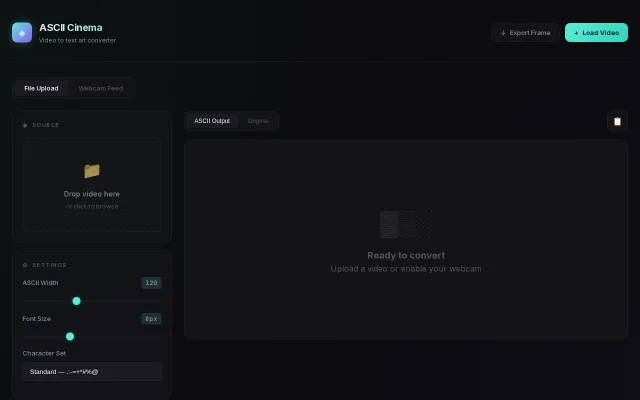
I Built a Player to Turn Any Video into Real-Time ASCII Art
Real-time video-to-ASCII in the browser with 70 character levels and webcam feed support.
Eye CandyCozy
guptalog
1121d ago
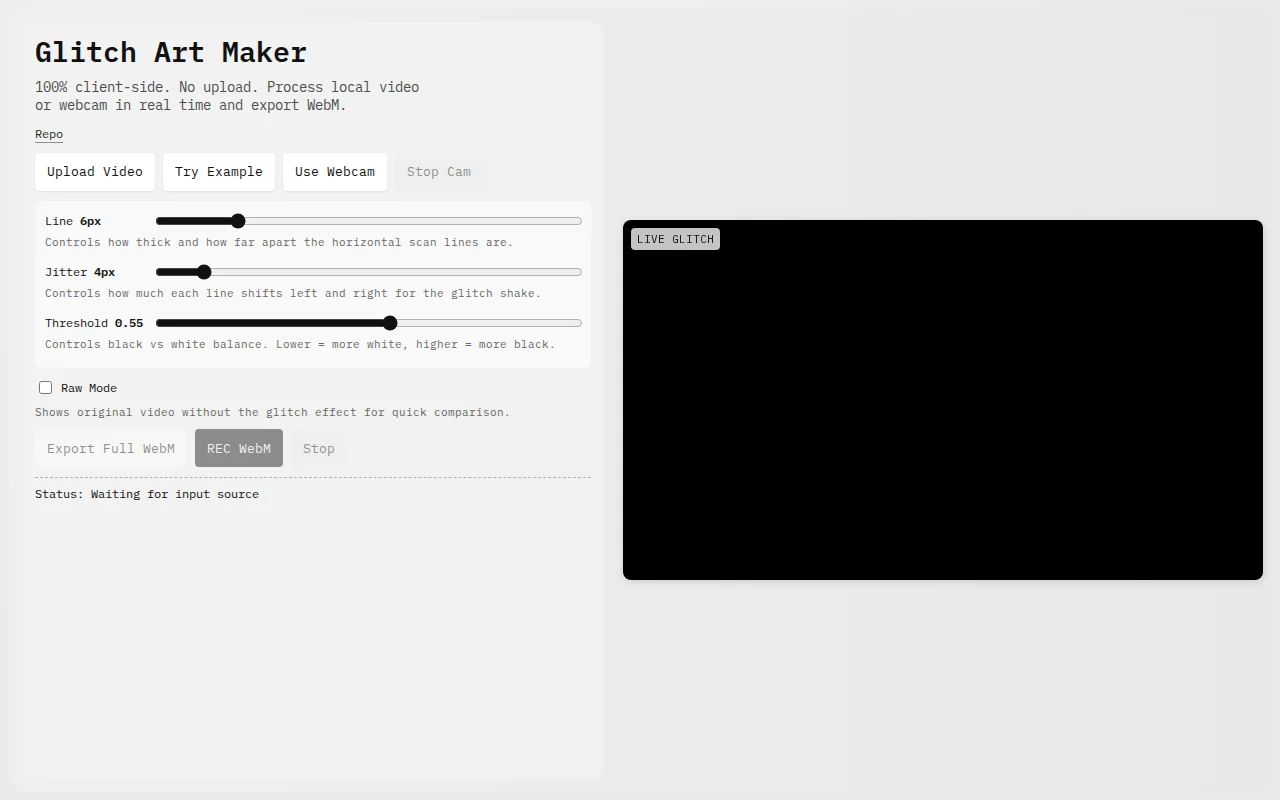
Everything runs client-side and it actually records the glitch output to WebM straight from your webcam — a nice privacy-minded touch that beats many demo pages that only preview effects. The UI exposes useful controls (line thickness, jitter, threshold, raw mode) so you can dial in looks in real time; it's a focused, functional demo rather than a feature-complete product. Add presets, more effect types, or export options and this would stop feeling like a neat toy and start feeling like a tool.
Digital artists, VJs, designers, hobbyists interested in glitch art and privacy-conscious creators who prefer client-side tools
Real-time video-to-ASCII in the browser with 70 character levels and webcam feed support.
Dithering and pixel effects in the browser beat installing heavy desktop software.
Loom alternative with auto-zoom, cursor clicks, and noise reduction—ships today on macOS.
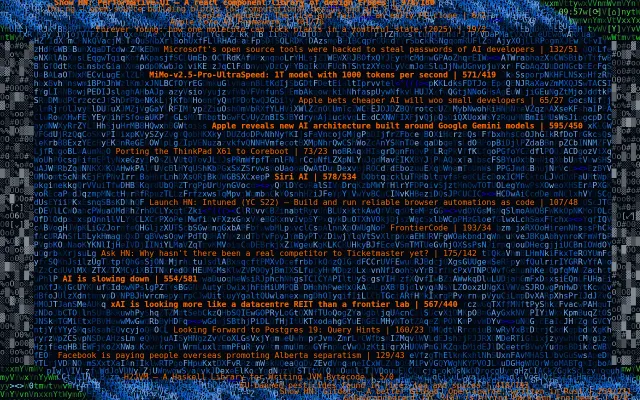
Pretty HN visualization but there's no actual functionality beyond the aesthetic.
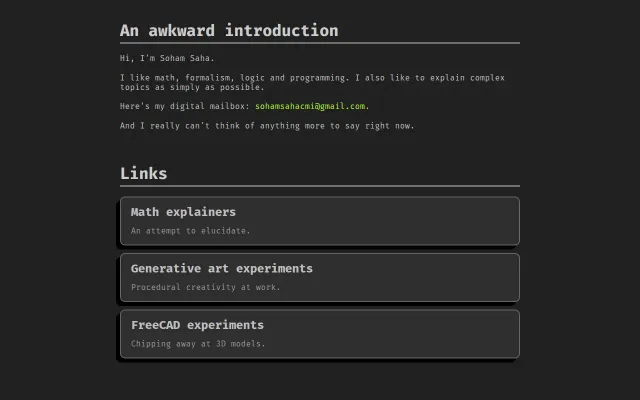
Minimalist terminal-style portfolio hosting math explainers and generative art experiments.
Personal portfolio page, not an actual tool or product to use.