Productivity●●Solid
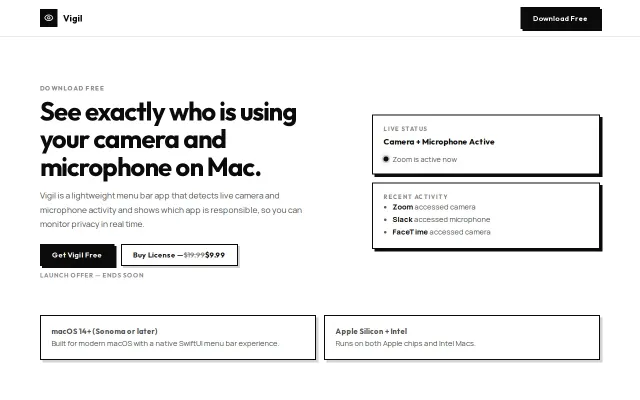
Vigil – see which apps use your Mac's camera or microphone
Answers 'which app is using my mic?' when macOS won't tell you.
Solve My ProblemCozy
sh3ll3y
104mo ago
Turn any audio into text and any text into speech — menu bar app with system/app audio capture, live subtitles, OCR, and translation.
System audio transcription without API keys—but Whisper Desktop and Otter do this already, better-known.
macOS users who transcribe meetings, lectures, or media content
Otter.ai · Whisper Desktop · Descript
SpeechDock can capture and transcribe system-wide audio or audio from a specific app — video calls, online lectures, podcasts, anything your Mac can play. It also does the reverse: select any text on screen (or capture it via OCR) and have it read aloud.
Key points:
- Works out of the box with macOS native STT/TTS — no API keys needed - Optionally connect OpenAI, Gemini, ElevenLabs, or Grok for higher accuracy - Real-time subtitle overlay with translation (80+ languages) - Global hotkeys — use from anywhere without switching apps - AppleScript support for automation - Open source (Apache 2.0)
Requires macOS 14+. Built with Swift/SwiftUI.
GitHub: https://github.com/yohasebe/speechdock Docs: https://yohasebe.github.io/speechdock/
Answers 'which app is using my mic?' when macOS won't tell you.
Menu bar battery monitor is useful, but macOS already shows this natively now.
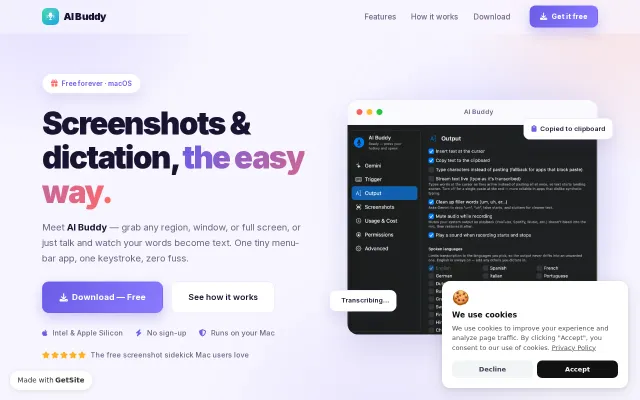
Free screenshot tool, but macOS already has Shift-Command-5 built in.
System audio capture avoids bot detection where Otter and Fireflies fail.
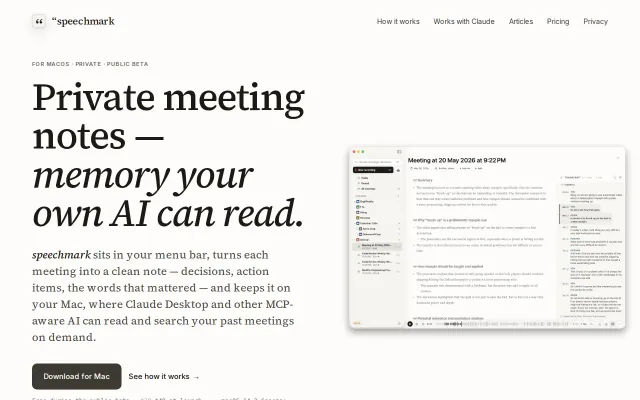
No-bot meeting recorder that turns transcripts into local memory for Claude.
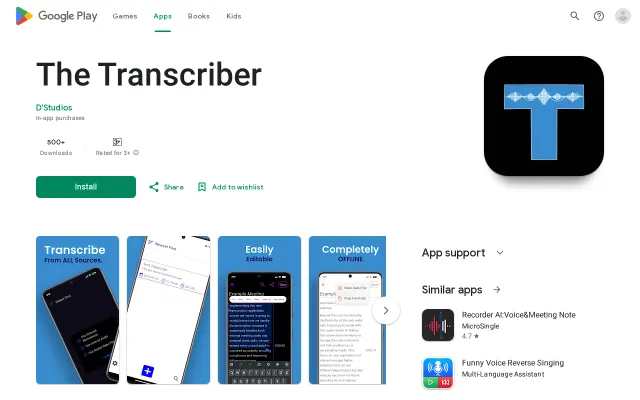
Free offline Whisper on Android, but 88–93% accuracy lags Google Recorder's 95–96% by design constraints.