Developer Tools●●●Banger
I fixed FFmpeg's subtitle conversion (the bug from 2014)
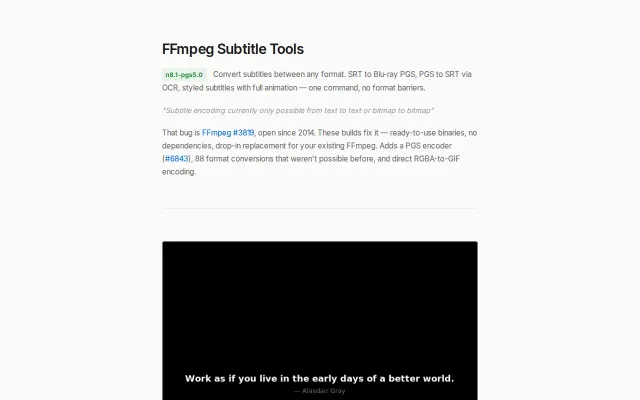
Fixes FFmpeg bug #3819 from 2014 — SRT to Blu-ray PGS with automatic fade detection finally works.
WizardrySolve My Problem
slartibardfast0
3883mo ago
This is a pragmatic, engineering-forward take: do most conversions client-side with WASM and lazily load a ~30MB bundle, and only route heavy cases to a tiny LibreOffice/Pandoc/Poppler server. The tradeoffs are explicit — FFmpeg.wasm hits ~10–20% of native speed, browser memory ceilings and Safari quirks bite, and multithreaded FFmpeg in-browser is still flaky — but the hybrid model is a smart middle ground for privacy and reduced server costs.
Frontend engineers, product engineers at SaaS/email/office apps, privacy-focused app builders, anyone needing client-side file conversion
I’ve been experimenting with how much file conversion can realistically be pushed into the browser. Last year I tried compiling LibreOffice headless to WASM. The smallest build I could get was ~150MB — far too large just to convert a DOCX to PDF. That’s when I shifted to a hybrid approach. Today ~90% of conversions run client-side using WASM (FFmpeg, PDF/image tooling, spreadsheets, etc.). The heavier edge cases fall back to a small server pipeline (LibreOffice, Pandoc, Poppler).
The main challenges weren’t the libraries themselves, but: browser memory ceilings handling large files without freezing the UI lazy-loading ~30MB of WASM only when needed Safari vs. Chromium behavior differences
FFmpeg.wasm runs at roughly 10–20% of native speed. Acceptable for small/medium files, less so for large media. I also experimented with multithreaded FFmpeg in the browser, but haven’t found a stable setup yet. Curious how others think about the tradeoff between client-side processing vs. fully server-side pipelines.
→ anythingconverter.com
Fixes FFmpeg bug #3819 from 2014 — SRT to Blu-ray PGS with automatic fade detection finally works.
Guided raster-to-SVG tracing with genetic optimization offers more control than Vectorizer.ai.
Another FFmpeg wrapper with a nicer UI than Handbrake but no new features.
Privacy-first video editing but it's just ffmpeg.wasm with a UI wrapper.
ffmpeg.wasm converter running entirely in-browser so files never leave your device.
Yet another ffmpeg.wasm wrapper with no differentiation from existing tools.