Gaming●●Solid
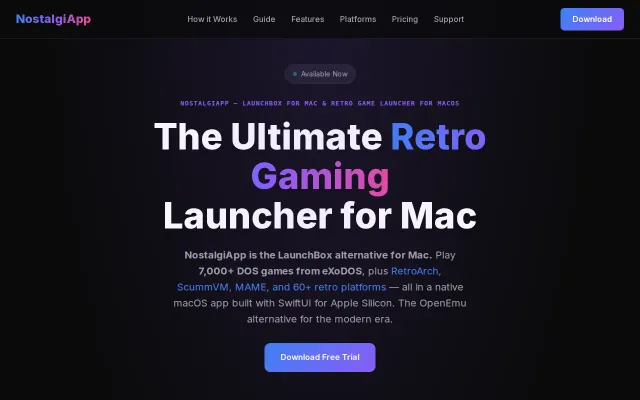
NostalgiApp – A LaunchBox-style game launcher for macOS
SwiftUI-built launcher with CRT scanline themes and automatic soundtrack playback while browsing.
CozyEye CandyNiche Gem
jupe69
601mo ago
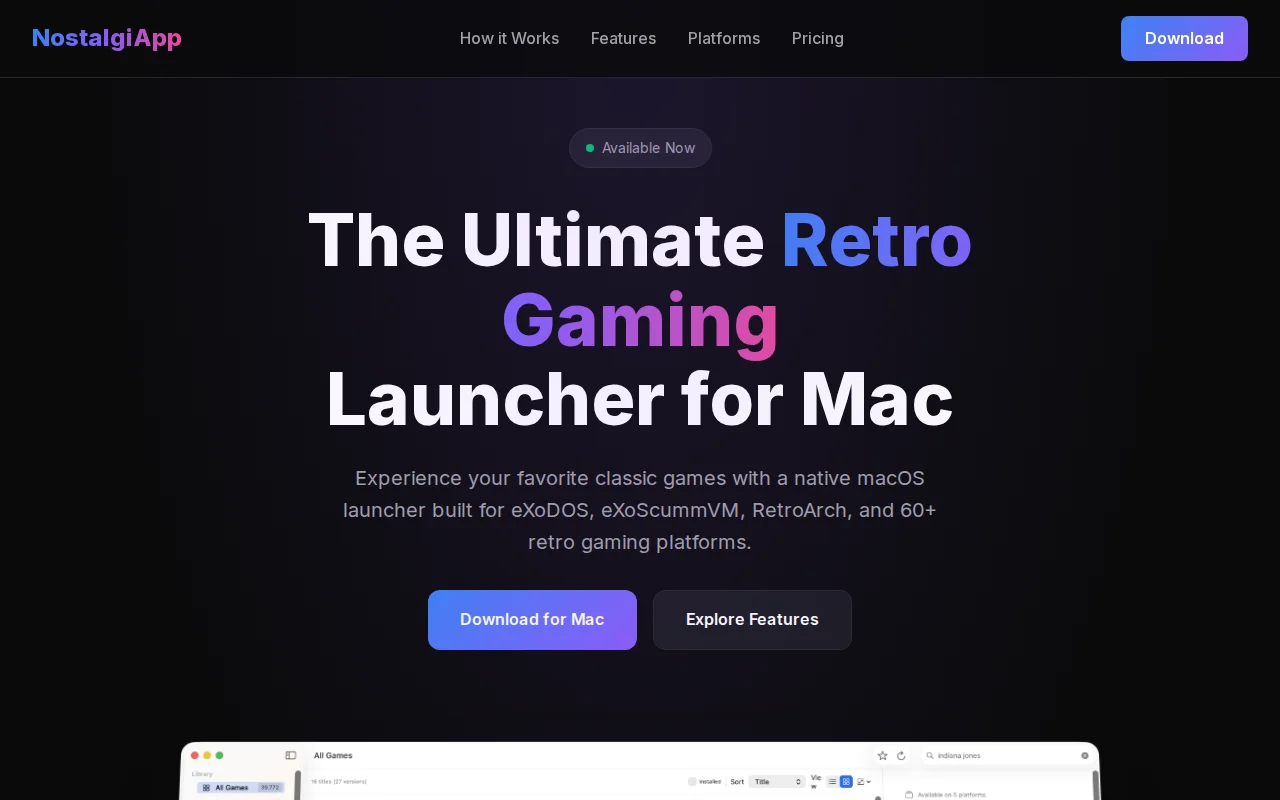
eXoDOS on Mac, finally—BitTorrent lite mode beats 500GB upfront download.
Retro gaming enthusiasts on Mac who want organized DOS/classic game access without Windows/Linux.
LaunchBox (Windows-focused game launcher) · Lutris (game manager for Linux)
The problem: eXoDOS is an incredible curated archive of 7,000+ DOS games with pre-configured DOSBox settings, but it's Windows/Linux focused. On Mac you're stuck with janky shell scripts, manual DOSBox config, and no real way to browse the library. I wanted a proper Mac-native experience.
What it does:
- Downloads eXoDOS for you (full or lite — lite fetches games on demand via BitTorrent so you don't need 500GB upfront) - Browses the full library with box art, metadata, search, and filtering - One-click launch — auto-extracts archives, picks the right DOSBox version per game, handles config - Routes games to DOSBox Staging, DOSBox-X, ScummVM, or Wine+ECE automatically - Game version selector when multiple exist (Floppy/CD, SoundBlaster/MT-32, EGA/VGA) - Also supports eXoScummVM, eXoWin3x, eXoDREAMM collections in the same library - ROM support for console emulation via RetroArch/MAME
A few Mac-specific things I added that I think are fun: - Spotlight indexing — Cmd+Space, type "Doom", hit Enter - Siri Shortcuts — "Hey Siri, launch a random DOS game" - Menu bar quick launcher for recent/favorite games
Technical bits: Swift/SwiftUI, targets macOS 13+. Game launching is fully independent — I built a database of 1,700+ game version configs (which executable, which subfolder, which DOSBox flags) so the app doesn't depend on any eXo shell scripts. There's also a crowd-sourced fix system: if a game doesn't launch correctly, the app parses the dosbox.conf to find the right executable, and if the user confirms it works, the fix gets uploaded and synced to all users.
€20 with a 14-day free trial. It's been a big project and I'd like to keep working on it.
https://nostalgi.app
SwiftUI-built launcher with CRT scanline themes and automatic soundtrack playback while browsing.
Elixir backend is cool, but the mini-games look generic.
Yet another yt-dlp TUI wrapper when tui-journal and ytfzf already exist.
Turns idle Macs into Jellyfin previews, skipping intros automatically.
Roku-style simplicity for Android TV, but FLauncher and AT4K already cover this space.
Instant browser play with no emulator setup beats itch.io for retro.