Security●●Solid
MCPSec – OWASP MCP Top Scanner for Model Context Protocol Configs
First MCP security scanner addressing early Docker Hub moment—but audience is still nascent.
Solve My ProblemNiche Gem
iamdesertpaul
203mo ago
Curl like MCP cli program
curl-for-MCP removes JSON-RPC boilerplate, but only works if you already know MCP servers.
AI agents, MCP server operators, AI engineers building autonomous workflows, CLI power users
curl · HTTP client libraries
Given an MCP server at https://mcp.deepwiki.com/mcp, murl lets you append virtual paths like /tools or /tools/read_wiki_structure that map to MCP methods. These aren't real HTTP endpoints — murl translates them into the right JSON-RPC calls behind the scenes:
# List all tools on a server (NDJSON — one JSON object per line) murl https://mcp.deepwiki.com/mcp/tools | jq -r '.name'
# Call a tool and extract the result murl https://remote.mcpservers.org/fetch/mcp/tools/fetch -d url=https://example.com | jq -r '.text'
# Query a repo's wiki structure murl https://mcp.deepwiki.com/mcp/tools/read_wiki_structure -d repoName=anthropics/claude-code | jq -r '.text'
The -d flags work like curl — key=value pairs get auto-coerced into typed JSON arguments. You can also pass raw JSON directly.A few things beyond convenience:
MCP from plain Bash. Any agent with shell access can call MCP tools — no SDK, no client library, no MCP session management. Vercel recently wrote about replacing 80% of their agent's tools with bash and getting better results (https://vercel.com/blog/we-removed-80-percent-of-our-agents-...). murl makes MCP servers accessible in that same pattern.
OAuth built in. MCP servers behind OAuth (like Glean, or anything using RFC 7591 dynamic client registration) just work. First call opens the browser, tokens get cached and auto-refresh. --no-auth for public servers.
LLM-friendly by default. Compact NDJSON to stdout, structured JSON errors to stderr, semantic exit codes. -v for human-readable output.
Handles transport quirks. Streamable HTTP, session-based SSE (mcp-proxy), regular JSON responses — murl detects and handles them all.
You can try it right now against public servers:
brew install turlockmike/murl/murl murl https://mcp.deepwiki.com/mcp/tools | jq -r '.name'
https://github.com/turlockmike/murlFirst MCP security scanner addressing early Docker Hub moment—but audience is still nascent.
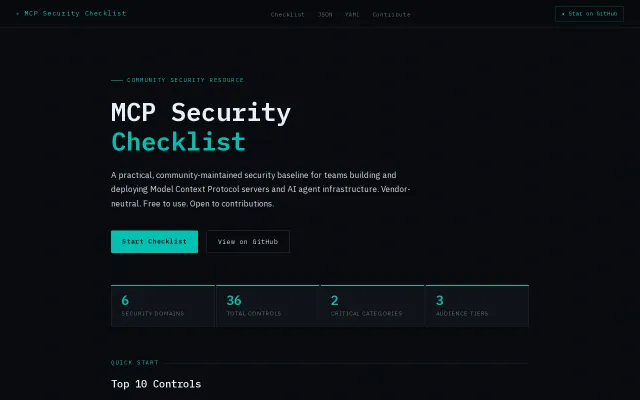
36 controls across MCP security domains, but is a checklist—not a tool, agent, or enforcement mechanism.
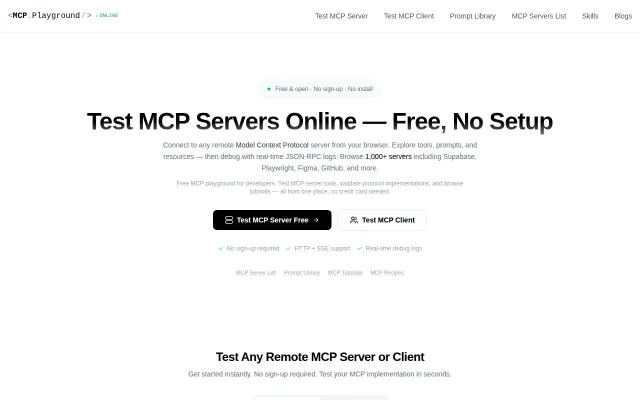
Postman for MCP: test any remote server, no setup, real-time JSON-RPC logs.
MCP-specific guardrails when Claude ecosystem lacks native security scanning.
It stitches Slack threads, PRs, tickets and docs into a local "context lake" and can point a mention like handlePayment() straight to the file and related PRs — very practical for debugging and postmortems. The use of SQLite FTS5 for local full-text search plus MCP for a unified context layer is a smart, pragmatic combo; success will hinge on connector reliability and search/ranking quality, not the README.
Maps tool explosion onto TypeScript discovery—elegant inversion that cuts context bloat by 99%.