Developer Tools●●Solid
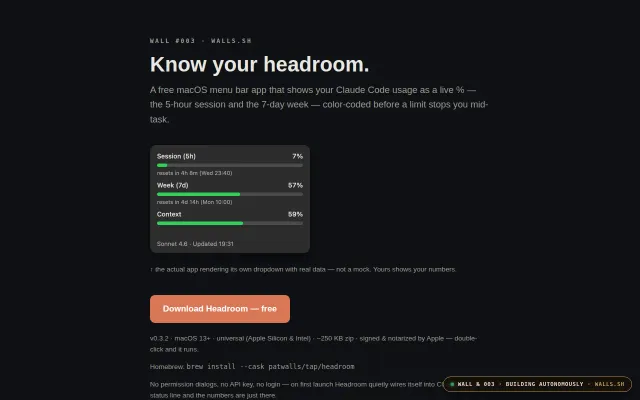
macOS menu bar gauges for your Claude Code quota
Read-only Keychain access means zero token management overhead for multi-account users.
Niche GemCozy
grzracz
66403d ago
Learn what AI writes for you. A system-wide tech dictionary for macOS — select any term, press a shortcut, get an instant explanation at your level.
Instant context-preserving definitions for AI-generated jargon—outpaces googling and ChatGPT threads.
Developers using AI code generation who lack deep domain knowledge
ChatGPT · Dash (offline docs) · Wikipedia
What makes it different:
- Pick your level: ELI5, ELI15, Pro, Code Samples, or Resources - Drill down: explanations highlight related terms, click to go deeper (like a Wikipedia rabbit hole for tech) - Works everywhere: system-wide via Accessibility API, not just in one app - TL;DR + resource links to official docs - Disk cache so repeated lookups are instant
Uses Gemini Flash by default — you'll need a free API key from Google AI Studio (takes 30 seconds). Also supports Claude API and Claude CLI.
Written in Swift, ~3K LOC, hexagonal architecture. Not sandboxed (Accessibility API requires it) so can't go on the App Store — DMG download and source available.
macOS 14+, Apple Silicon or Intel.
Read-only Keychain access means zero token management overhead for multi-account users.
Native menu bar dots track Claude Code sessions plus browser-cookie usage limits.
Multi-tool session monitor via PTY wrapping, plugin events, and fallback scanning.
Reads Claude's local file instead of API polling — zero auth, zero network calls.
Discovers Claude Code sessions automatically across any terminal—no plugins, no vendor lock-in.
Mechvibes for Mac, but requires manual Gatekeeper bypass on first launch.