Developer Tools●●Solid
Vim-Claude-code – Claude CLI integration for AI workflows inside Vim
22 Claude commands in Vim—good execution, but Cursor, Copilot already integrate better.
Solve My ProblemCozyShip It
rishi-hn
103mo ago
Claude CLI integration for Vim, enabling AI-powered coding workflows.
22 Claude commands in Vim without leaving editor, but Continue and Cursor already own this UX.
Vim power users, terminal-first developers, engineers using Claude Code CLI
Continue.dev (Vim/VS Code AI assistant) · Cursor (IDE with built-in Claude) · GitHub Copilot for Vim
I built vim-claude-code, a lightweight Vim plugin that lets you interact with Claude directly inside Vim through a split window.
The goal was to avoid leaving the editor to ask questions, refactor snippets, or generate code. I wanted something that feels native to Vim instead of context-switching to a browser or separate app.
What it does:
Opens a split window for Claude's responses
Sends selected code or custom prompts
Displays responses directly in Vim
Supports normal Vim navigation and scrolling
Minimal setup with no heavy UI layer
It’s still early and intentionally simple. I’d really appreciate feedback from Vim users, especially around workflow, keybindings, and split behavior. Happy to discuss tradeoffs and improvements.
GitHub: https://github.com/rishi-opensource/vim-claude-code
Thanks!
22 Claude commands in Vim—good execution, but Cursor, Copilot already integrate better.
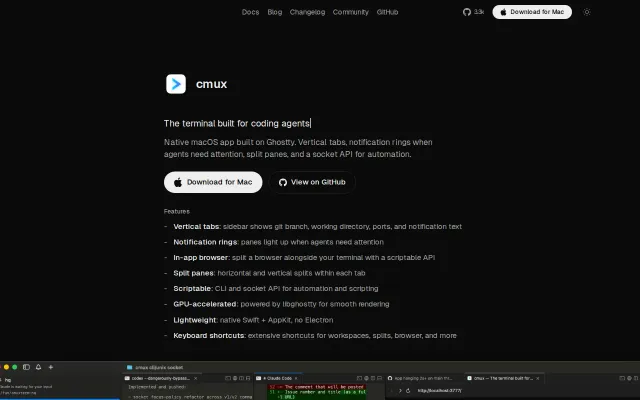
Ghostty-powered native macOS terminal built specifically for managing parallel Claude Code sessions.
Nudges blockers, not blocked—flips Jira's punishment model on its head.
Opens DuckDuckGo in your browser from Vim, but dozens of search plugins already exist.
Vim meets Copilot, but Cursor, Continue, and Zed already own this space.
Vim-keyed clipboard manager, but Alfred and Raycast already own this niche.