Infrastructure●Mid
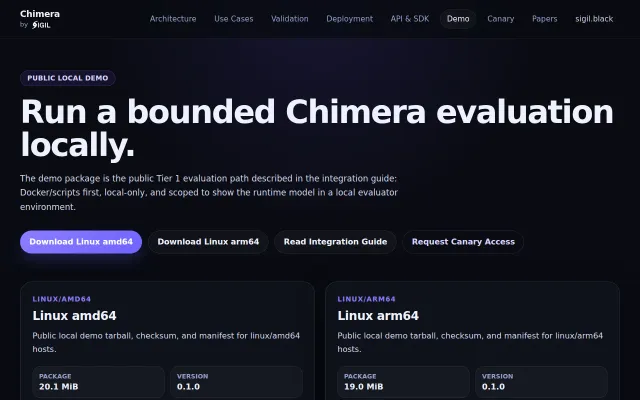
Chimera, a leaderless runtime with selectable settlement profiles
Leaderless runtime with selectable settlement profiles for local evaluation.
Niche GemBold Bet
SIGILonHN
401mo ago
Inline Java profiling in IntelliJ/VS Code—but YourKit and JProfiler already do this with better UIs.
Java developers using IntelliJ or VS Code for performance debugging and optimization.
YourKit · JProfiler · Java Mission Control (async-profiler)
While working on large Java projects, I often found myself digging through heap dumps and flame graphs just to answer a simple question:
Which methods are actually slow, and how much do they cost?
Traditional profilers are powerful, but interpreting the output takes time. AI tools can read source code — but they don’t see what happens at runtime.
So I built GalataJ.
GalataJ is a lightweight Java profiler that works directly inside IntelliJ (including Community Edition) and VS Code. The workflow is simple: Profile → Compare → Act, without leaving the editor.
Profile Bytecode instrumentation attaches to a running JVM (no restart required). It collects per-method execution time, call count, and memory allocation. Metrics appear directly in the editor as CodeLens hints above your methods.
Compare You can save profiling sessions and define baselines. If a method becomes 30% slower compared to a previous run, you see it immediately — no dashboards or flame graph interpretation required.
Act Profiling results are exported as structured Markdown files inside the project (.galataj/). They are: * Plain text * Version-controllable * Tool-agnostic There’s also an “Add to Chat” action that sends the structured runtime data directly to the IDE’s built-in AI assistant. Instead of describing a performance issue manually, you can provide actual execution metrics and let the AI reason with real runtime context. The goal isn’t automation — it’s giving better inputs.
What it is not: * Not an APM * No distributed tracing * No production monitoring * No automatic deadlock detection It focuses on one thing: Helping developers understand runtime bottlenecks during development.
Would appreciate feedback from JVM and performance folks. Happy to answer questions about the instrumentation approach or overhead trade-offs.
website : www.galataj.com
Leaderless runtime with selectable settlement profiles for local evaluation.
Detects silently-dropped NetworkPolicy traffic by counting TCP SYN retransmissions — brilliant.
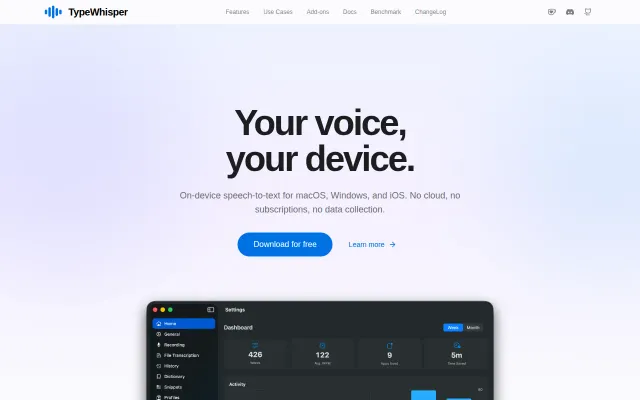
Free Wispr Flow alternative with six local engines and per-app profiles that auto-switch.
Kernel audit interception builds Landlock profiles iteratively when manual policy writing is painful.
Rigorous CGM analysis tool with 15+ clinical metrics; disclaimer prevents clinical misuse.
AI matches dating profiles from text essays instead of photo swiping.