Productivity●●●Banger
Open-source Loom / Screen Studio with editing and auto-zoom
Loom alternative with auto-zoom, cursor clicks, and noise reduction—ships today on macOS.
SlickShip ItSolve My Problem
kundi
743mo ago
Real-time visual Web Audio graphs with signal injection—finally see what connect() actually does.
Web audio developers, DSP students, sound design engineers
Sonic.js visualizers · ToneJS debugging tools · Max/MSP (desktop equivalent)
I’ve been working on a browser-based tool for exploring and debugging Web Audio API graphs.
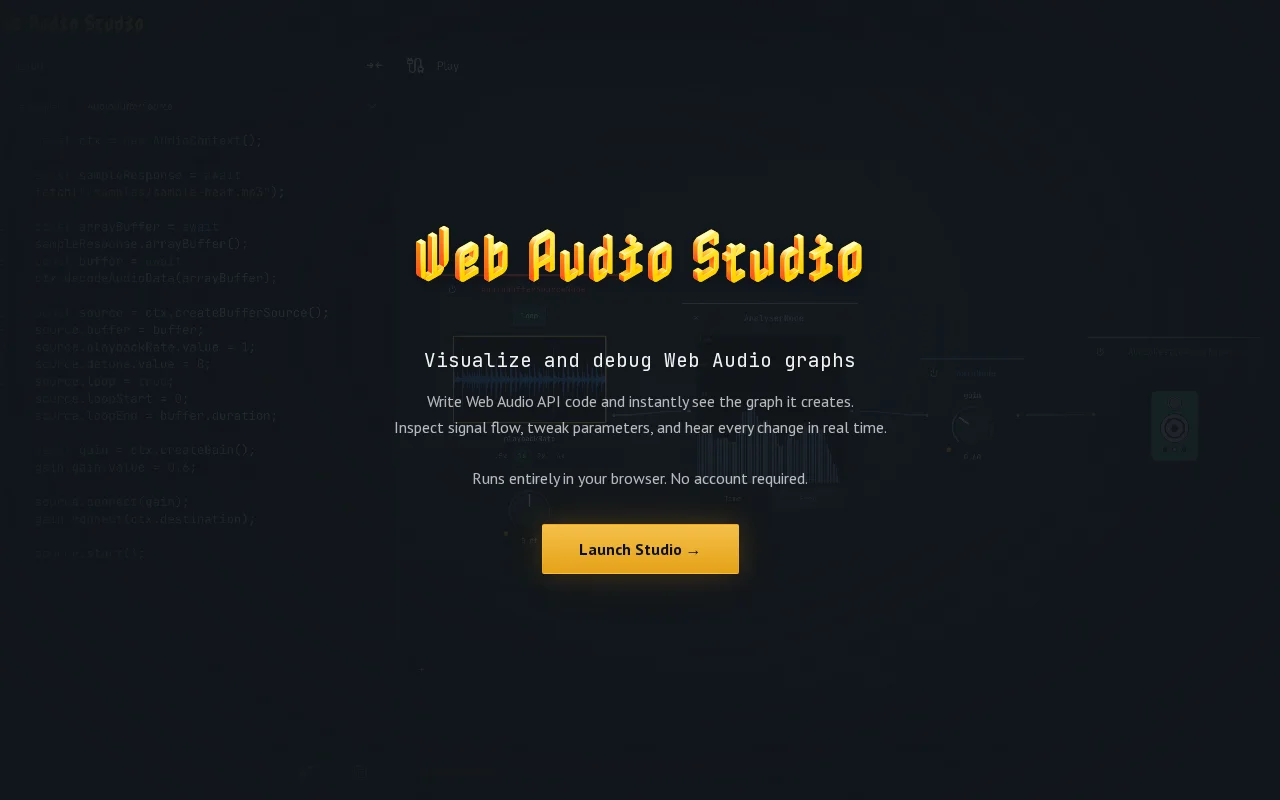
Web Audio Studio lets you write real Web Audio API code, run it, and see the runtime graph it produces as an interactive visual representation. Instead of mentally tracking connect() calls, you can inspect the actual structure of the graph, follow signal flow, and tweak parameters while the audio is playing.
It includes built-in visualizations for common node types — waveforms, filter responses, analyser time and frequency views, compressor transfer curves, waveshaper distortion, spatial positioning, delay timing, and more — so you can better understand what each part of the graph is doing. You can also insert an AnalyserNode between any two nodes to inspect the signal at that exact point in the chain.
There are around 20 templates (basic oscillator setups, FM/AM synthesis, convolution reverb, IIR filters, spatial audio, etc.), so you can start from working examples and modify them instead of building everything from scratch.
Everything runs fully locally in the browser — no signup, no backend.
The motivation came from working with non-trivial Web Audio graphs and finding it increasingly difficult to reason about structure and signal flow once things grow beyond simple examples. Most tutorials show small snippets, but real projects quickly become harder to inspect. I wanted something that stays close to the native Web Audio API while making the runtime graph visible and inspectable.
This is an early alpha and desktop-only for now.
I’d really appreciate feedback — especially from people who have used Web Audio API in production or built audio tools. You can leave comments here, or use the feedback button inside the app.
Loom alternative with auto-zoom, cursor clicks, and noise reduction—ships today on macOS.
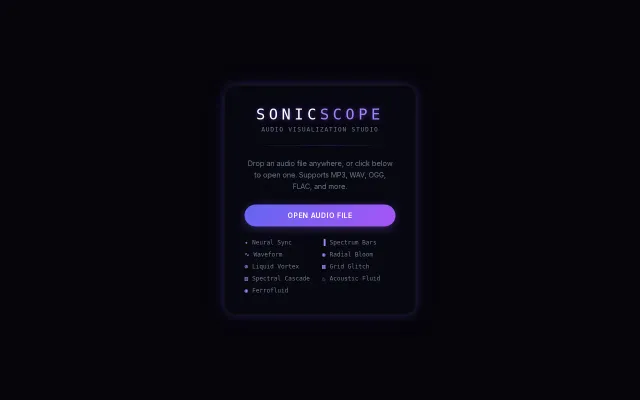
Winamp visualizers from 20 years ago, but in your browser now.
Graph traversal for Markdown files beats grep when your notes are linked.
Re-traverses the entire logic graph on state change instead of triggering linear paths.
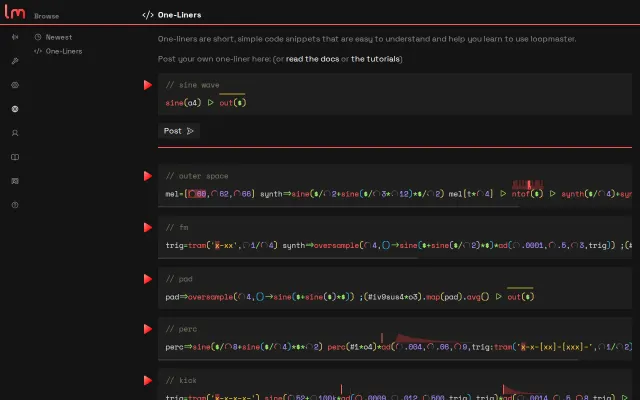
Code snippet collection for DSP learning, but shipping a skeleton with no substance.
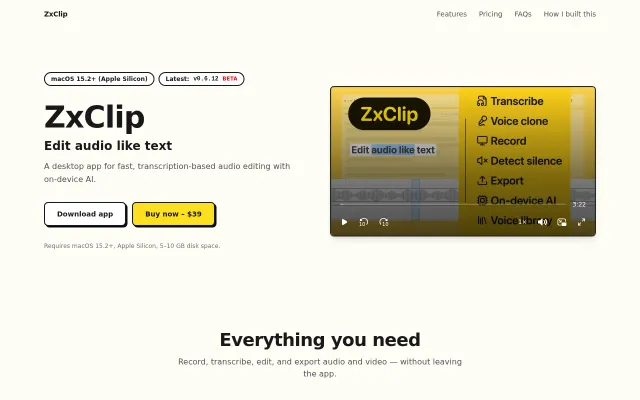
Descript alternative running entirely on-device, but Descript already does this.