Gaming●●Solid
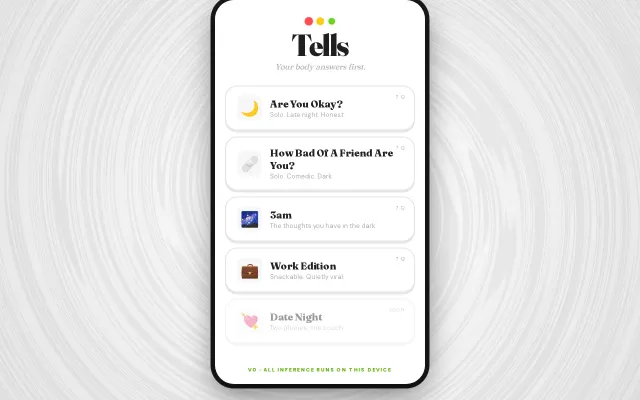
A lie detector game that reads your pulse through your phone camera
Uses on-device camera pulse detection to gamify lying, no servers required.
Rabbit HoleCozy
mrkn1
11426d ago
AI gaming companion — screen capture from a separate device, Claude vision analysis
Phone camera avoids anti-cheat; clever workaround but League-only and prototype-stage.
Competitive gamers (League of Legends focus), streaming streamers avoiding anti-cheat risks
Midbeast coaching tools · Overwolf gaming overlays · Stream.me coaching bots
*Project Aegis* is an AI gaming companion (starting with League of Legends) that gives spoken advice in real time.
The twist: it uses a *physically air-gapped setup*.
Why? Some games (especially with strict anti-cheat like Riot Vanguard) make screen capture / memory-reading approaches risky or impractical. So instead of reading the game directly, I point a *smartphone on a tripod at my monitor* and process the video externally.
*How it works (current version):*
* Phone camera points at the game screen * Frames are streamed over WebSockets to a local FastAPI server * OpenCV cleans up glare / perspective issues * Vision model analyzes the frame context * TTS speaks back advice (macro reminders, timers, awareness prompts, etc.)
So far this is more of a *working prototype + architecture experiment* than a polished product, but it’s functional and surprisingly fun.
GitHub: https://github.com/ninja-otaku/project_aegis
I’d love feedback on:
* whether this is genuinely useful vs. just technically interesting * what game(s) this should support next * latency / UX expectations for a tool like this * anti-cheat-safe ways to improve reliability without crossing lines
Happy to answer technical questions and share implementation details.
Uses on-device camera pulse detection to gamify lying, no servers required.
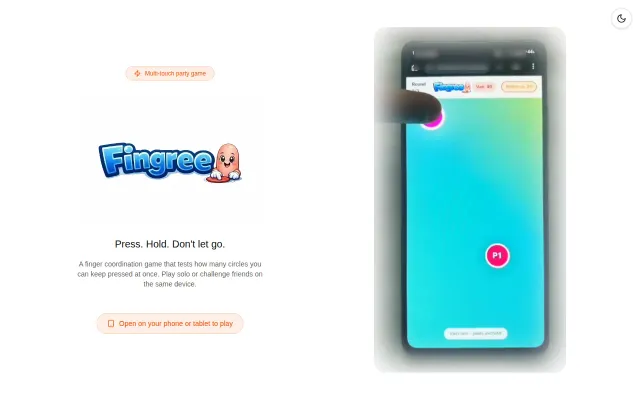
Simple physics-free party game, but no novel mechanic or defensible moat against mobile clones.
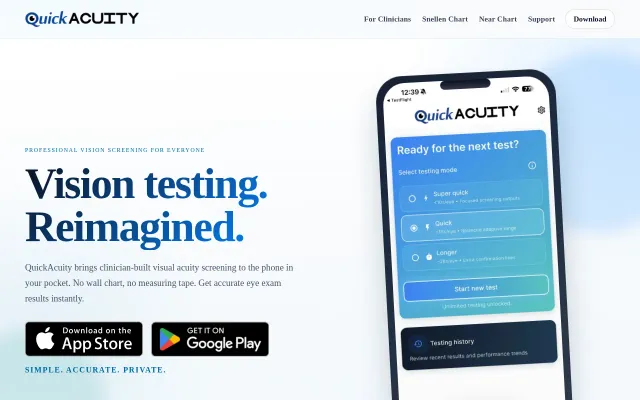
Front-camera distance calibration beats guessing with a tape measure.
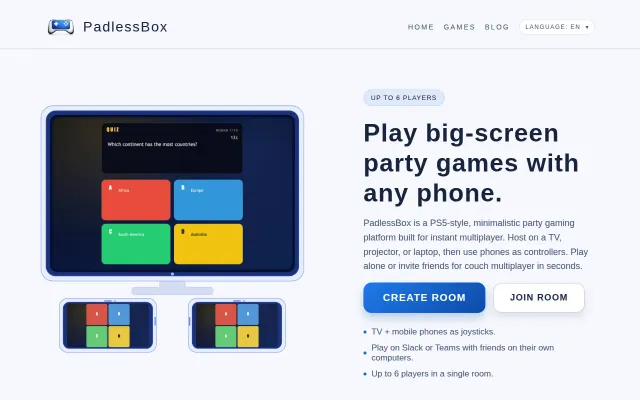
AirConsole alternative running in browsers with Slack integration for remote team building.
ScreenCaptureKit + idb_companion lets AI agents control simulators remotely.
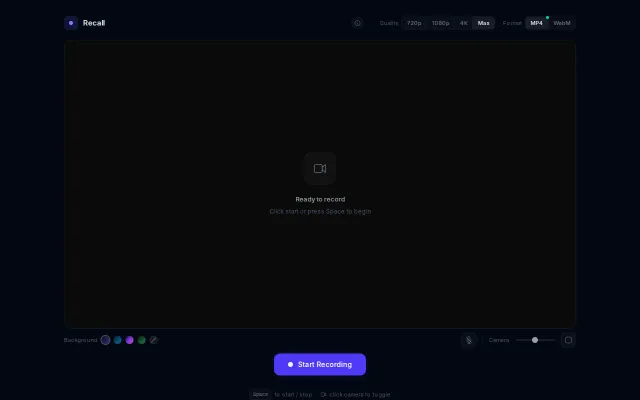
Everything runs client-side and the UI gives you real control — pick MP4 or WebM, toggle 720/1080/4K, pick gradients, and resize the camera overlay. It's not reinventing the wheel (Loom/OBS already exist), but the minimal, no-install flow plus thoughtful controls (format/quality toggles, mic and camera sizing) make it genuinely handy for quick recordings. Would be way more compelling with basic trimming or one-click cloud upload.