Developer Tools●●Solid
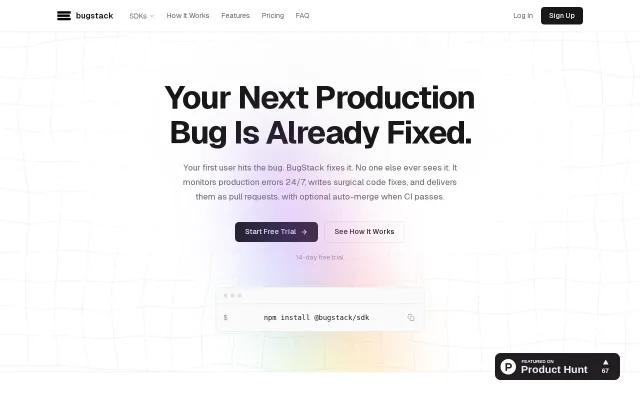
BugStack – Autonomous error fixing that ships to prod while you sleep
Auto-merging AI fixes after CI passes is ambitious, but trusting agents with prod code is risky.
Bold Bet
Bugboy
203mo ago
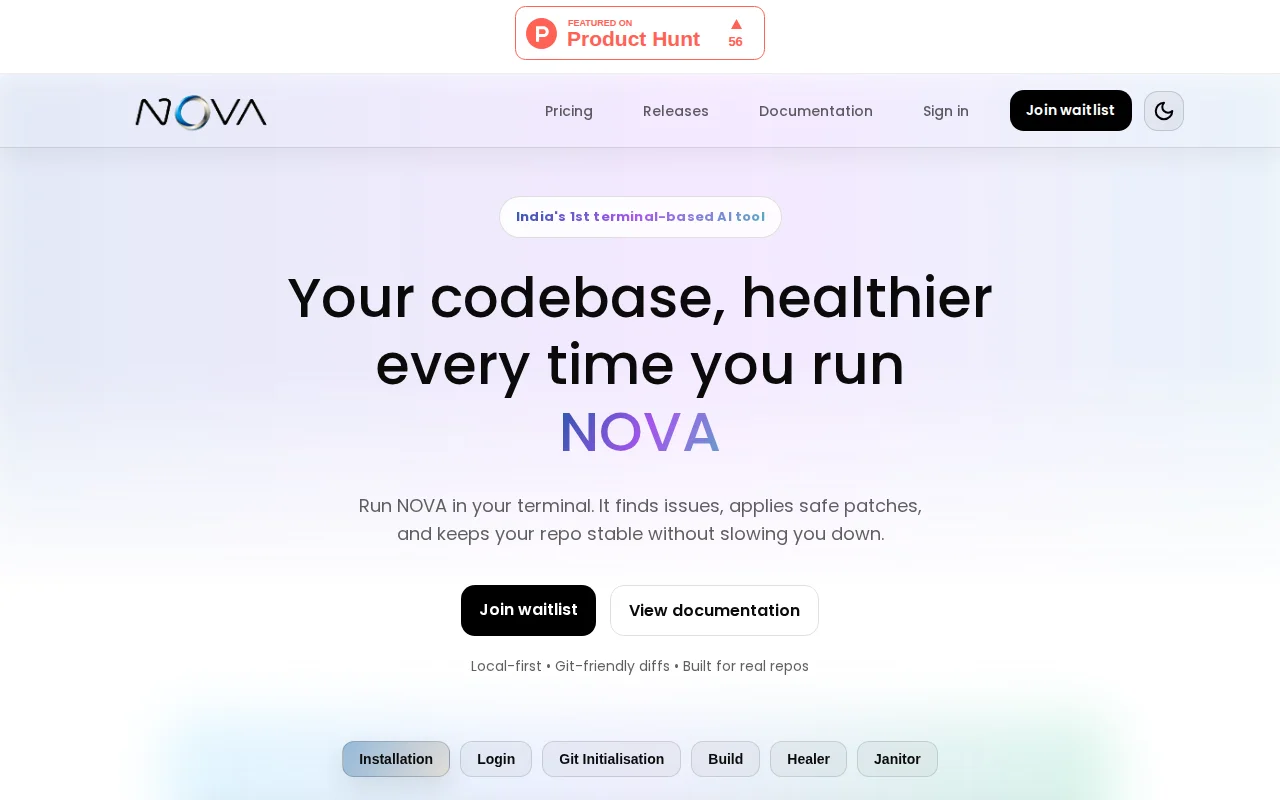
Intercepts crashes and auto-patches in terminal; unclear if Healer actually works or hallucinate-patches.
Backend developers, DevOps engineers, teams at early-stage startups
Cursor · Aider · Continue
We're Team Bridgeye. We're launching NOVA today (https://nova.bridgeye.com/), an AI-native developer workspace that goes beyond code suggestions and actually executes.
The problem: AI coding assistants are genuinely useful, but the workflow is still broken. You chat, get a snippet, paste it in, run it, hit an error, go back to ChatGPT, explain the error, get a fix, paste again. It's 2025 and we're still copy-pasting stack traces.
What NOVA does differently:
run <cmd> - executes your code and if it fails, NOVA intercepts the stack trace and automatically patches the code until it runs. No manual debugging loop.
build it - describe a goal in plain English, NOVA generates a verified implementation plan and writes all the files.
clean - load any file and NOVA refactors it for readability, performance, and technical debt removal.
:gitoptions - full Git workflow (commit, push, pull, status) handled inside the terminal.
Everything runs inside the Spark Terminal - a single environment where planning, execution, healing, and version control all live together.
Install:
pip install nova-bridgeye
We're early and actively iterating. Would genuinely love feedback, especially from people who've thought hard about where AI dev tools are heading. What are we missing? What would make this irreplaceable for your workflow?
Auto-merging AI fixes after CI passes is ambitious, but trusting agents with prod code is risky.
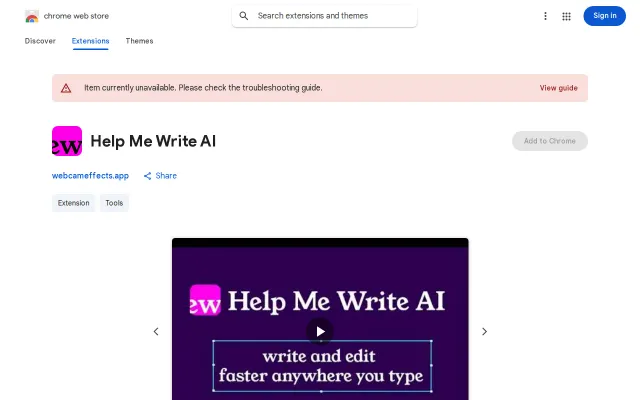
Recipes that pair an instruction with reusable context is the single neat idea here — handy for keeping tone, brand voice, and product details consistent across replies. The UI exposes the feature in-place (overlay, tooltip, right-click) so you can edit without switching tabs. Still, this sits in a crowded space with tight free limits (5 requests/day) and mandatory Google auth, so it needs clearer differentiation or privacy guarantees to stand out.
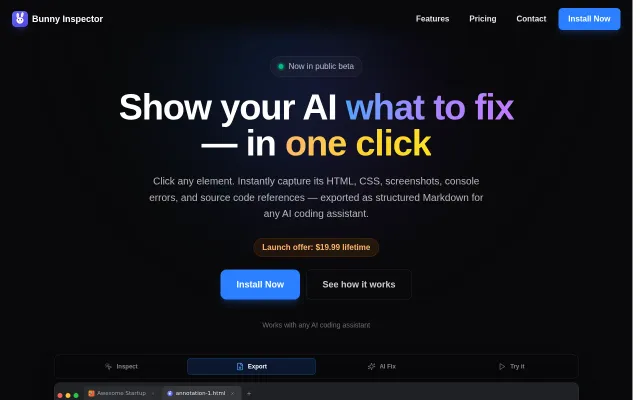
DevTools context for AI in one click, but DevTools + copy-paste already works.
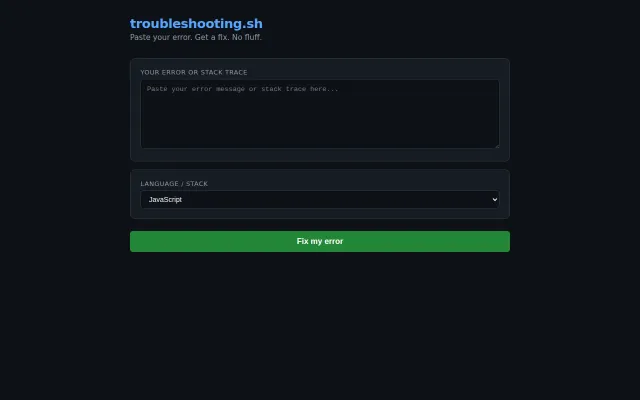
Yet another AI error debugger when Cursor and Continue already do this.
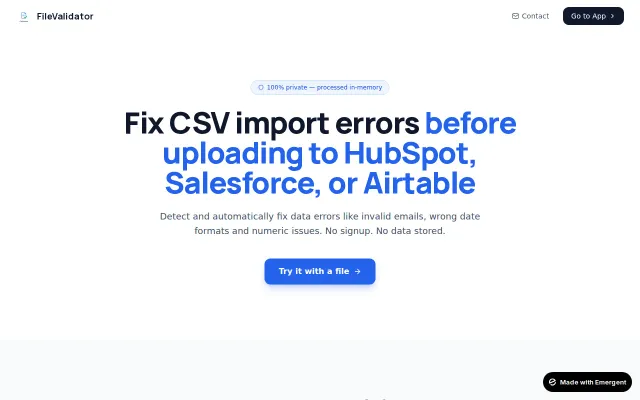
Fixes CSV errors for CRM imports, but remove.bg-style tool—solves real friction, zero differentiation.
Typed error selectors fix Zod's magic string pain point with actual compile-time checks.