Developer Tools●●Solid

Whiplash – macOS menu bar app to track concurrent CLI agent sessions
Menu bar tracker for Claude Code/Gemini sessions—solves real context loss, but audience is narrow.
Solve My ProblemCozy
adangit
203mo ago
Color-coded Space pill with fuzzy jump—solves real multi-agent context switching, niche audience.
macOS power users running parallel projects or AI agents, heavy Space users needing visual context cues
Spaces Renamer · Rectangle · Mission Control
I manage 3-6 AI coding agents at a time. I rely heavily on MacOS's Spaces feature (i.e. the ability to swap desktops). But I found it hard to keep track of which Space doing what, since they all had the same set of windows (terminal, editor, browser, etc).
So I made this utility to render a big color-coded 'pill' in the MenuBar. See GitHub repo for screenshots.
But more than just a visual 'pill' in the MenuBar, it has a global hotkey to quickly navigate to your target space. So if you're working on project "foo" in Space 3, you can quickly jump there by hitting cmd+shift+J + "fo..."
Menu bar tracker for Claude Code/Gemini sessions—solves real context loss, but audience is narrow.
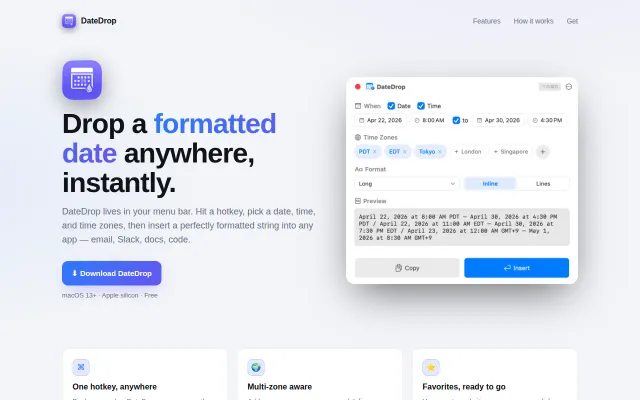
Native macOS menu bar tool that inserts formatted dates directly into any text field.
Touch Bar tmux switcher—useful if you still have a 2020 MacBook Pro.
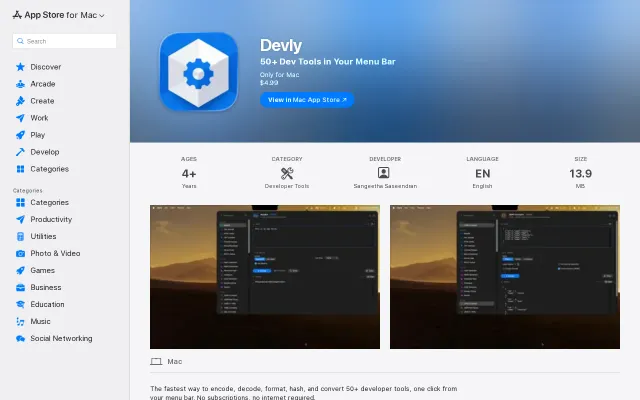
Menu bar access to 50+ dev tools, but CyberChef and free web alternatives do this.
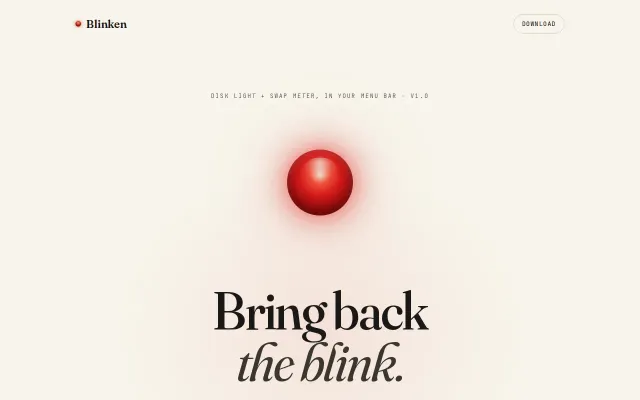
Nostalgic HDD LED recreated in software, but iStat Menus already does this with more features.
GUI wrapper around Apple's Vision Framework, but it's free and open source.