Productivity●Mid

Lattix 2.0 – macOS spaces naming, ultrafast space switching and more
Yet another window manager, but the multi-space layout saving is actually useful.
Slick
AbjMV
101mo ago

Desktop widget without private APIs, but desktop switching is solved—just slower to access.
macOS power users with multi-desktop workflows
Contexts (browser switcher, uses private APIs) · Mission Control (native, free, lacks naming/color)
I built a macOS utility for people who use multiple desktops. DeskShifter lets you name each desktop, colour-code them, and switch between them by clicking a small widget that sits on your screen.
macOS doesn't give apps a way to see your desktops, so most tools use private APIs that Apple doesn't allow. DeskShifter discovers your desktops safely as you navigate through them — no private APIs, fully App Store compliant.
It just got approved on TestFlight and I'm looking for feedback from people who actually use multiple desktops day to day.
TestFlight link: https://testflight.apple.com/join/6vE8qsfS
I'd love to hear what works, what's confusing, and what's missing. Happy to answer any questions about the technical approach too.
Yet another window manager, but the multi-space layout saving is actually useful.
DevTools-friendly named providers beat generic Provider wrappers, but unstated-next is niche.
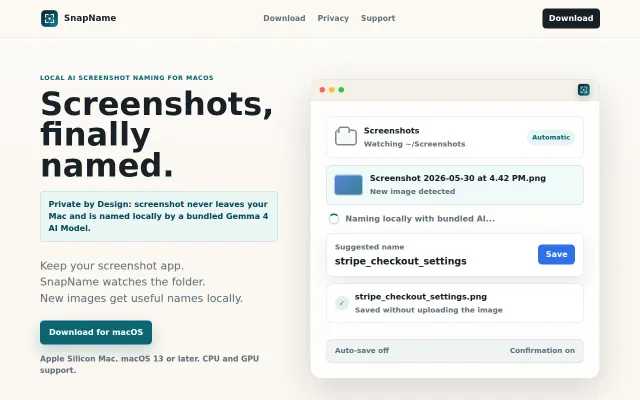
Bundles a 5GB Gemma 4 model locally to name screenshots without uploading.
Branch context overlay for iOS Simulator; solves real pain for parallel workflows.
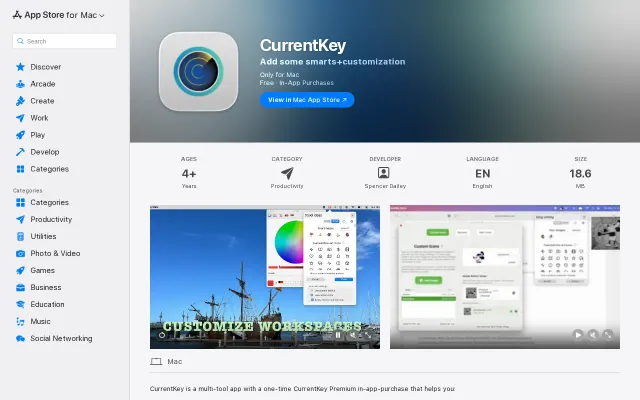
Customizable Space management with AppleScript hooks, but macOS-only and Mission Control already exists.
Character-level morphology + ensemble ensemble beats cascades; handles multilingual names honestly.