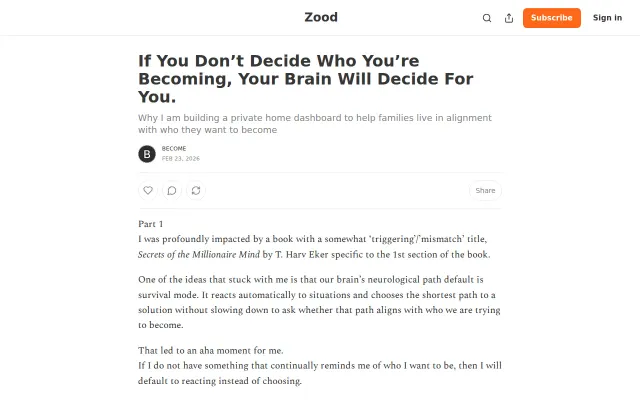
Health●Mid
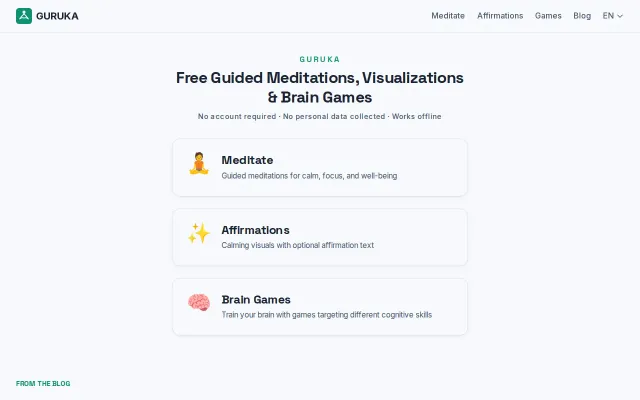
Guruka.com – free guided mediations. No signup, private, works offline
Free meditation app when Headspace, Calm, and Insight Timer already exist.
Cozy
eummm
39173mo ago
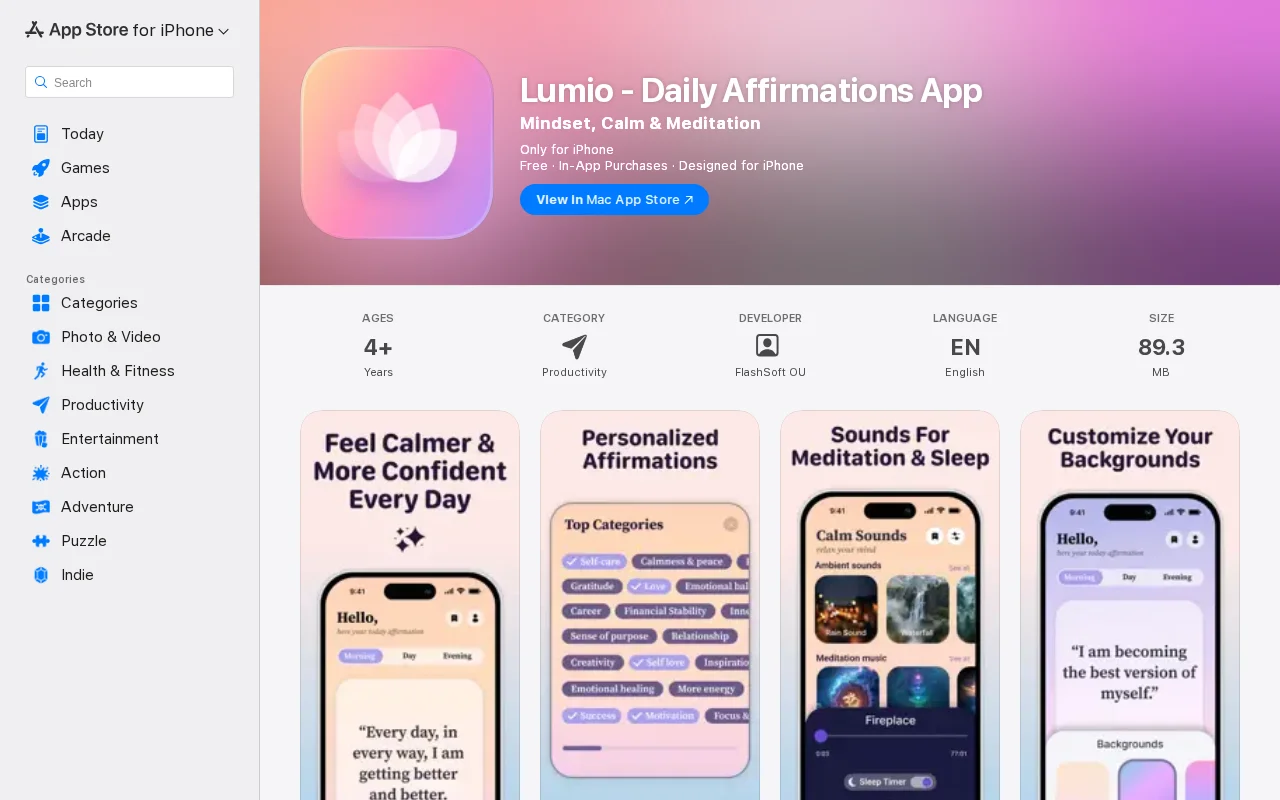
Affirmations app with pretty design, but crowded wellness category with no disclosed differentiation.
iOS users seeking daily mindset support, meditation, and habit-building
Calm · Headspace · Insight Timer
App: https://apps.apple.com/app/id6758666723
## Why this app
I built this app because I needed it myself.
For a while my days kept ending and I couldn't name what actually went right. I tried affirmations skeptically. Surprisingly, they helped — not by making hard things easy, but by making them easier to start. That small shift mattered.
So I built something I was already using.
Background: 13 years as a frontend architect working with monorepos, distributed state, and CI/CD. For this project I intentionally chose something simple. The goal wasn’t technical complexity — it was product thinking and shipping something end-to-end.
Affirmation apps look simple. The real challenge is the loop: showing meaningful content at the right moment, making it feel personal, and helping it become a habit.
Being the primary user gave me strong opinions about the experience. That’s a real advantage when building solo.
## Stack
React Native with Expo. No backend.
Local storage for preferences, push notifications for reminders, and client-side content curation.
Why not SwiftUI? I'm simply faster in React. Expo handled notifications, App Store submission, and OTA updates without requiring deep iOS infrastructure work.
## What AI actually did — and didn’t
The generic “AI helped me code” narrative isn’t very useful.
### Where AI helped
- Navigation structure and state patterns — about *70–80% usable on first pass* - Notification scheduling skeleton - Structuring ~200 affirmations into categories and tags - Drafting initial App Store copy - Surfacing edge cases when describing features
That saved a meaningful amount of time.
### Where AI failed
*Onboarding design.*
AI suggestions were functional but generic. Good onboarding for an affirmation app requires understanding the emotional context — why someone opens it at 7am and what friction kills the habit before it forms.
I scrapped the generated flow and rebuilt it manually.
*Notification timing.*
AI suggested a single daily reminder. Instead I designed three slots: - morning intention - midday reset - evening reflection
That decision came from thinking about real usage.
AI can implement decisions. It usually can’t make them.
I also discovered a subtle bug in the AI-generated notification scheduling code that occasionally caused duplicate reminders when the app was backgrounded. Fixing it required real debugging and reading Apple’s background task lifecycle documentation.
AI suggestions are useful — but they should always be treated as *hypotheses*, not production-ready answers.
## Admin panel
I built a small content admin panel early to manage affirmations without redeploying.
Using the app daily quickly created new ideas:
> “This affirmation needs voice narration.” > “This one works better with a background video.”
Because the content schema was flexible, adding media didn’t require architectural changes.
Lesson: *if you're the primary user, build content control early.* I waited until week 7.
## Timeline
- *Weeks 1–2:* architecture and data model - *Weeks 3–4:* core screens - *Week 5:* onboarding - *Week 6:* notifications and timezone handling - *Week 7:* admin panel and media support - *Week 8:* TestFlight and App Store release
Total time: ~8 weeks working evenings.
AI likely saved around *20–30% of implementation time*. The harder parts — product decisions, UX judgment, and debugging — didn’t compress nearly as much.
## Worth it?
Downloads are still modest.
But my alarm is now the affirmation from the app I built. That’s the real outcome.
Shipping solo reinforced something important: the hardest part of development isn’t writing code.
It’s understanding the real problem you’re solving — and making thoughtful decisions about how to solve it.
Free meditation app when Headspace, Calm, and Insight Timer already exist.
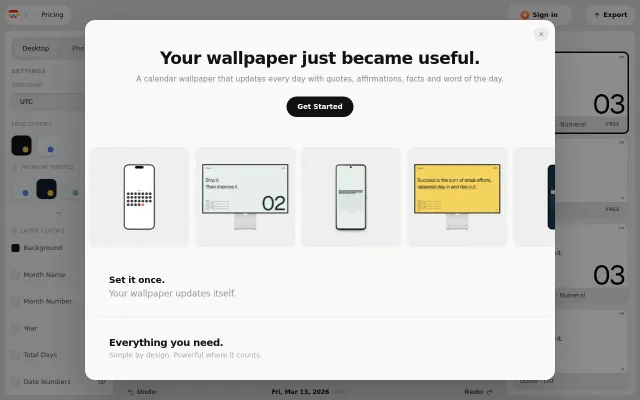
Auto-updating calendar wallpaper for Mac, but native Shortcuts can do this free.
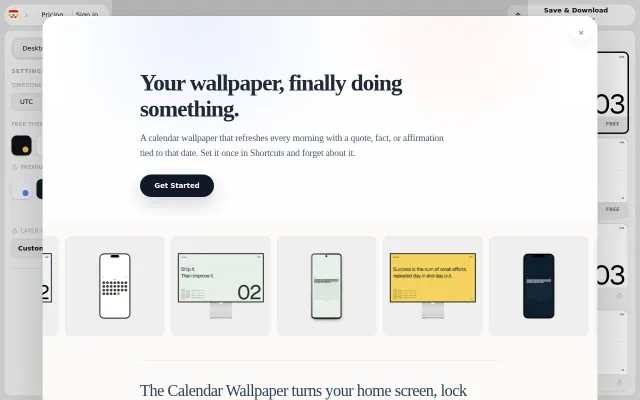
Apple Shortcuts automation for daily wallpapers, but $1/month for auto-updates feels steep.
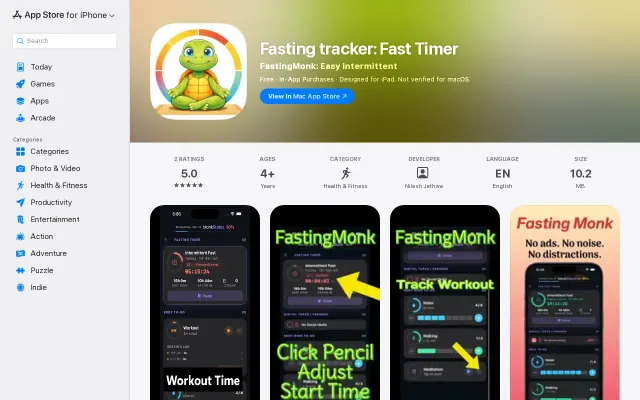
Free iOS fasting tracker with no ads, but Zero and Fastic already dominate.
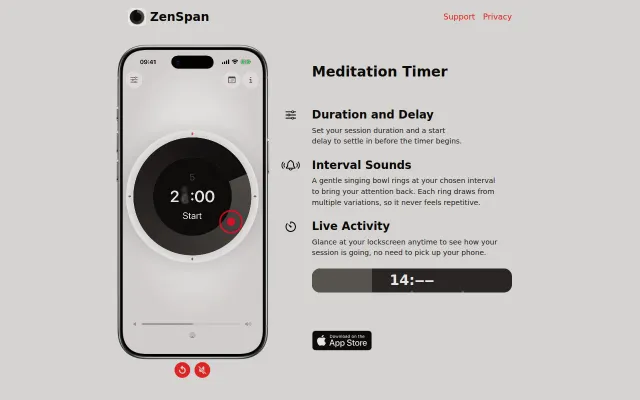
Variable singing bowl recordings prevent meditation timer monotony.
A Substack essay asking for feedback, not a launchable product. Ship first, solicit later.