Productivity●Mid
Read it later" links only (iOs app)
Read-it-later app when Pocket, Raindrop, and Instapaper already own this space.
Solve My Problem
skyfantom
104mo ago
Smart collections auto-organize articles—but Pocket and Instapaper already solved read-it-later friction.
Knowledge workers, researchers, newsletter readers, iOS users overwhelmed by unread saved articles
Pocket · Instapaper · Apple News+
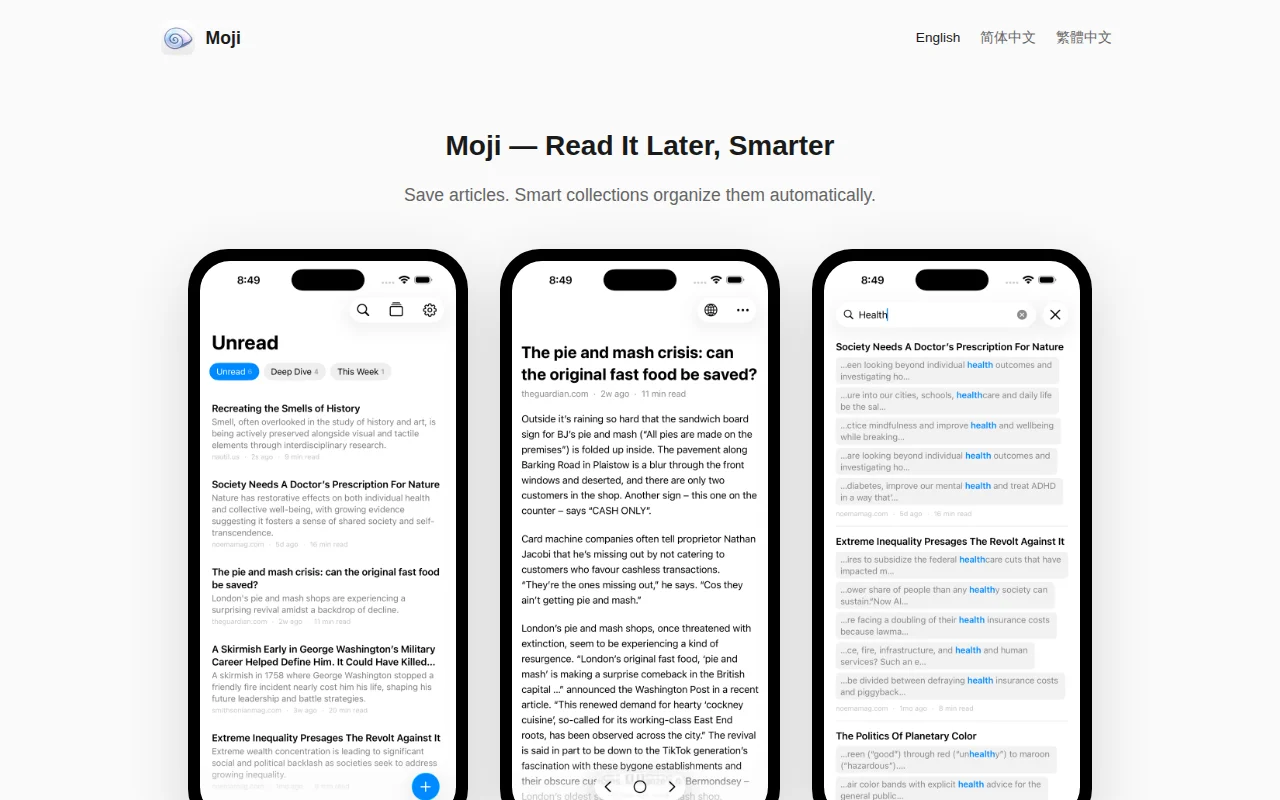
Smart Collections — the core idea
Instead of manually tagging or filing articles, you define criteria and Moji continuously filters your library for you. Criteria combine with AND logic between types and OR logic within a type, so you can build surprisingly precise filters:
- Domain: arxiv.org, paperswithcode.com + Saved: This Week → Fresh ML papers - Keywords: "SwiftUI", "Combine" + Unread → Your iOS learning queue - Reading Time: > 15 min + Unread → Weekend deep dives - Domain: news.ycombinator.com + Saved: Last 7 days → This week's HN saves - Language: zh + Reading Time: < 5 min → Quick Chinese reads for your commute
Four system collections come built in — Unread, Quick Reads (<5 min), Deep Dive (>10 min), and This Week — so it's useful out of the box. Pin your favorites to the filter bar for one-tap access.
Other features
- Native SwiftUI reader — Articles render as native SwiftUI views, not a WebView. This means real offline reading, smooth scrolling, and proper typography controls (font size, serif/sans-serif, line spacing). - On-device AI summaries — One-sentence TL;DRs powered by Apple Intelligence. Runs entirely on-device, no cloud calls. Supports 10+ languages. - Full-text search — Search across titles and content with context snippets that jump you straight to the match in the article. - Reading position memory — Remembers exactly where you left off, down to the block and scroll offset. - Image viewer — Pinch-to-zoom, double-tap, pan, alt-text display. - PDF export — Save any article as a styled PDF. - Share extension — Save from Safari in two taps. - Language-aware reading time — Calculates differently for CJK (260 WPM) vs. English (200 WPM) vs. Arabic/Hebrew (150 WPM). - iCloud sync — Optional CloudKit sync across devices. - Privacy-first — All processing happens on-device. No analytics, no tracking.
Technical details for the curious
Built with Swift 6.2, SwiftData, structured concurrency, and Mozilla's Readability.js for content extraction. The HTML parser converts articles into typed ContentBlock values that SwiftUI renders natively. A three-phase background pipeline handles extraction, quality re-extraction, and summary generation.
Pricing
Start with a 2-week free trial — all features unlocked, no restrictions. After that, a one-time Pro purchase ($9.99 in US, price may vary in other countries) is required to save new articles. No subscription. You never lose access to your existing library, reading features, or smart collections — the gate is only on adding new articles.
I'd love feedback — especially on the smart collection criteria. What filters would make this more useful for your workflow?
---
App Store Link: https://apps.apple.com/us/app/%E5%A2%A8%E8%BF%B9-%E6%99%BA%E...
Read-it-later app when Pocket, Raindrop, and Instapaper already own this space.
Email-to-reading-list with semantic search—Raindrop and Notion already own this use case.
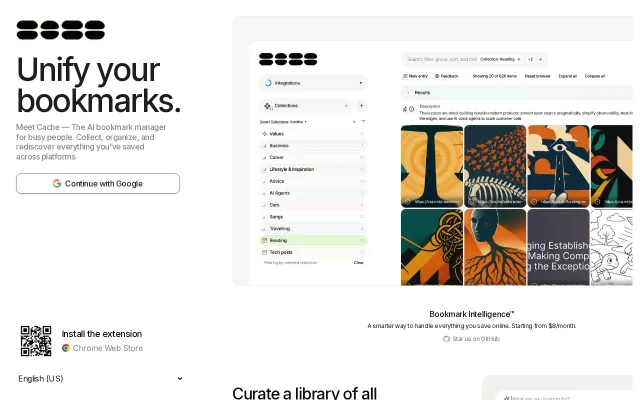
Yet another AI bookmark manager competing with Raindrop and Pocket.
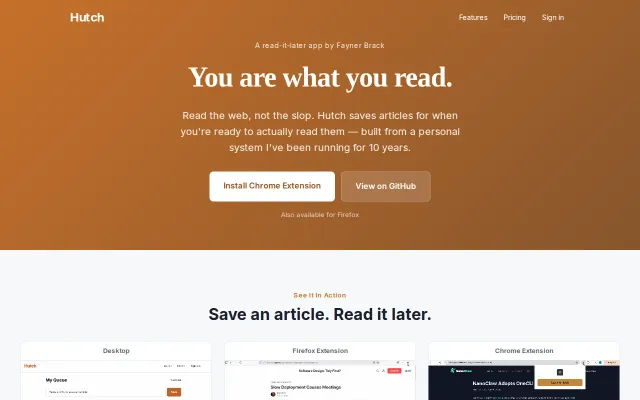
Yet another Pocket clone in a graveyard category after Omnivore shut down.
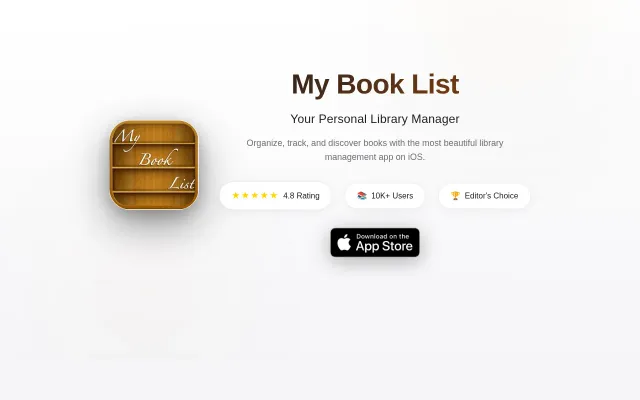
Sleek iOS tracker in a sea of Goodreads clones with shelf-scanning.
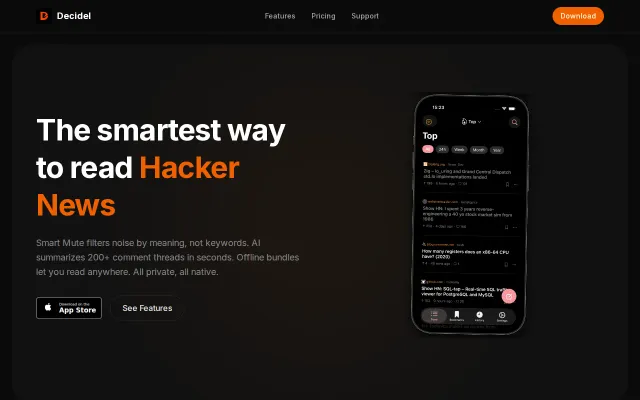
Semantic muting beats keyword filters, but HN clients are crowded—worth trying if HN is your daily driver.