Productivity●●Solid
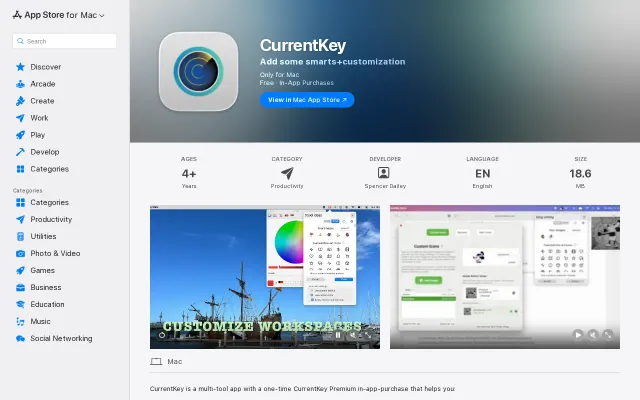
give names/icons to Mac Spaces, jump between and track time across them
Customizable Space management with AppleScript hooks, but macOS-only and Mission Control already exists.
Niche GemCozy
spenvo
213mo ago
A VS Code extension that visually manages your code jump history
Sidebar history stack for 'Go to Definition' jumps when VS Code's native back button goes blind.
Code reviewers and developers working in large codebases who frequently use 'Go to Definition' to trace logic.
VS Code Breadcrumbs · Code Time (WakaTime) · GitLens breadcrumb trail
I build a VS Code extension called Code Jump Tracker. https://github.com/tominaga-h/code-jump-tracker
I created this because I was constantly getting lost in large codebases during code reviews. I use "Go to Definition" (F12) a lot to trace logic. While VS Code has a native "Navigate Back" shortcut, it operates blindly—you can't see your stack history, making it hard to jump back to a specific file after exploring multiple branches.
Code Jump Tracker solves this by acting like `pushd/popd` for your editor.
Key features: - Auto-tracking: Automatically logs your jumps (Go to Definition, Outline clicks) into a clean, native-looking Webview table in the sidebar. - Manual Pinning: Found a core function you need to revisit? Pin it. It adds a persistent marker icon to your gutter. - Unique Locations: Keeps a deduplicated list of your visited symbols. - Persistent: State is saved per-workspace using `workspaceState`, so your history survives editor restarts.
I built the UI using VS Code's native CSS variables within a Webview to ensure it perfectly matches your theme and aligns columns beautifully (something the standard TreeView couldn't do well).
I'd love to hear your feedback, bug reports, or feature requests!
Customizable Space management with AppleScript hooks, but macOS-only and Mission Control already exists.
Ctrl+B keyboard nav for Notion hierarchies, but extension market already has similar tools.
Restores clipboard session context, a genuinely useful UX tweak for Paste.
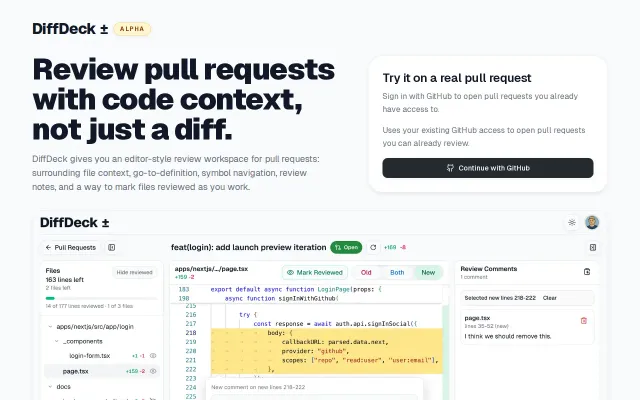
VS Code-style PR review with go-to-definition and full file context, but GitHub's native improvements are closing the gap.
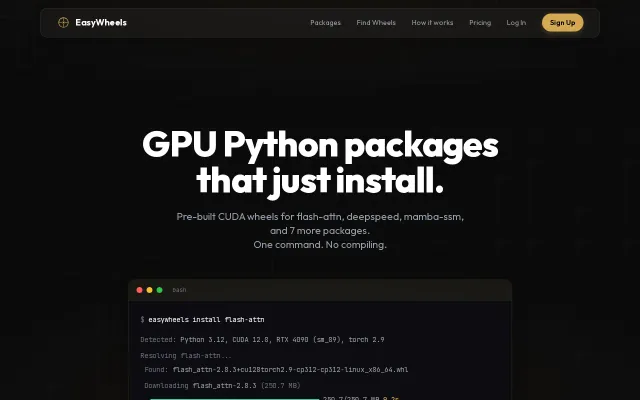
Installs flash-attn in 9 seconds instead of 45 minutes — no cmake, no CUDA hell.
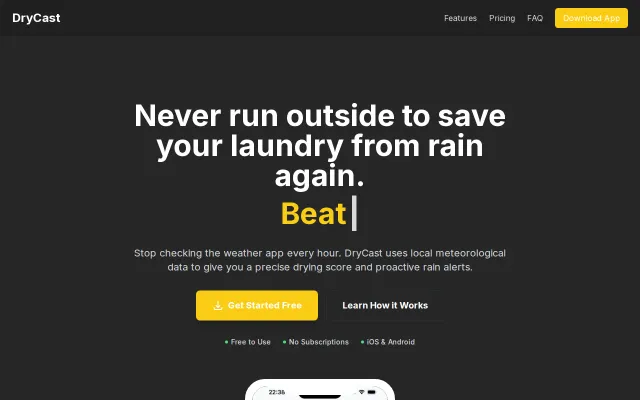
The Drying Core™ is a neat, physics-forward idea — it uses vapor pressure deficit, wind desiccation, solar irradiance and dew-point prediction to produce a single drying score and actionable windows. I like the fabric-specific timing, on-device processing and low-latency rain alerts/widgets; the missing piece is hard validation data and regional coverage limits (WeatherKit dependence), which will determine if this is indispensable or just clever.