Developer Tools●Mid
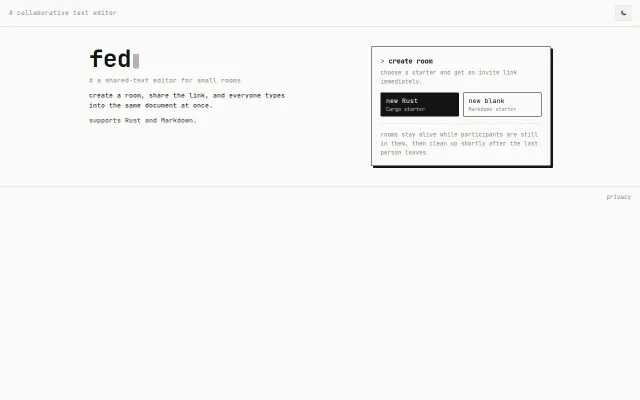
Fed.run – online collaborative Rust IDE and Markdown editor
Yjs-powered Rust editor but Replit and GitHub Codespaces already do this better.
CozyShip It
oinoom
2022d ago
High performance document editor built on Lexical
Another Lexical-based Notion clone with collaboration still marked as planned, not working.
Developers building document editors or Notion alternatives
SuperDoc · AppFlowy · Outline
HawkDoc is focused on fast document editing with zero-lag typing. Many editors re-render large parts of the UI on every keystroke or ship heavy dependencies just to support basic formatting. I wanted something simpler and faster.
Tech stack:
- Lexical (Meta) as the editor engine. Its node-based architecture avoids full re-renders during formatting operations. - Yjs + Hocuspocus for real-time collaboration using CRDTs, allowing conflict-free document syncing. - Redis + PostgreSQL for storage. Yjs deltas are first written to Redis and flushed to Postgres every 30 seconds so the database does not receive keystroke-level writes. - React + TypeScript for the frontend UI. - @react-pdf/renderer for client-side PDF export with watermark support.
What works today:
- Block based editor - Slash commands - Template variable injection (`{{variable_name}}` rendered as styled chips) - Image uploads - Markdown, HTML, and PDF export - Auto-save - Selection bubble menu
What is still in progress:
- Real-time collaboration UI - Document workspace and file list - DOCX import - Version history - Authentication UI (JWT backend already implemented)
Claude Code helped speed up a lot of the early development, especially when building the editor integrations and export pipeline. I would be interested to hear how others are using AI assistants when building new developer tools.
The project is MIT licensed and open for feedback and contributions.
GitHub: [https://github.com/hawk-doc/hawkdoc](https://github.com/hawk-doc/hawkdoc)
Yjs-powered Rust editor but Replit and GitHub Codespaces already do this better.
Another AI document editor when Notion, Coda, and Craft already solve this.
Notion UI + GitHub storage, but missing auto-save and media upload.
Real-time AI annotations beat chatting, but requires Claude Code subscription.
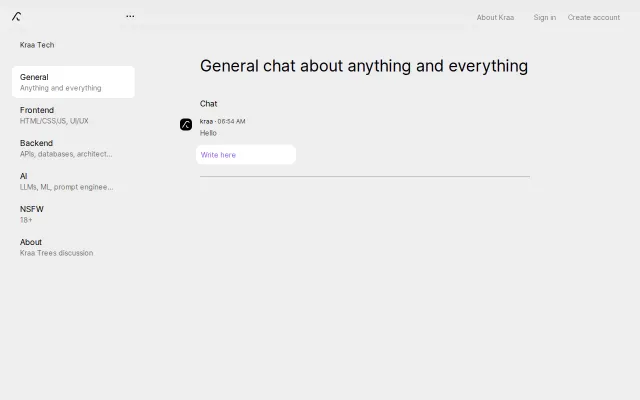
Markdown editor adding real-time chat trees, but Discord already owns this space.
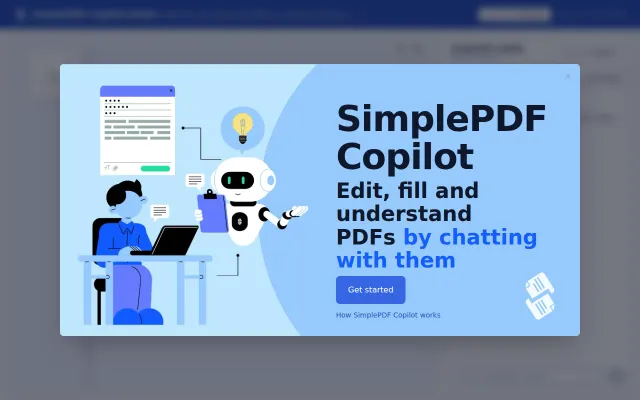
Another chat-with-PDF wrapper, but this one actually fills the form fields.