Productivity●●Solid
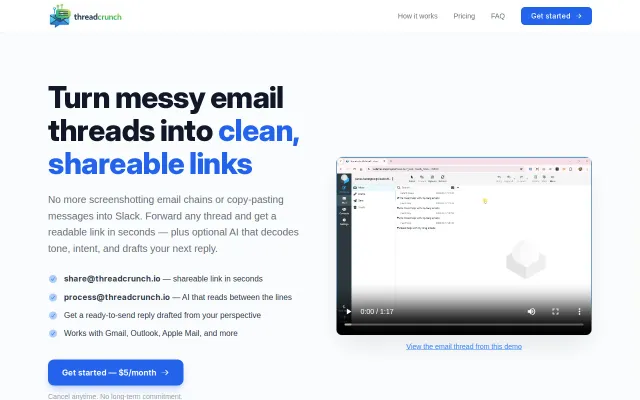
Threadcrunch.io – Forward an email thread, get a clean shareable URL
RFC 3676 thread parsing handles Gmail/Outlook quirks; solves a real sharing friction point.
Ship ItCozy
agrath
103mo ago
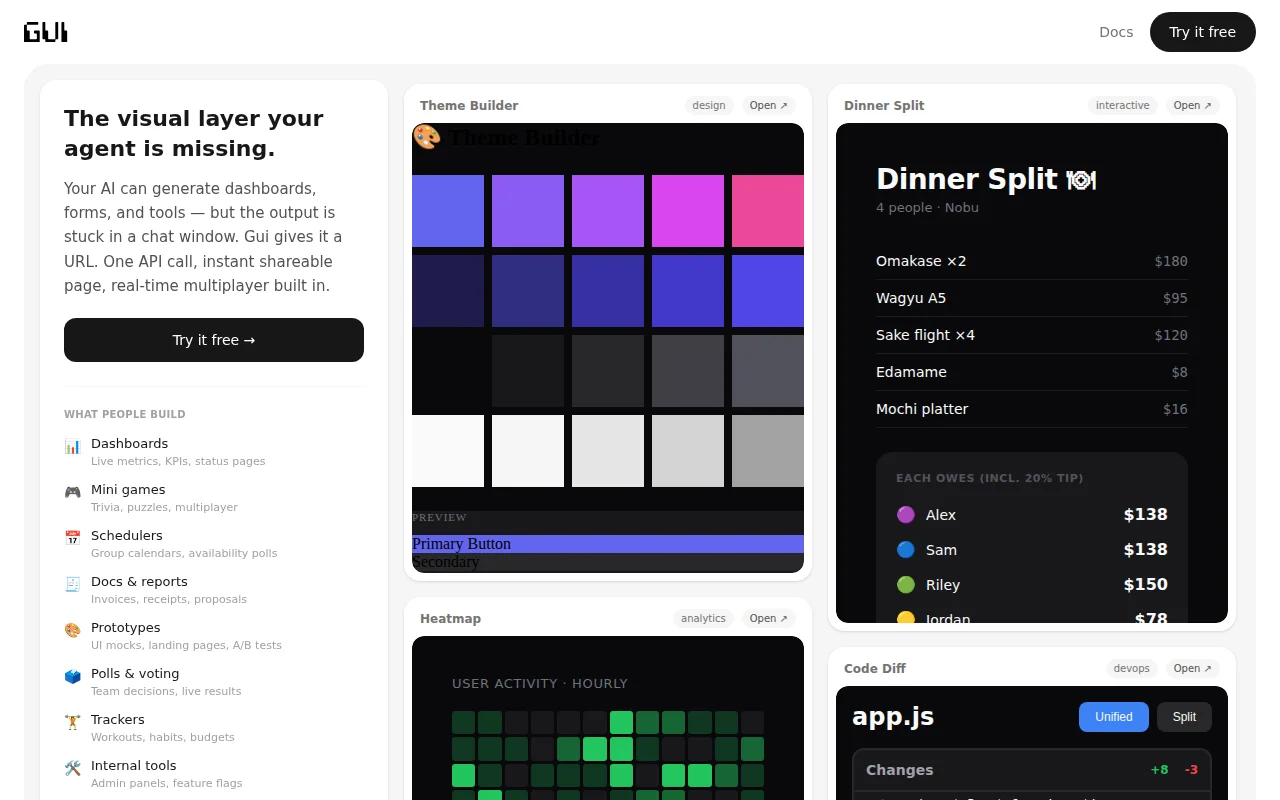
Turns AI chat outputs into live, multiplayer URLs with state sync, no deploy needed.
Developers using AI for prototyping, AI agent builders
Vercel v0 · CodePen · StackBlitz
The prompt:
"Read https://gui.new/docs/llms.txt - use gui.new to render any visual output as a shareable link. Apply this anytime you'd normally show a table, chart, dashboard, or UI mockup."
That's the whole setup. Your AI reads the spec, starts using it, and every visual output becomes a clickable URL you can share with anyone.
Every link gets real-time input sync (form fields, sliders, toggles work across all viewers), state persistence (survives after everyone leaves), and live updates via SSE. Links expire after 24 hours by default.
I built it because AI is great at generating UIs but terrible at showing them. You ask for a dashboard and get a code block. gui.new closes that gap.
Under the hood, your AI is making a single POST call to create a canvas:
``` POST https://gui.new/api/canvas {"html": "<h1>Hello</h1>"}
-> {"url": "https://gui.new/abc123"} ```
You don't need to interact with the API yourself. But if you want to, there are SDKs (`npm install gui-new` / `pip install gui-new`) and the REST API is documented at gui.new/docs.
Free, no signup. Try it at https://gui.new
Happy to answer questions!
RFC 3676 thread parsing handles Gmail/Outlook quirks; solves a real sharing friction point.
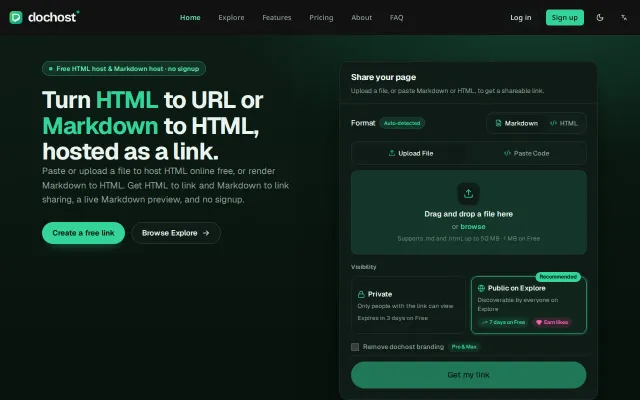
Free HTML host when Pastebin, Gist, and Netlify Drop already exist.
MCP server integration for AI agents is clever, but markdown hosting is a solved category.
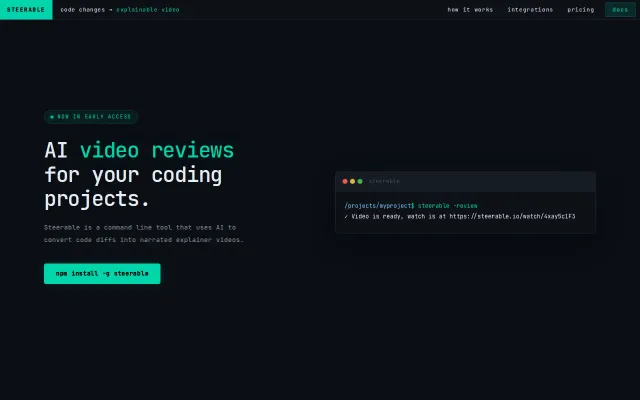
Turns git diffs into narrated videos so you don't have to write PR descriptions.
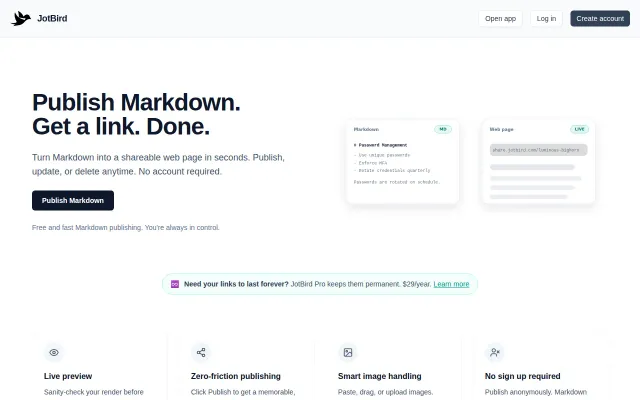
Imgur for Markdown with zero friction—publish, link, done. CLI and Obsidian plugin seal the workflow.
MCP server integration is clever, but GitHub Gist and Netlify Drop already solve this.