Productivity●●Solid
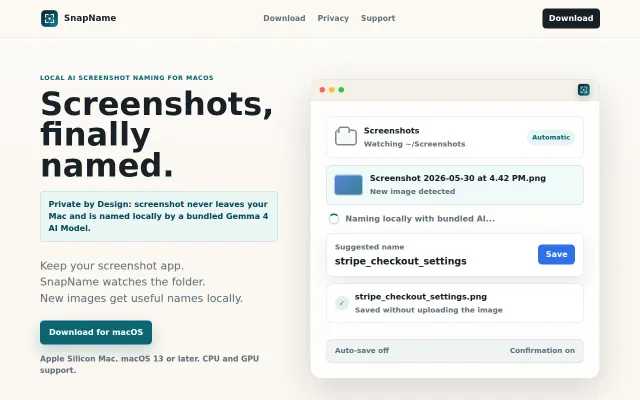
I made a Gemma 4 Mac app that names screenshots with local AI
Bundles a 5GB Gemma 4 model locally to name screenshots without uploading.
Niche GemSolve My ProblemSlick
joas_coder
764d ago
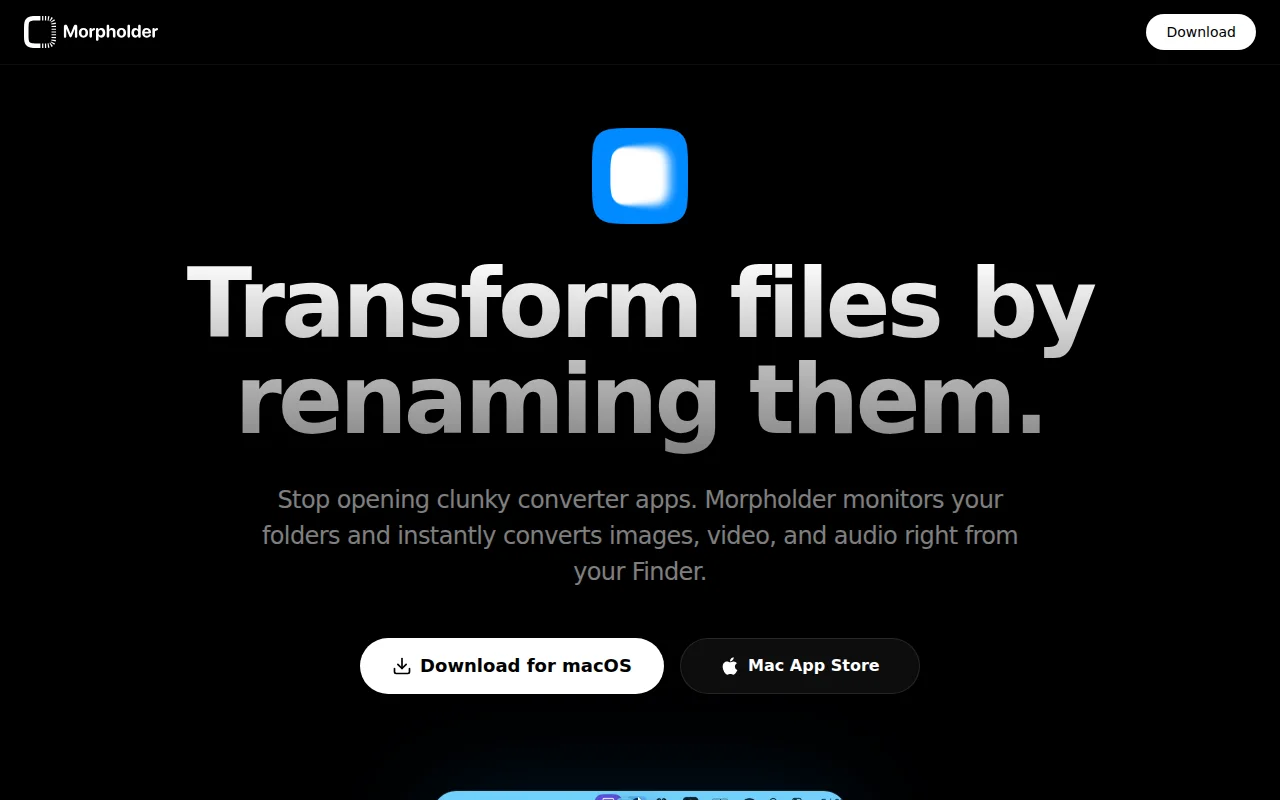
Rename .mov to .mp3 or add _nobg to instantly convert without opening separate apps.
macOS users, designers, content creators
Hazel · Shortcuts · CloudConvert
I built Morpholder after repeatedly running into the same annoying workflow on macOS.
Every time I needed to convert a file I had to open a converter, upload the file, download it again, and move it back to Finder. It always felt unnecessary when I already knew the format I needed.
So I tried a different idea: what if renaming the file actually converted it?
Morpholder watches folders and performs the real conversion when the extension changes.
For example:
favicon.png → favicon.ico photo.heic → photo.jpg video.mov → video.gif video.mp4 → audio.mp3
But it also unlocks some workflows beyond simple conversions:
- Append _nobg to an image → background is removed automatically (uses Apple’s subject detection) - Rename an image to .txt → text is extracted from the image using Live Text - Append _min → compress image for the web while preserving quality - Rename an image to .icns → builds a macOS app icon package - Append _pages to a PDF → exports each page as high-resolution images
The app runs in the menu bar and processes everything locally.
Curious what the HN community thinks — especially if you have ideas for other suffix-based workflows.
Bundles a 5GB Gemma 4 model locally to name screenshots without uploading.
App Store link returns 404 error, can't verify the product exists.
Renames Alembic migrations chronologically when file_template only affects new files.
AI file operations on Total Commander's two-pane foundation, but macOS-only for now.
Offline Ollama + OCR keeps your documents private when cloud APIs won't.
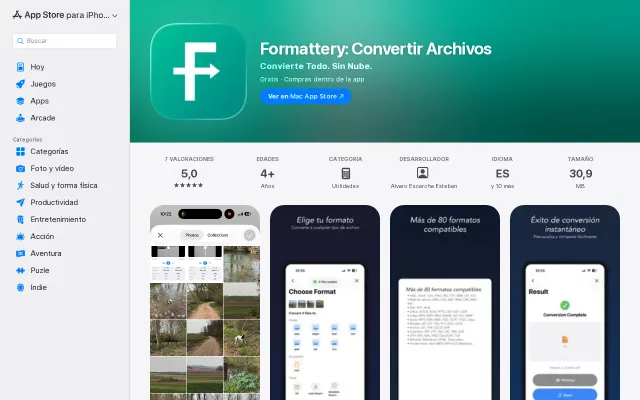
80+ formats converted on-device with no subscriptions, unlike CloudConvert or Zamzar.