Productivity●●Solid
Talpa – Datasette-powered reading stats dashboards for Kobo and Kindle
Privacy-first reading stats by parsing device databases—small, focused tool for book nerds.
Niche GemCozySolve My Problem
fyskij
103mo ago
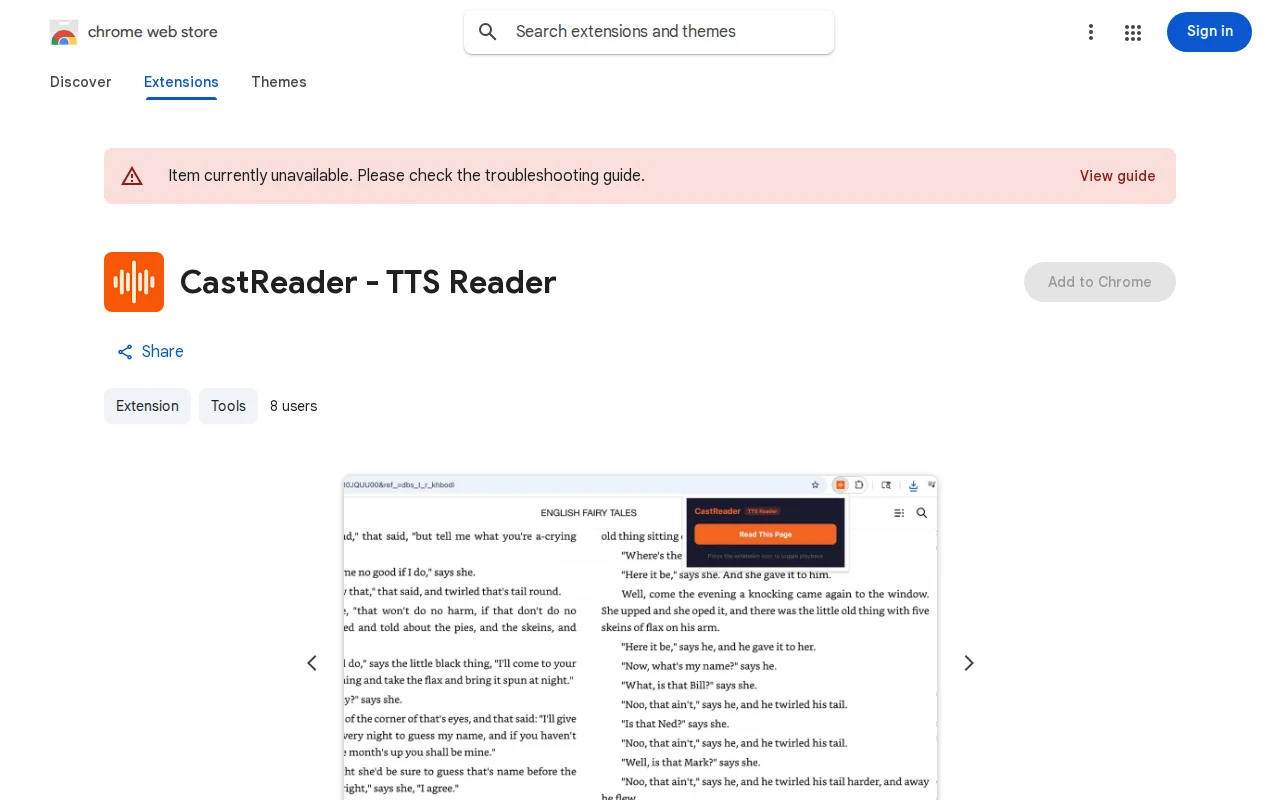
Glyph decoding bypasses Kindle's font rendering to enable TTS where other extensions fail.
Kindle Cloud Reader users who want text-to-speech functionality
Speechify · NaturalReader · Kindle VoiceView
CastReader solves this by intercepting KindleModuleManager to capture font and token data, decoding glyph mappings from the binary font tables, then running Tesseract.js OCR locally in an offscreen document to calibrate the decoder. The final text comes from glyph decoding (not OCR) so it's accurate enough for word-level highlight sync. WeRead (the largest Chinese reading platform) has a similar problem — it renders everything on canvas. CastReader uses a main-world content script injected at document_start to intercept fetch responses containing chapter data before the page consumes them.
For normal websites, there's a 3-tier extraction pipeline: 15+ site-specific extractors (Notion, Google Docs, ChatGPT, Claude, arXiv, etc.), a learned CSS selector rule system, and a universal visible-text-block algorithm that fuses ideas from Readability.js, Boilerpipe, and JusText — container scoring with text density, link density scaling, stop-word classification, and progressive retry with flag degradation.
TTS runs through Kokoro, an open model supporting 40+ languages. Audio plays directly in the content script so highlight sync reads currentTime with zero latency — no message passing, no offscreen document relay.
Limitations I should be honest about: the voice library is small (Kokoro only, no premium neural voices), no mobile support, extraction still fails on some complex layouts (there's a manual content selector fallback), and the TTS server is something I run myself, so uptime isn't guaranteed.
Completely free. No signup, no usage limits, no premium tier. Chrome and Edge.
Privacy-first reading stats by parsing device databases—small, focused tool for book nerds.
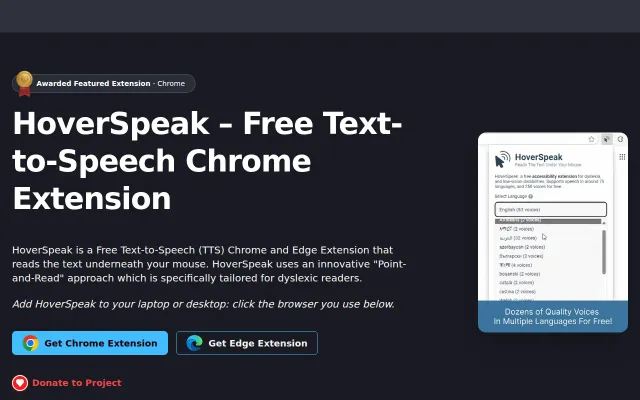
Point-and-read without selection beats Natural Reader's click-to-speak workflow.
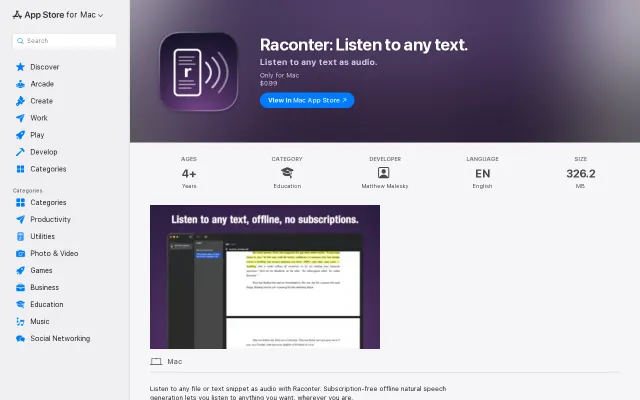
Runs Kokoro TTS offline for $0.99, undercutting subscription readers like NaturalReader.
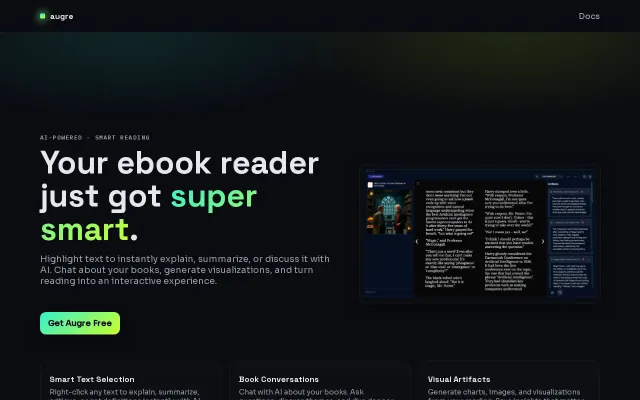
AI ebook reader when Readwise Reader and LiquidText already dominate this space.
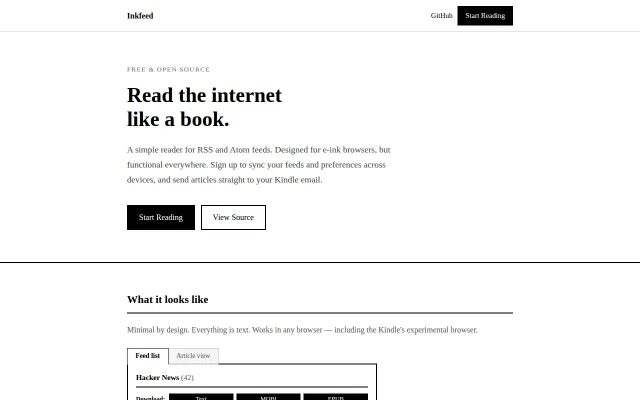
ES3 JavaScript that actually runs on Kindle's ancient experimental browser.
Single-page font test with no depth beyond basic timing measurements.