Productivity●Mid

StillOtter – a minimalist daily planning app
Clean daily planning but Sunsama and Motion already own this space.
Cozy
mohitgangrade
111mo ago
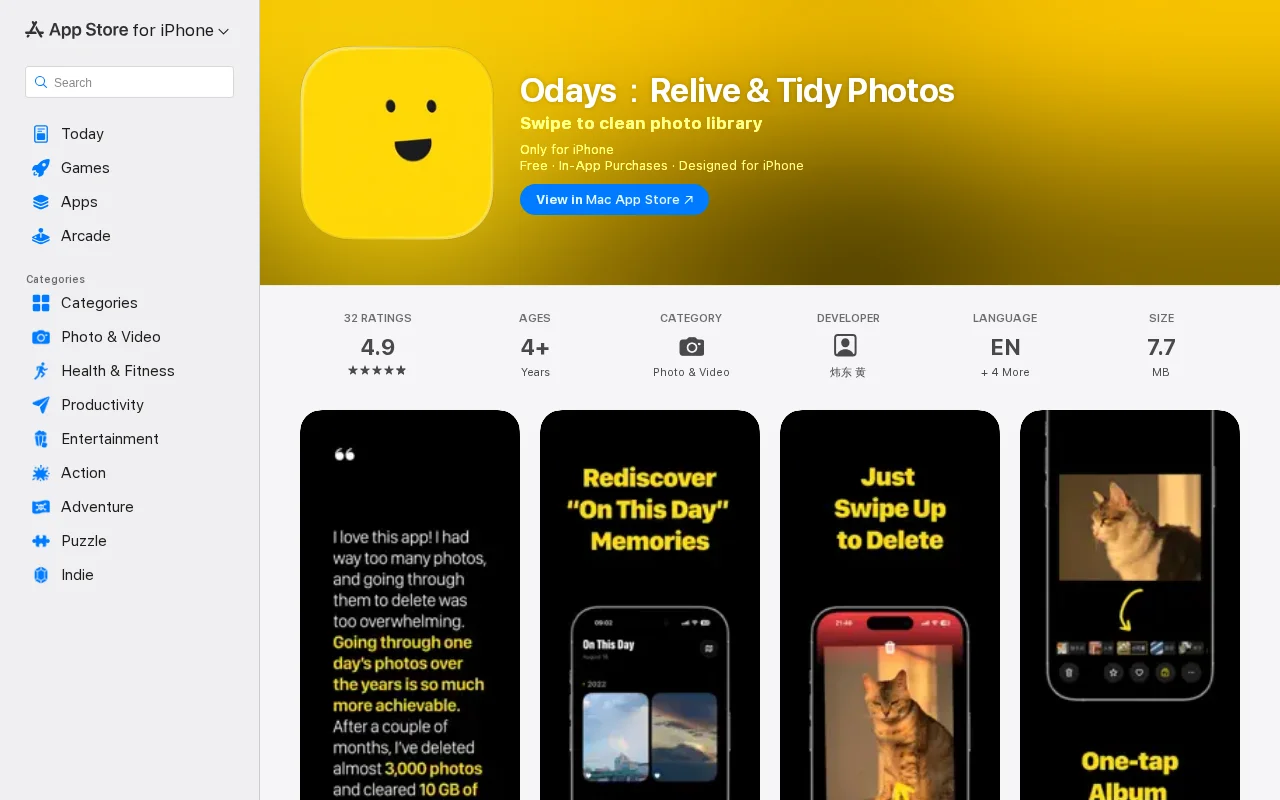
Turns photo cleanup into a nostalgia trip instead of a chore.
iPhone users with cluttered photo libraries
Gemini Photos · Google Photos · Swipe to Delete
Blurry shots, old screenshots, bursts, duplicates… Every time I opened Photos I thought: "I should really clean this up someday."
I tried doing big cleanup sessions: block off an hour, scroll forever, delete a few dozen photos, feel drained and guilty, close the app. Nothing really changed.
The problem wasn’t the photos. It was the shape of the task. "Clean up your whole library" is terrible for a human brain: no clear endpoint, no natural stopping point, and very little sense of progress.
So instead of a one‑time project, I turned it into a tiny daily ritual – and then built an app around that ritual.
The method: "On This Day" + a few minutes
Once a day, I only review a small, bounded batch of photos – either photos taken on this calendar day in past years, or a small random batch.
-----
My routine now:
1. Open the app once a day.
2. See a handful of photos from "On This Day".
3. Swipe up to delete obvious junk.
4. Optionally keep one or two meaningful photos.
5. When that day's batch is done, close the app.
Sessions are usually 2–5 minutes. The emotional reward becomes "oh, that trip / friend / moment", not "I must fix my entire photo mess today".
Over months this quietly removes thousands of useless photos and reclaims storage, without any big "declutter day".
-----
What I built: Odays
I turned this pattern into an iOS app called Odays.
It:
• Shows you "On This Day" photos from your existing iCloud / iPhone library.
• Optimizes for a swipe‑to‑delete flow.
• Sync with your system Photos app.
• Keeps everything on‑device; the app doesn’t upload your photos anywhere.
It’s intentionally narrow: not a bulk‑operation power tool, but a small, sustainable ritual on top of your existing library.
If you want to try it, here’s the App Store link:
Odays – Relive & Tidy Photos https://apps.apple.com/app/id6479229303
Happy to answer questions about the product decisions, UX trade‑offs, or the indie dev side.
Clean daily planning but Sunsama and Motion already own this space.
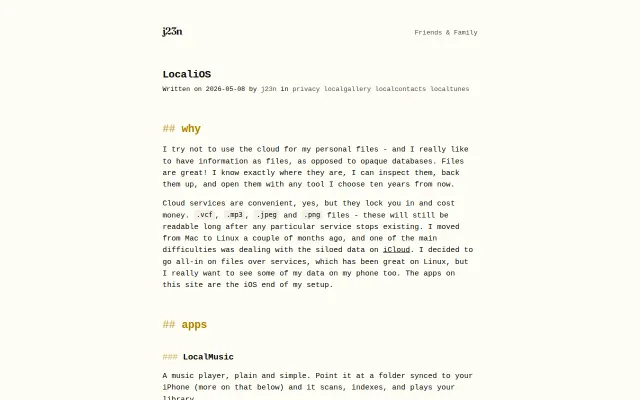
Breaks Apple's walled garden by reading local files directly instead of forcing cloud sync.
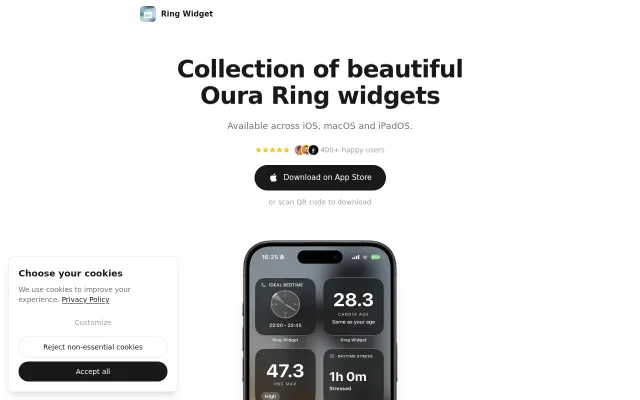
Fills a gap Oura's app left, but it's a widget wrapper with no novel mechanics.
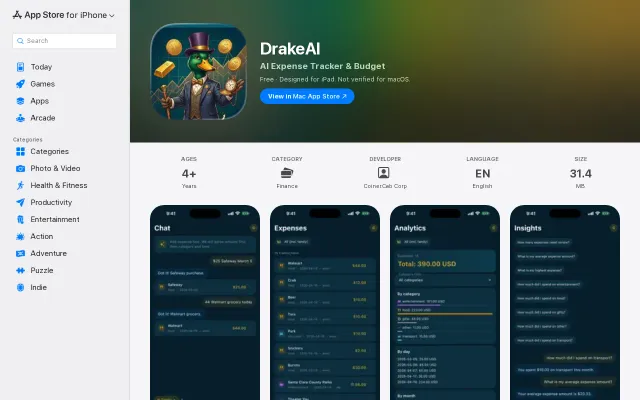
Yet another AI expense tracker when Mint, YNAB, and Splitwise already exist.
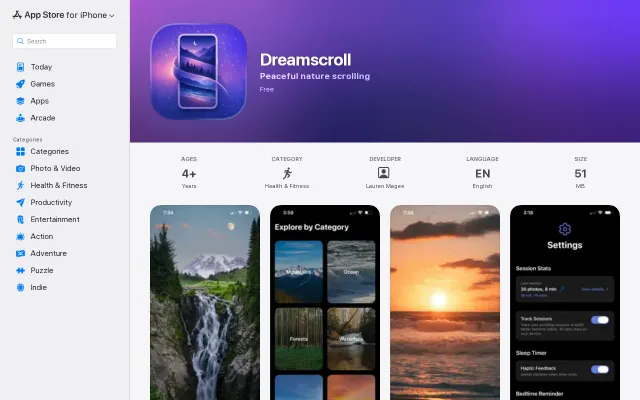
Wellness app with zero data collection, but 'calm scrolling' is crowded territory.
GitHub-style heat maps for bowel movements, but another tracker in a crowded App Store.