Developer Tools●●Solid
Execute local LLM prompts in remote SSH shell sessions
Executes local LLM prompts on remote SSH shells without installing agents or opening firewalls.
Big BrainSolve My ProblemNiche Gem
smudgy3746
203mo ago
GenAI prompts as runnable programs
Prompts execute locally over SSH — no API keys or LLM access on production servers.
DevOps engineers, SREs managing remote servers
Aider · Cursor · Warp
This is a tool I've worked on the past few months.
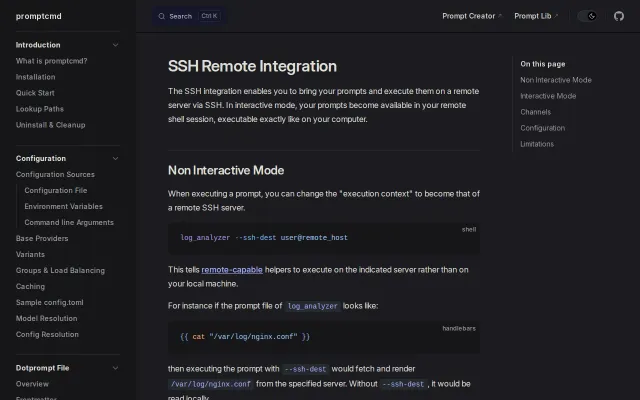
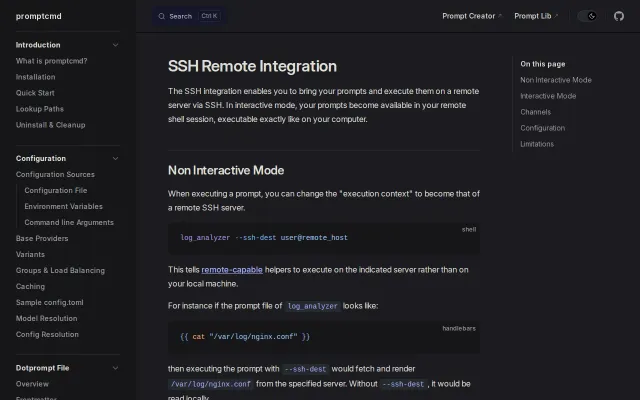
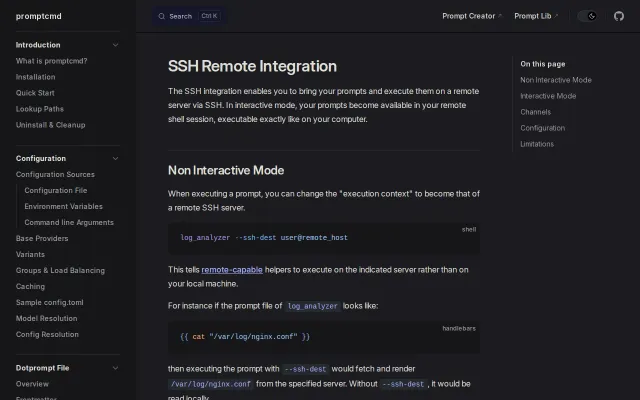
Instead of giving LLM tools SSH access or installing them on a server, the following command:
$ promptctl ssh user@server
makes a set of locally defined prompts "magically" appear within the remote shell as executable command line programs.For example, I have locally defined prompts for `llm-analyze-config` and `askai`. Then on (any) remote host I can:
$ promptctl ssh user@host # Now on remote host $ llm-analyze-config /etc/nginx.conf $ cat docker-compose.yml | askai "add a load balancer"
the prompts behind `llm-analyze-config` and `askai` execute on my local computer (even though they're invoked remotely) via the llm of my choosing.This way LLM tools are never granted SSH access to the server, and nothing needs to be installed to the server. In fact, the server does not even need outbound internet connections to be enabled.
Eager to get feedback!
Executes local LLM prompts on remote SSH shells without installing agents or opening firewalls.
Local prompt execution over SSH channels means zero server-side installation.
SSH proxy trick keeps LLM execution local while commands run on air-gapped servers.
Local prompts appear as remote commands over SSH — no server install, no key exposure.
Local prompts execute remotely over SSH with zero server setup and keys never leave your machine.
SSH integration where prompts execute locally but appear remotely is genuinely clever security-wise.