Productivity●Mid
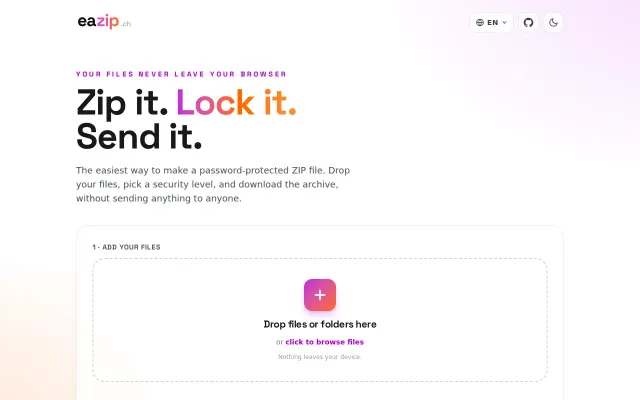
Eazip – Password-protected ZIPs (AES-256) in the browser, no upload
Yet another client-side ZIP tool in a space dominated by established alternatives.
Cozy
Zmaon
5225d ago
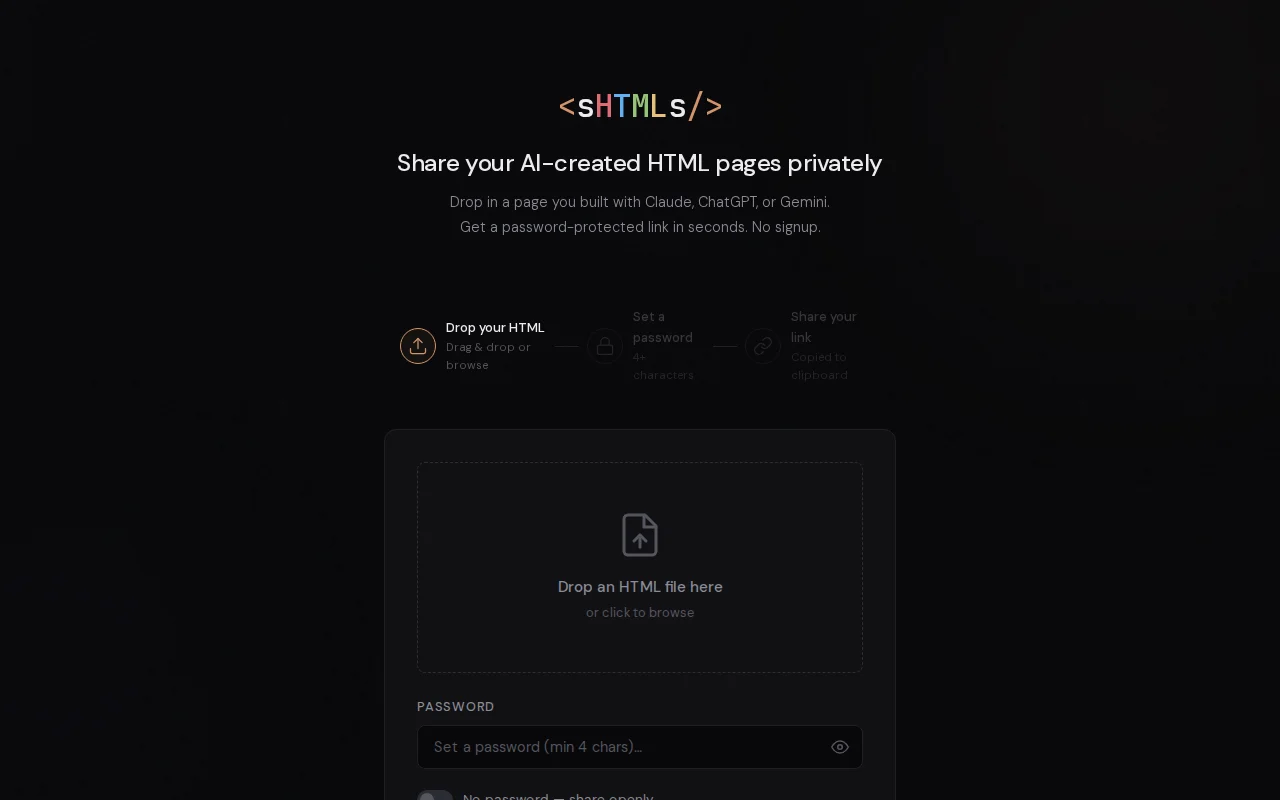
AI agents read llms.txt to upload files autonomously, bypassing manual configuration.
Developers using AI coding agents like Claude Code or Cursor
Pastebin · Netlify Drop · GitHub Gist
The more interesting part: there's a llms.txt at shtmls.com/llms.txt describing the API. Paste this into Claude Code, Cursor, Gemini CLI, etc.:
"Read shtmls.com/llms.txt and add sHTMLs to your workflow config (CLAUDE.md, .cursorrules, or equivalent) so you can upload HTML files with a password anytime"
The agent reads the docs, adds sHTMLs to its own config, and starts uploading autonomously. It just ends tasks with "uploaded to shtmls.com/xyz, password: abc."Stack: Python Lambda + DynamoDB + S3 + CloudFront, CDK-deployed. Passwords are PBKDF2-SHA256 hashed. Vanilla JS frontend, no frameworks.
Curious if others are building the llms.txt self-configuration pattern into their tools.
Yet another client-side ZIP tool in a space dominated by established alternatives.
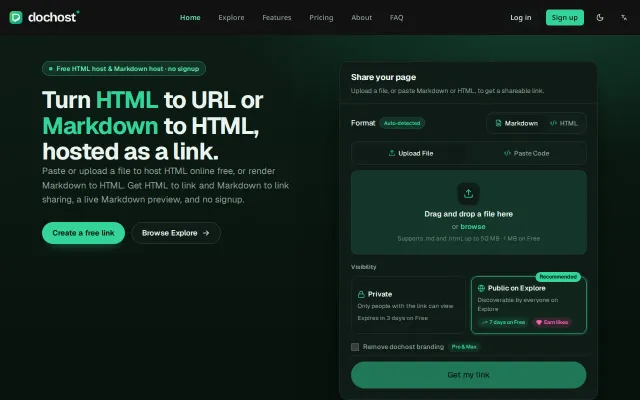
Free HTML host when Pastebin, Gist, and Netlify Drop already exist.
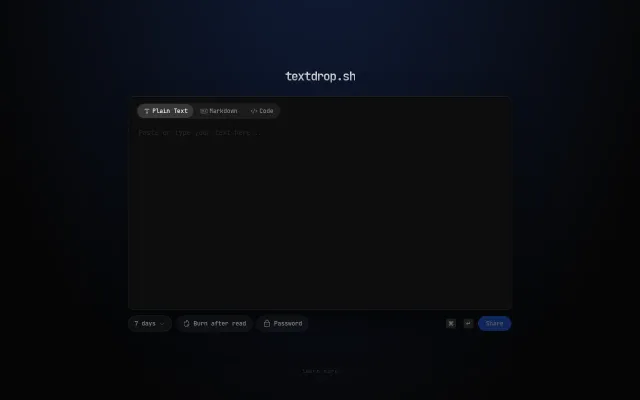
Clean pastebin with burn-after-read, but Pastebin and Gist already solve this.
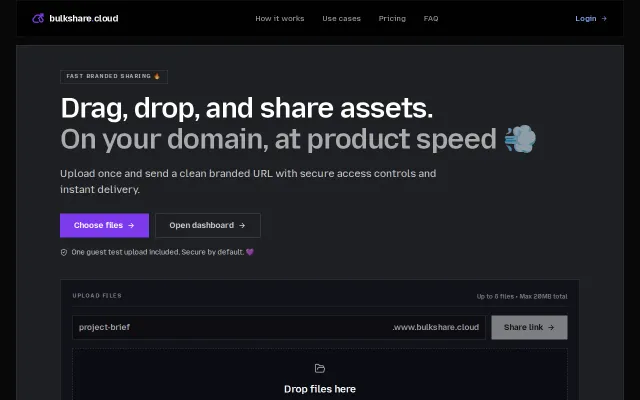
Branded file sharing on your domain, but Dropbox, WeTransfer, and Zenfolio do this.
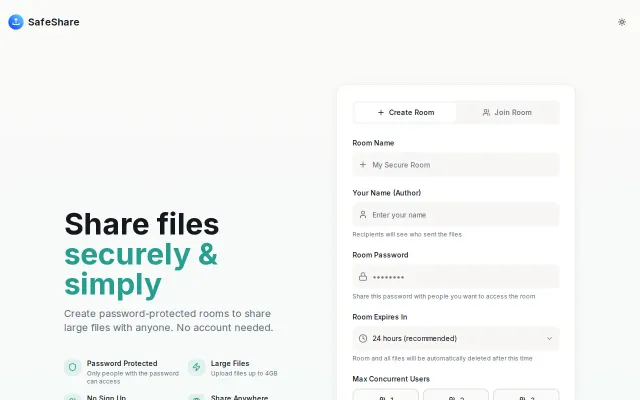
Clean E2E encrypted file sharing, but Tresorit, Sync.com, and WeTransfer already own this space.
One encrypted .vault file you carry anywhere with zero dependencies.