Productivity●●Solid
A notepad that turns meeting-full days into shareable memory
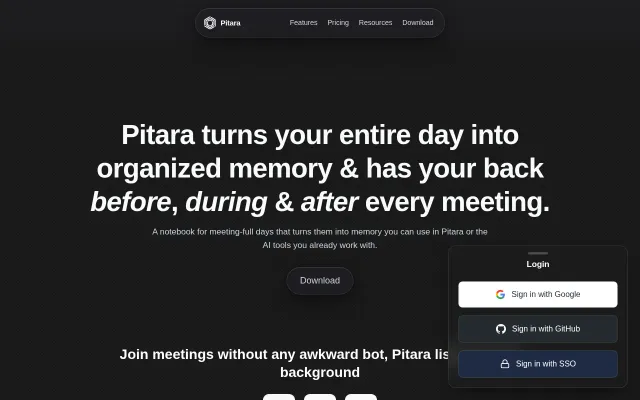
No-bot meeting capture with local SQLCipher vault beats Fireflies on privacy.
SlickSolve My Problem
chayanvinayak
2012d ago
🔴 Record and browse video logs on your computer.
Video-first journaling when Day One and Notion already handle this.
People who prefer video journaling over writing
Day One · Grain · Fathom
Yap is a desktop app for your video logs. Open the app, press record and speak your mind. Once you’re done, Yap catalogues your video and makes it easy to find.
Download at https://github.com/felipap/yap
I built Yap as an alternative to journaling. I love journaling but it takes too long to write everything I want to say. A couple years ago, I started recording myself talking to the camera. I was using Photo Booth, then QuickTime, but the experience wasn’t great. I wanted an app purpose-built for video logs; so I built Yap.
Sharing with AI. Yap transcribes and summarizes your vlogs for you (OpenAI key needed). You can then take the transcripts and share them with friends or AIs. I use this to give AIs context about the projects I’m working on, or problems I’m dealing with.
Hope Yap can be useful to you too!
No-bot meeting capture with local SQLCipher vault beats Fireflies on privacy.
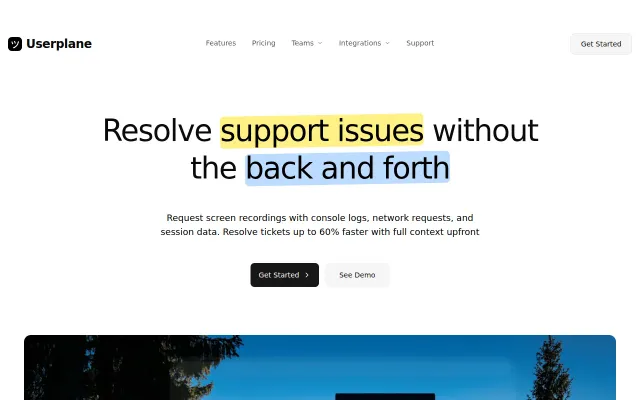
One-click recording links with console logs beat Loom's manual export workflow.
Yet another session replay tool competing directly with FullStory and LogRocket.
Runs as a single binary with embedded SQLite and zero-config start, acting as a transparent, provider-agnostic proxy that logs model, tokens, latency, cost and API key hashes while leaving full body capture opt-in. It also proxies streaming responses in real time and exposes stable JSON analytics endpoints — a practical, instrumentable way to get reproducible, audit-ready traces for real LLM traffic, though long-term value depends on how it handles provider edge-cases and SDK compatibility.
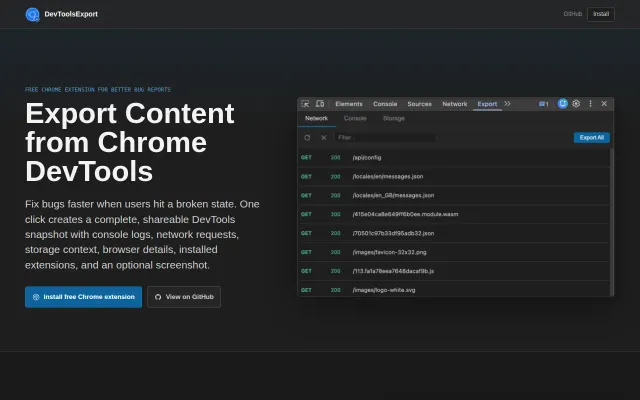
Shareable DevTools snapshots beat manual HAR files, but LogRocket already does session replay.
Session replay + auto-generated bug steps from recordings saves real time vs. manual Slack screenshots.