Productivity●●Solid
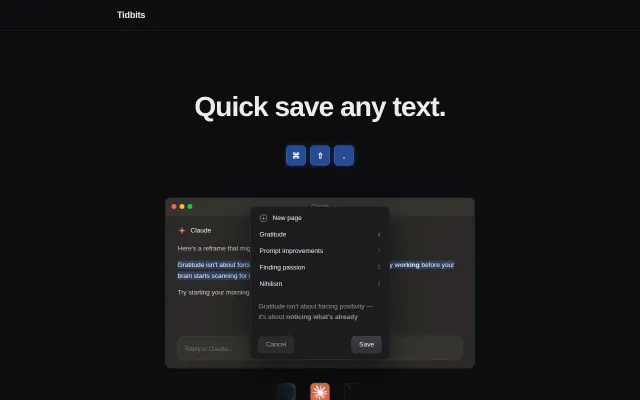
Tidbits – Quick save any text without switching windows
Global hotkey saves text to local files for Claude Code context integration.
CozySolve My Problem
uglyburger
212mo ago
Yet another Windows launcher competing with PowerToys Run and Flow Launcher.
Windows power users who miss macOS workflows
PowerToys Run · Flow Launcher · Raycast
I've been a Windows user since I can remember (almost 30 years). The company I worked for had been acquired by a US startup few years ago and soon after that we had to switch to Mac because that was the company standard. Honestly I was very skeptical (and scared) at that time. I was worried I'm too rusty to make such a switch.
Luckily it turned out to be a very eye opening experience. I learned a lot and actually I liked MacOS experience even more than Windows in some aspects, at least at work. Anyway, a teammate recommended rcmd to me back then and this was a game changer for me. I got used to it very quickly and then later in the evenings or over the weekends when I was using my Windows Alt-Tab felt a bit clunky.
I went for a hunt to find an alternative for Windows but I couldn't find anything useful. That's how AppSwitcher was born. It took an evening or two to run a quick PoC to see if that's even possible. The core of the app is already almost 2 years old but there was no UI so I wasn't publishing it anywhere because I felt it's an incomplete product (although it was solving the problem for me already for a while).
Recently I took an unpaid break from work (burnout symptoms) only to learn that it wasn't burnout from software development in general ;) Anyway, fast forward few weeks and I think it's ready for the broader audience. I am a power user myself so I took the not-so-common-anymore 100% offline approach. That also implies no auto update checks but that's the price I'm willing to pay. Mainly because the app involves a keyboard hook and this may sound alarming. That's why I encourage people to completely block it in the firewall (it's also covered in the docs). I have a block rule on my own machine as well. That's to make sure nothing will slip through by accident.
Let me know what you think. I'm open to any feedback. I have two bigger items on my road map: - peek mode - only switch to target app for as long as hotkey is down but switch back the moment keys are released - dynamic bindings - automatically assign open apps to free letters (similar to rcmd)
I am personally leaning towards the first one because as a long rcmd user I never used dynamic assignments except maybe first day but I wonder what's your take.
Global hotkey saves text to local files for Claude Code context integration.
Touch Bar tmux switcher—useful if you still have a 2020 MacBook Pro.
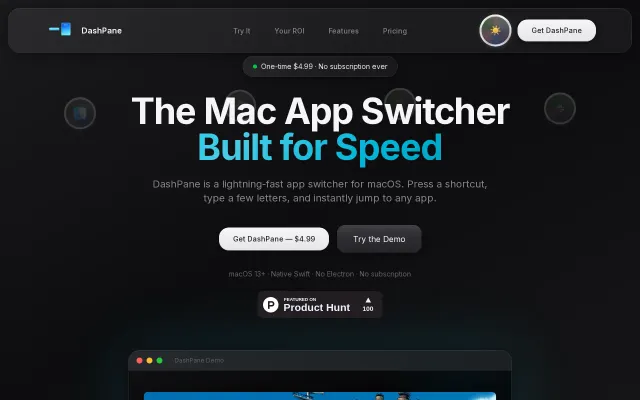
One-time $4.99 payment undercuts subscription app switchers like Raycast Pro.
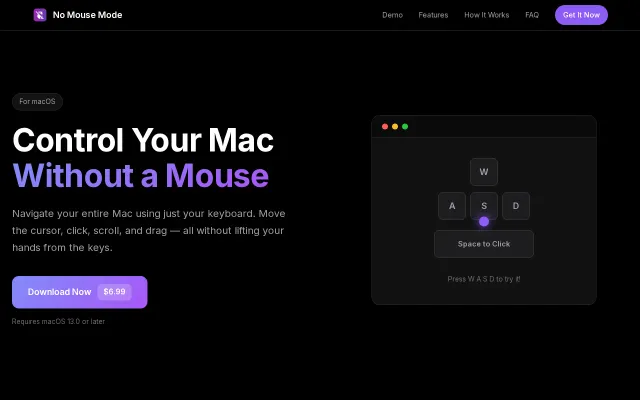
Maps intuitive WASD movement, Space/Return clicks, and an on/off global hotkey into a lightweight, menu-bar macOS app — the core feature set is focused and practical. The product's custom key bindings, speed-boost modifier, and native Intel/Apple Silicon support make it genuinely useful for people who hate reaching for the mouse, though the idea isn't groundbreaking and requires Accessibility permissions which may scare casual users.
Native Safari tab search without animations, but Chrome users already have this.
Folder-native manifests plus a global SQLite index let you keep originals untouched while getting album features and very fast queries — smart trade-offs for large local libraries. Live Photo pairing/playback, a map view, and GPU-accelerated browsing show real engineering focus; it's not reinventing the genre (digiKam/Lightroom exist), but this is a tidy Photos-to-Windows port with thoughtful implementation details.