Developer Tools●●●Banger
C9watch – macOS menu bar app to monitor all Claude Code sessions
Discovers Claude Code sessions automatically across any terminal—no plugins, no vendor lock-in.
Solve My ProblemDark HorseSlick
minchenlee
103mo ago
Lightweight macOS menu bar app that monitors active localhost ports.
Menu bar port monitoring beats lsof for daily dev workflow on macOS.
macOS developers juggling multiple local dev servers
lsof · ngrok dashboard · Laravel Valet
It filters out system services automatically so you only see your dev servers. There's also a CLI version.
Menu bar app: https://github.com/mavideniz/pscan/releases/latest
CLI: brew install mavideniz/pscan/pscan
Source: https://github.com/mavideniz/pscan
Would love feedback.
Discovers Claude Code sessions automatically across any terminal—no plugins, no vendor lock-in.
Notch pet that lives in your MacBook notch while tracking Claude token usage.
Menu bar battery monitor is useful, but macOS already shows this natively now.
Native menu bar dots track Claude Code sessions plus browser-cookie usage limits.
Multi-tool session monitor via PTY wrapping, plugin events, and fallback scanning.
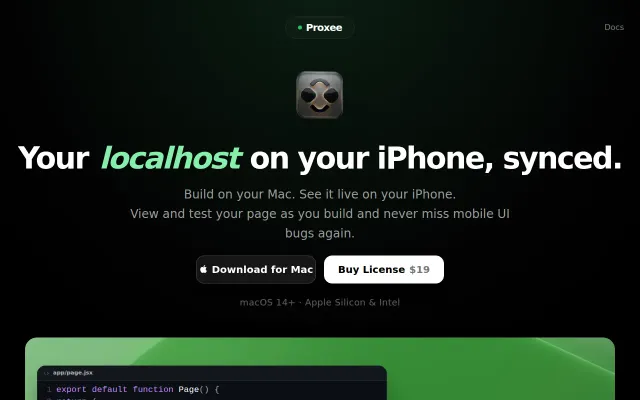
Scroll and nav sync across devices beats manual mobile testing workflows.