Productivity●●Solid
I built a lightweight extension to simplify Gmail (free, local)
Finally hides Gmail's AI overviews and shows newest messages first.
Solve My ProblemCozy
JaredCampbell
112mo ago
Hide Gmail AI overviews and clutter, but Simplify Gmail does more for longer.
Gmail power users, productivity-focused professionals
Simplify Gmail · Checker Plus for Gmail
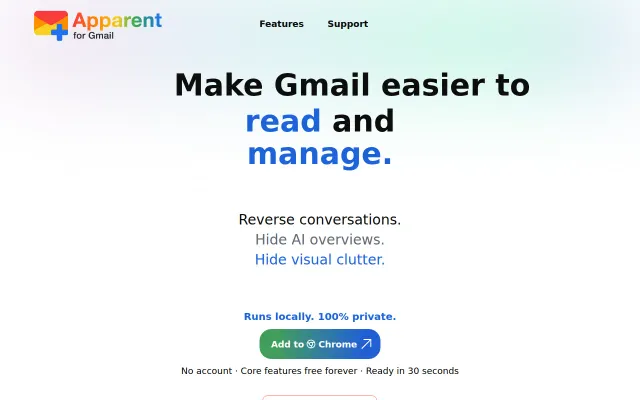
It doesn't do much other than modify how Gmail is displayed in Chrome. Does it as minimally as possible (that I can engineer). Done locally, zero remote processing.
Currently built the following settings (want to add more soon):
Conversations:
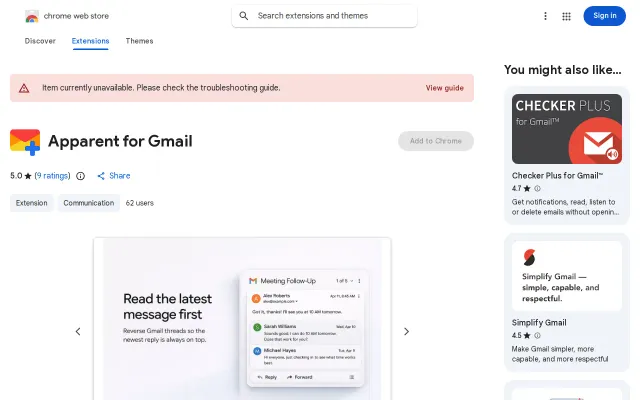
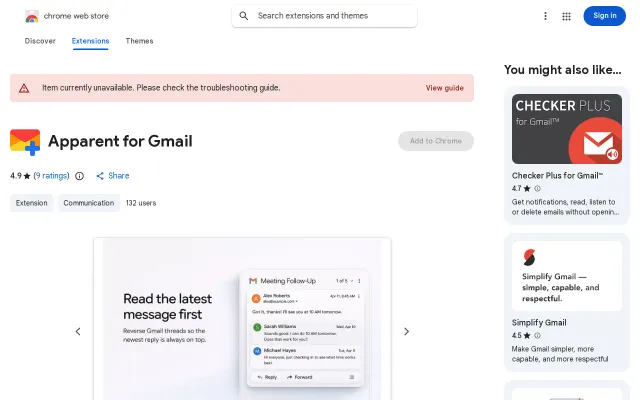
* Show newest message first
* Show every message in a thread (sometimes they're collapsed into numbered bubbles)
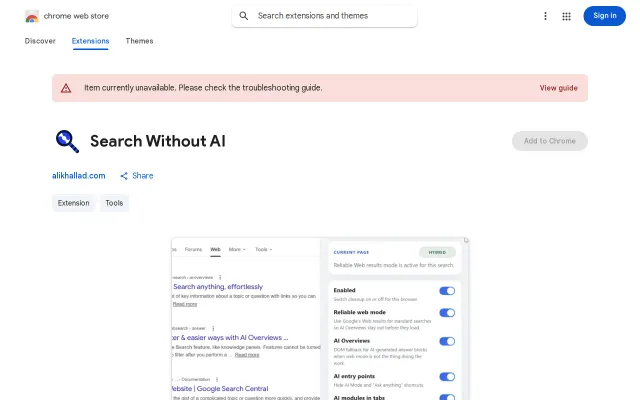
* Remove AI overviews (retches)
Layout/UI:
* Minimize the search & top bar
* Minimize the far left "rail" (Mail/Chat/Meet)
* Hide a bunch of extraneous icons/buttons/items
* Adjust width of Folders/Labels column (still in-process)
Mini-Automations:
* Automatically open to inbox on page start/refresh
* Automatically select first message if the reading pane is open (unless unread, or previous message already selected)
* Add a recurring reminder (if wanted) to use Gmail's new Manage Subscriptions folder/feature
Bunch more features I'd like to add. Let me know if you think I should change anything. Or if you have any code/bug feedback... :)
Finally hides Gmail's AI overviews and shows newest messages first.
Gmail declutter extension when Simplify Gmail already does this better.
Socket boilerplate reduction for C++ beginners, but no encryption or Windows yet.
In-place rewriting avoids copy-paste friction, but Claude web search and extension clones already solve this.
DOM cleanup extension when uBlock Origin element hiding already does this.
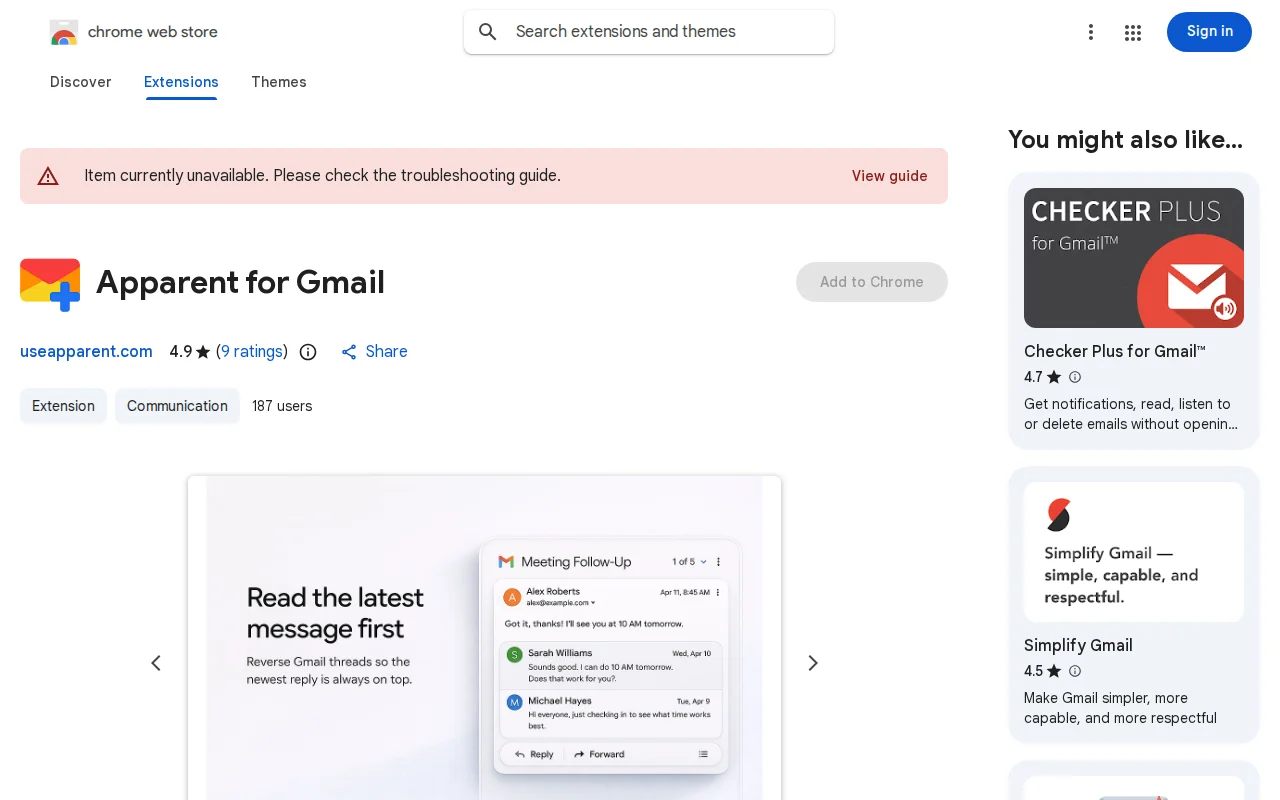
Forces newest Gmail messages to top, but the Chrome Store listing is broken.