Productivity●●Solid
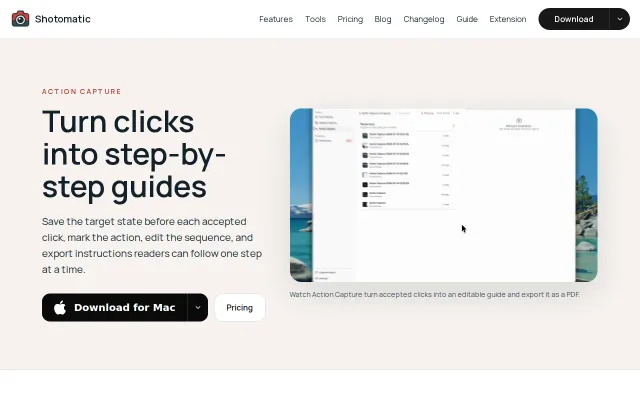
Shotomatic, turn Mac clicks into editable screenshot guides
Separates capture from editing so you don't break flow while documenting.
Solve My ProblemSlick
wooing
305d ago
PastePath.com Turn clipboard images and URLs into annotated, sequential tutorials. Create shareable walkthrough pages with an integrated stepper for rapid documentation
Clean screenshot walkthroughs but Snagit and CleanShot already dominate this space.
Technical writers, support teams, QA engineers
Snagit · CleanShot X · Tango
You can paste or upload screenshots, annotate them with arrows/shapes/text/freehand, reorder them into steps, add captions, and share a clean link. It is useful for tutorials, bug reports, docs, product reviews, QA walkthroughs, onboarding, and support replies.
The app is React/TypeScript on the frontend, with a small TypeScript backend using Cloudflare D1 for share persistence. I originally built it on Lovable/Supabase, but recently moved it to a backend-owned D1 flow so the browser no longer talks directly to the database.
Feedback welcome, especially around the annotation UX and what tools would make screenshot walkthroughs faster.
Separates capture from editing so you don't break flow while documenting.
Screenshot-to-demo tool competing against Walnut, Navattic, and Arcade at lower price.
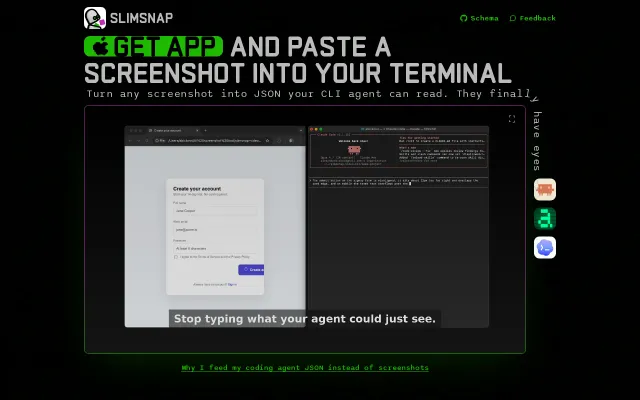
55% fewer tokens than raw screenshots when pasting UI context into terminal agents.
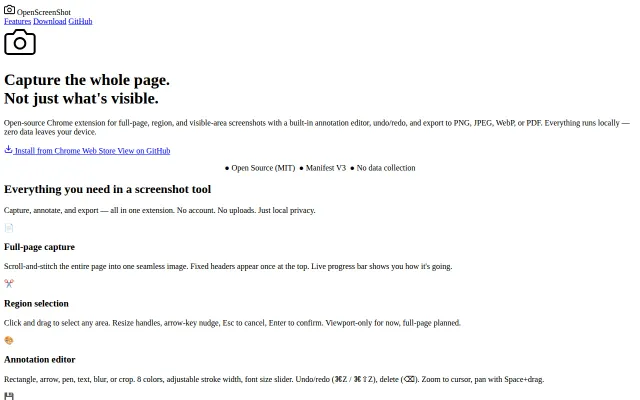
Local-first full-page screenshots with annotation, no accounts or data collection.
Yet another video-to-docs wrapper competing directly with Firecrawl and Jina AI.
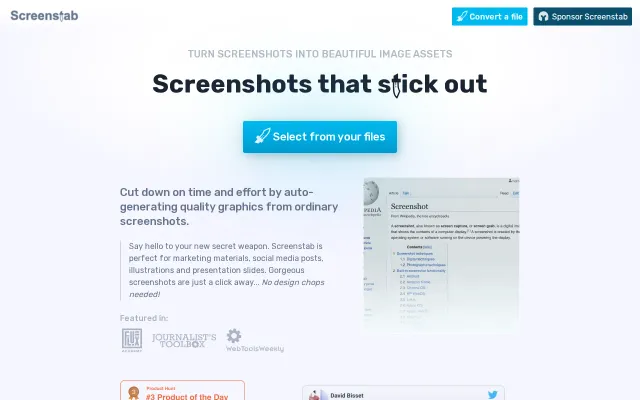
Screenshot beautifier when Shots.so and CleanShot already dominate this space.