Productivity●Mid
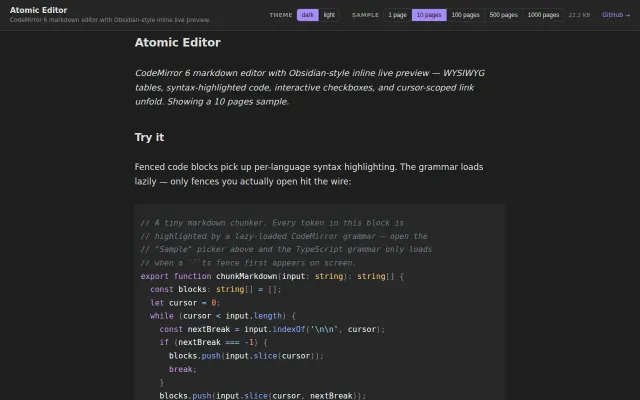
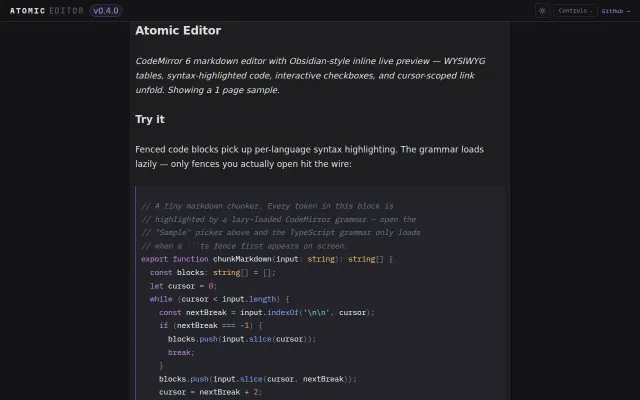
Markdown editor with Obsidian-style inline live preview
Lazy-loading CodeMirror grammars is clever, but Obsidian already does inline preview better.
CozySlick
kenforthewin
411mo ago
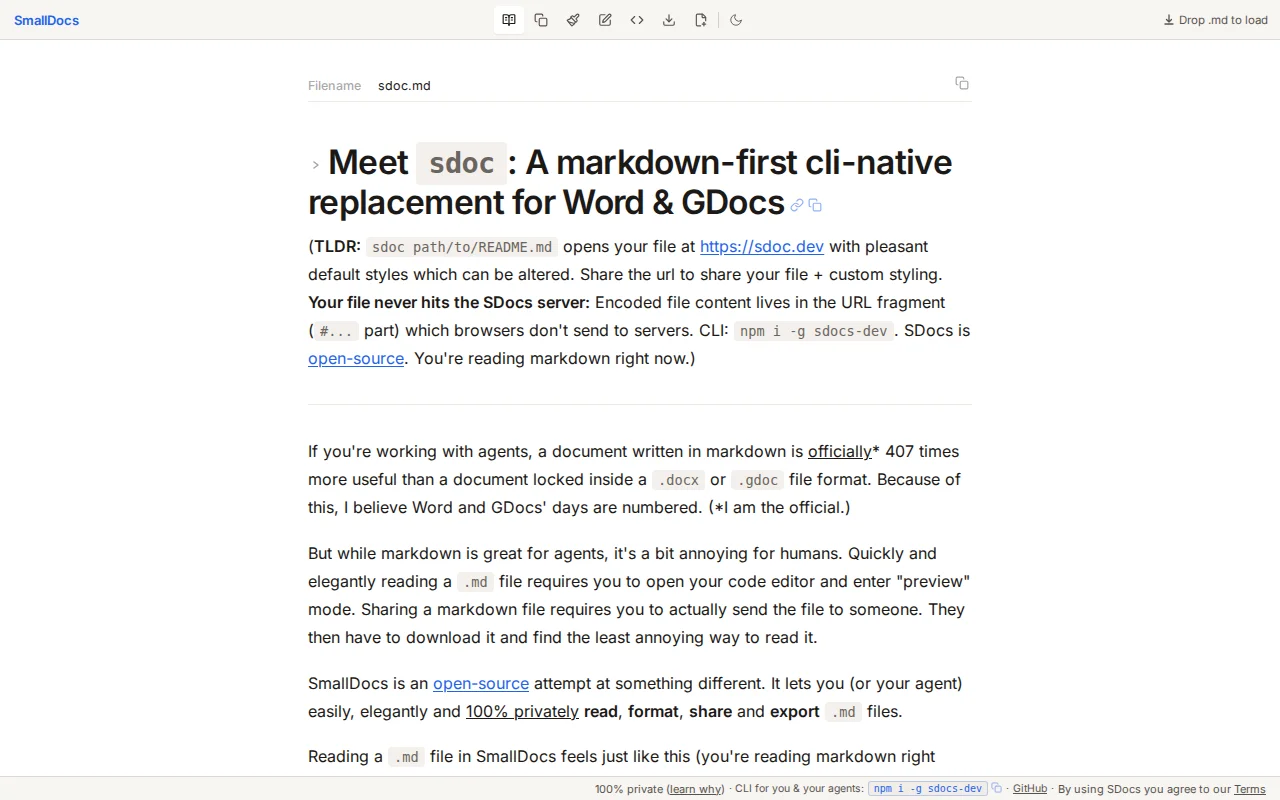
URL fragment trick keeps files private—no server storage like HackMD or GitHub Gists.
Developers working with AI agent output and markdown workflows
HackMD · Dillinger · Markdown Viewer
Today I'm launching SmallDocs (https://sdocs.dev). It's an open-source cli + webapp to instantly and 100% privately preview, share and optionally style markdown files. (Code: https://github.com/espressoplease/SDocs)
The more I work with command line based agents the more `.md` files are part of my daily life. Their output is great for agents to produce, but a little bit frustrating for humans: Markdown files are annoying to preview and fiddly to seamlessly share. SDocs is a tool I built to resolve these pain points.
--- Privacy
SDoc urls contain the documented in url-friendly + compressed base64 in the url fragment (the bit after the `#`):
``` https://sdocs.dev/#md=GzcFAMT...(this is the contents of your document)... ```
The cool thing about the url fragment is that it is never sent to the server (see https://developer.mozilla.org/en-US/docs/Web/URI/Reference/F...: "The fragment is not sent to the server when the URI is requested; it is processed by the client").
The sdocs.dev webapp is purely a decoding and rendering engine for the content stored in the url fragment. This means the contents of your document stays with you and those you choose to share it with, the SDocs server doesn't access it.
--- sdoc CLI
SDocs has a CLI. You can install it with: `npm i -g sdocs-dev`. Then you can `sdoc path/to/file.md` to instantly open a SDoc in your browser, or `sdoc share path/to/file.md` to copy the link to your clipboard.
(When installing the CLI it will probe to see if you have any of the main agents installed and offer to give their base instruction files info about the SDocs cli - e.g. add a few lines to your `~/.claude/CLAUDE.md` file. This step can be rejected.)
--- Personal use
Personally I have found SDocs to be very useful when sharing info with team members (e.g. some agent debugging output), for reading about a current problem deeply (nicer formatting than the Claude Code cli interface) and when I need to use specific agent generated code snippets (e.g. run a series of bash commands).
--- A markdown-first Word / GDocs
Because I think agents are becoming part of mainstream work I thought it would be fun to produce an agent-first (or markdown-first) version of Word and GDocs. For me that meant adding the ability to style documents in a fairly fancy way. SDocs uses a "YAML front matter" block at the top of the markdown file to allow you/your agent to specify complex styles:
``` --- styles: fontFamily: Lora baseFontSize: 17 h1: { fontSize: 2.3, fontWeight: 700 } p: { lineHeight: 1.9, marginBottom: 1.2 } ... --- ```
The default styles need no front matter — see https://sdocs.dev (a rendering of `sdoc.md`) to see how the default styles looks. Styled examples (some with charts) are linked from the intro near the top of that page.
The CLI has some useful commands for you/your agent to master creating styled content with SDocs: * `sdoc schema` - how to style * `sdoc charts` - how to create + style charts
--- Code
SDocs is deliberately small: one Node.js file (~60 lines) serves a single HTML file, with `marked` (a JavaScript markdown parser) as the only runtime dependency. The server just serves static assets. All state lives in the browser.
Repo: Code: https://github.com/espressoplease/SDocs
--- Feedback & contributions
I'm of course very interested in feedback and open to pull requests if you want to add features to SDocs.
Thank you for your time.
Lazy-loading CodeMirror grammars is clever, but Obsidian already does inline preview better.
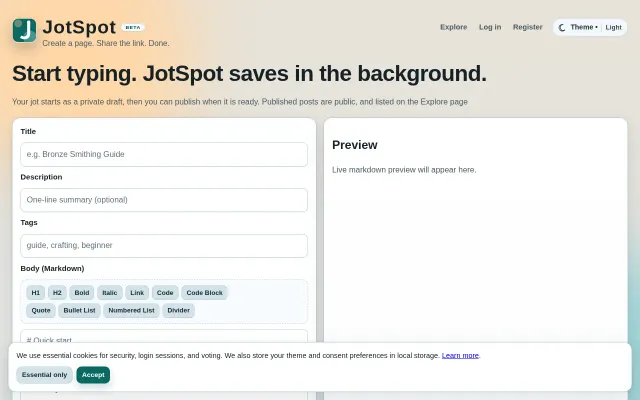
Autosaving Markdown notes with shareable links—but Notion, Obsidian, and HedgeDoc already own this.
Lazy-loaded grammars only hit the wire when you open a fence.
Tufte CSS live editor with zero dependencies—but local-only and AI-generated code limits trust.
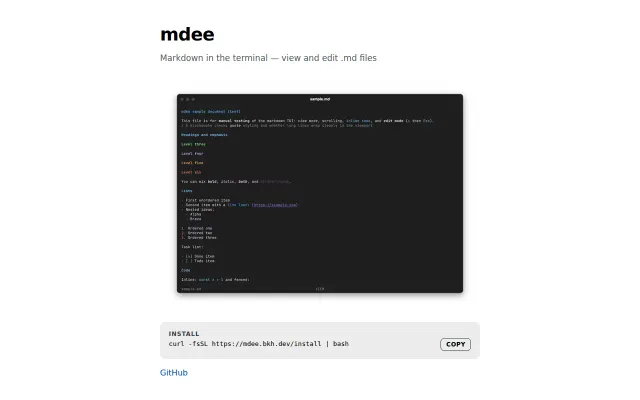
Markdown TUI that actually lets you edit, not just view.
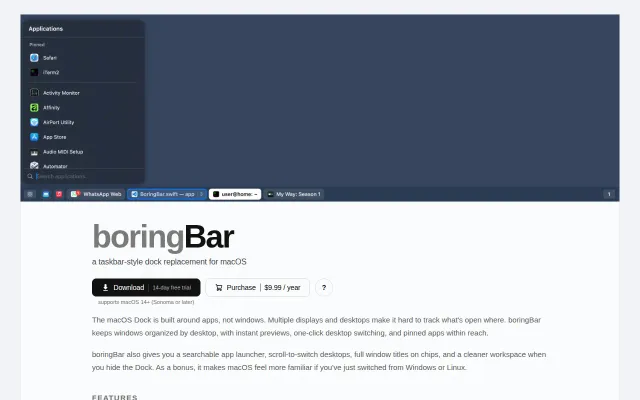
Windows-style taskbar for macOS when uBar feels too heavy.