Open Source●●●Banger
BamBuddy – a self-hosted print archive for Bambu Lab 3D printers
Reverse-engineered local API lets you own print data without Bambu's cloud.
Niche GemSolve My ProblemShip It
maziggy
902mo ago
Reverse-engineered MQTT client archives Bambu prints locally instead of vendor cloud.
Bambu Lab 3D printer owners and self-hosting enthusiasts
Home Assistant · Moonraker · Obico
Bambu makes great hardware, but your data lives in their cloud and there's no way to export it. When a print finishes, the job is basically gone from any useful record-keeping perspective.
BamBuddy fixes that by running on your own machine and tapping into the printer's local MQTT interface — so it captures everything as it happens: thumbnails, filament usage, timing, slicer settings. You end up with a fully searchable archive of your print history that's entirely yours, works offline, and never touches Bambu's servers.
The catch: their local API is undocumented, so a lot of the early work was reverse-engineering the protocol. That's still ongoing as firmware updates occasionally break things.
Stack: TypeScript, self-hosted, ~1000 stars, active contributor community.
GitHub: https://github.com/maziggy/bambuddy Website: https://bambuddy.cool Forum/Chat: https://forum.bambuddy.cool Docs: https://wiki.bambuddy.cool
Reverse-engineered local API lets you own print data without Bambu's cloud.
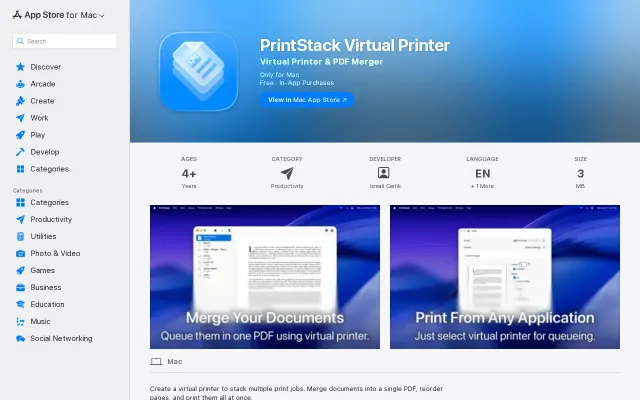
You send prints to a local virtual printer, inspect a smart queue (rename items, check page counts), drag in extra PDFs and then merge or print the whole stack — exact workflow-level tooling that saves annoying manual merging. The app is small, privacy-friendly (developer claims no data collection) and includes useful extras like a log viewer, but the core idea is familiar and the free tier’s 5-document limit feels deliberately gating without compelling advanced features shown on the listing.
Turns Hacker News into a physical newspaper using Claude and CUPS.
Web UI for Niimbot printers beats their awful official apps hands down.
Turns dusty thermal printers into markdown-capable output devices with QR code support.
Fun thermal printer hack, but who actually needs Telegram messages on receipt paper.