Productivity●Mid
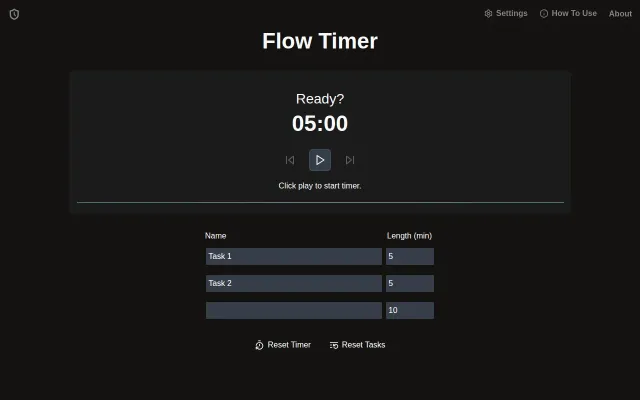
Flow Timer – A simple sequential timer without bloat for timeboxing
Clean sequential timer, but browser tabs already have this built-in.
Cozy
bryanhogan
211mo ago
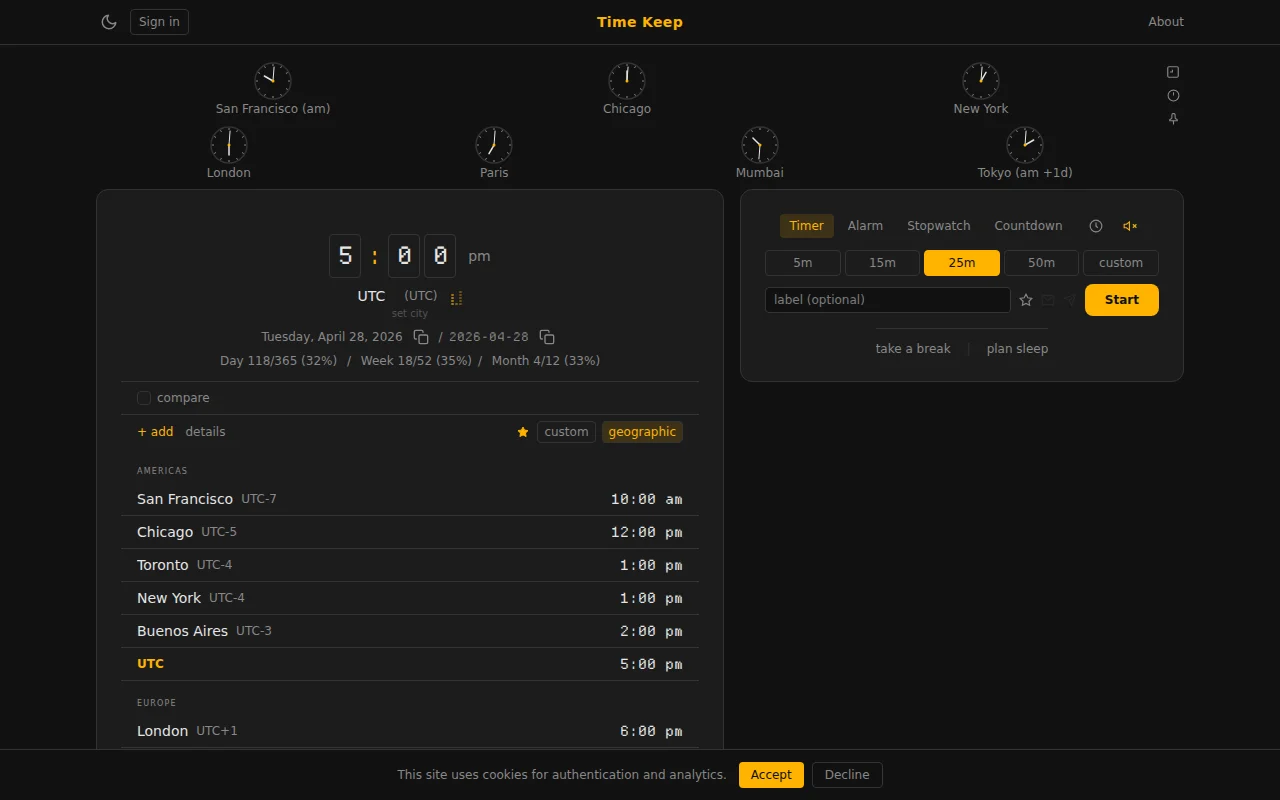
Document Picture-in-Picture API keeps timers visible while you work in other tabs.
Remote workers and students needing visible timers
Google Timer · TomatoTimer · Clockify
On Chrome and Edge it uses the Document Picture-in-Picture API so the window stays on top of everything else while you work. Pause from either window and the state stays in sync (BroadcastChannel turned out to be a good fit for this). Firefox and Safari just use a normal pop-up since neither has shipped Document PiP. On mobile it opens fullscreen in the current tab because phones don't really expose multi-window to the web.
It also requests a wake lock so your screen doesn't fall asleep while a timer's counting down. That matters on a phone where the display would otherwise dim and lock.
The use case that drove me to do this: I'm working, have to do something at X time coming up, and I want a countdown in my face, but it's off on my phone or behind other windows. Now it just sits in the corner where I want it.
(There's also been a bunch of tweaks / new tools added since the last time I posted: a day planner, overlap zones, an "it's 5 o'clock somewhere" page ... for anyone who remembers the v1 HN Show post a month or so ago.)
Clean sequential timer, but browser tabs already have this built-in.
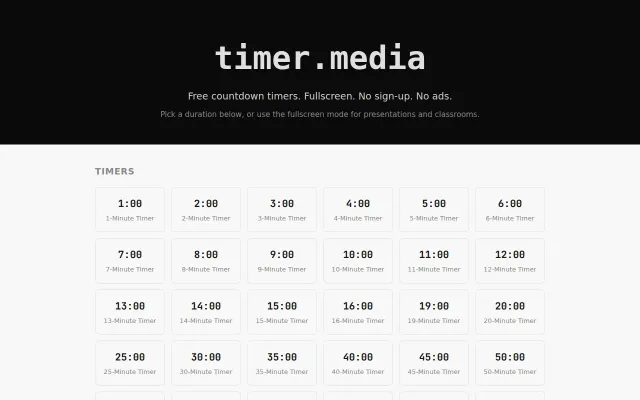
Ad-free static timers with circular visuals, but Google Search already does this free.
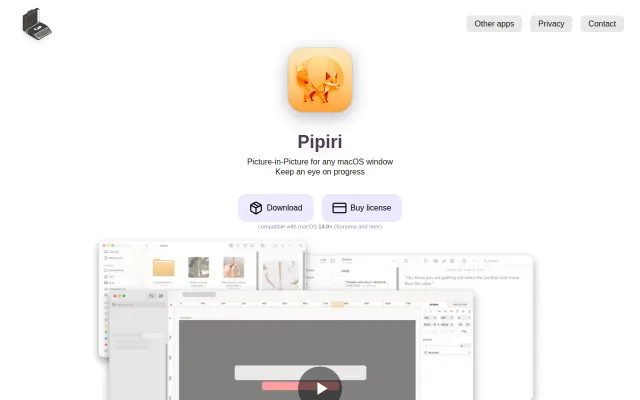
PiP any window with per-app frame rate tuning; Safari's native PiP is fine, but this handles everything.
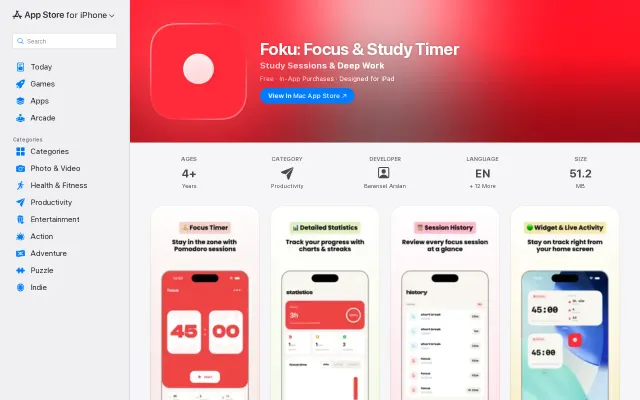
Pretty Pomodoro app when Forest and Focus To-Do already dominate.
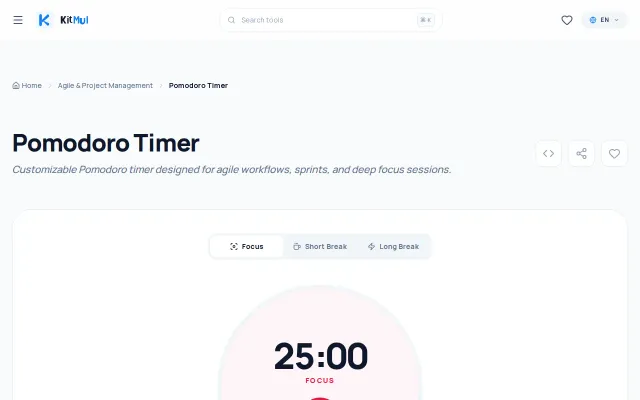
Another Pomodoro timer with lofi music—dozens of free alternatives already exist.
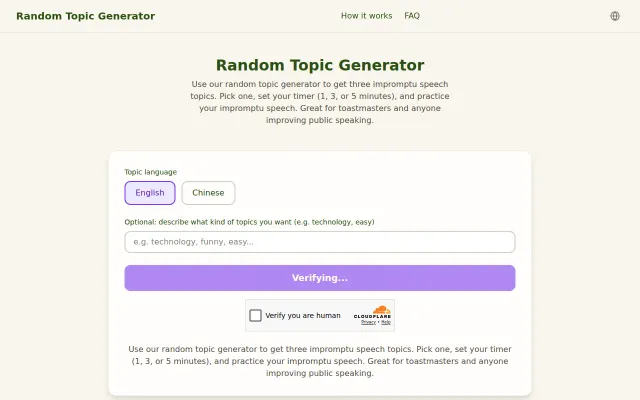
Solves a real speaking problem, but random topic generators already exist everywhere.