Developer Tools●●Solid

ReleasAI – Paste Git commits, get polished release notes in <1s
Instant changelog via Groq beats GPT speed, but git-cliff and conventional-changelog already exist.
Solve My ProblemShip It
pramhatibie
103mo ago
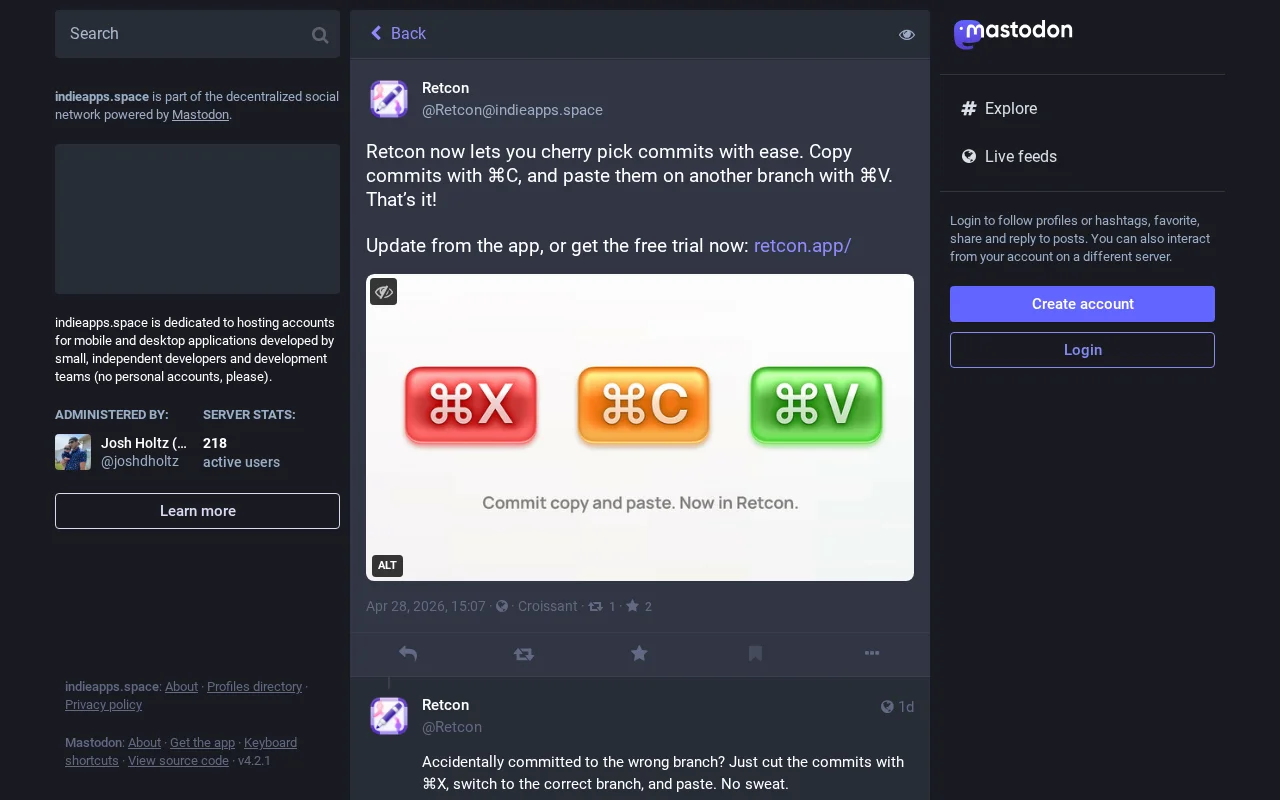
System clipboard integration lets you cut and paste commits between branches like text.
Mac developers who frequently rewrite Git history or manage multiple branches
GitKraken · Sourcetree · Fork
One aspect is cherry-picking, where you can't just copy a hash somewhere, and paste it at the top of your branch, the way you would on the command line. With this update to my git client Retcon, I'm adding cherry-picking, and it does work by direct copy-paste.
(Retcon is my macOS GUI specifically for rewriting history. It's meant to be faster than the CLI, by virtue of making mistakes instant to undo, and removing a ton of mental load)
So you can copy a hash from anywhere (copy a commit in Retcon itself, or get the hash from your GitHub, or somewhere else) and then just ⌘V in Retcon, and the commit's pasted. No extra steps.
One advantage of doing it like this is that you can also start by ⌘X cutting a commit, before pasting it: this way you've moved it, instead of copying it. That's handy if you ever commit to the wrong branch by accident.
This all folds in with Retcon's existing strengths: you're not blocked by conflicts (you can keep moving commits around when paused on a conflict; you can even see what commits are upcoming); you can undo anything with ⌘Z, even a conflict resolution; and in general you just have a clearer view of your history, since you're directly operating on it.
Retcon is definitely not a generalist git client. Right now it doesn't even support cloning repos. It's very specifically focused on history rewrites, and making those both much more pleasant, and much faster, then even in the git CLI. I think it succeeds, although you can check the trial and see if that's not true for you. Before I wrote Retcon I was an avid user of `git rebase -i`, so I wrote it for myself at first, because it felt that these could be better.
Probably important to mention that this is a Mac-only app (less work for me, lets me focus on the details) and is a subscription (higher chance of me being able to keep on developing the app, instead of needing to look for another job). I hope you all like it!
Instant changelog via Groq beats GPT speed, but git-cliff and conventional-changelog already exist.
Mechvibes for Mac, but requires manual Gatekeeper bypass on first launch.
Fixes Claude Code's messy clipboard without touching other apps.
Silent Git corruption is a terrifying prank, but but `rm -rf` jokes are older than Git itself.
Finally, a GUI for git rebase -i that handles hunk splitting without the terminal dance.
A polished directory of aesthetic Unicode combos, but it's just a static list.