Productivity●●Solid
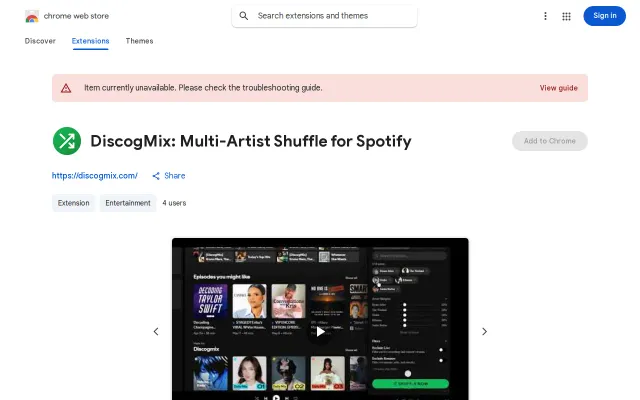
Shuffle multiple artists' full discographies on Spotify
Finally solves the 2019 Spotify Community request for multi-artist shuffle without manual playlist creation.
Solve My ProblemCozy
esayli
1025d ago
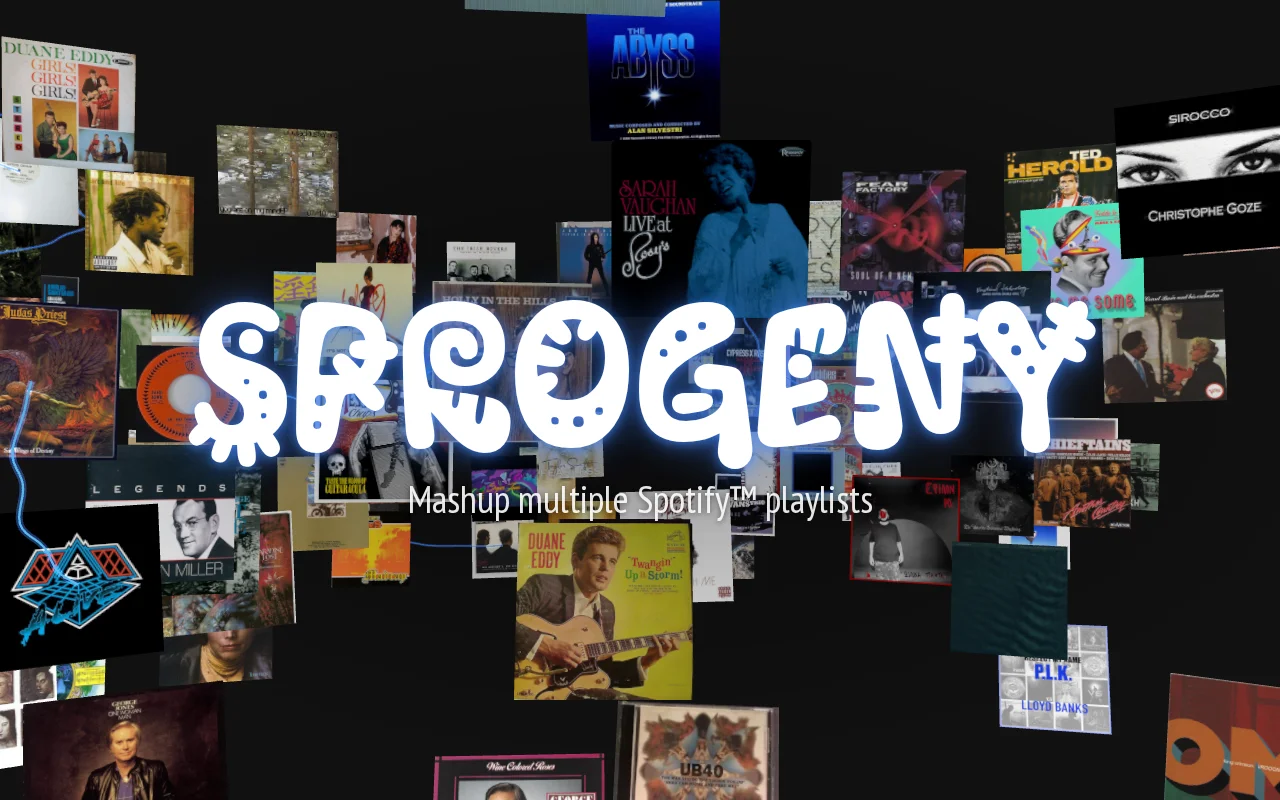
Three.js visualizer makes playlist merging feel like a party, not a spreadsheet task.
Spotify power users, Music curators, DJs
Spotify · SoundCloud · Mixcloud
In building that, I found that I could make really interesting mixes of cross-genre music, especially from playlists of friends.
The built-in Spotify mixing forces you into a funnel of connecting Spotify membership collaboration and is terrible for using the playlists of interesting strangers. It also wants to use AI on everything and also modifies the original playlists.
I spent the last couple of months building out a web app for it. I wanted to explore three.js and Svelte more. It was great for that. Although I used Claude fairly often, I backed off because I actually wanted to learn the libraries I was using.
It's free. I hope the Spotify API rate-limiting holds up to general use like this.
Finally solves the 2019 Spotify Community request for multi-artist shuffle without manual playlist creation.
Nice idea but no evidence of working product or user traction.
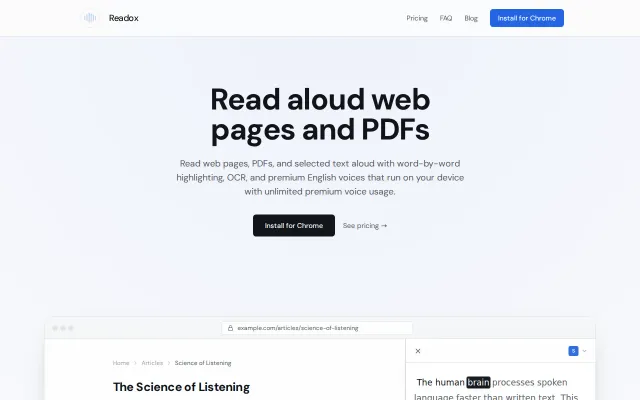
Read-later queue with on-device TTS and OCR beats standard tab readers.
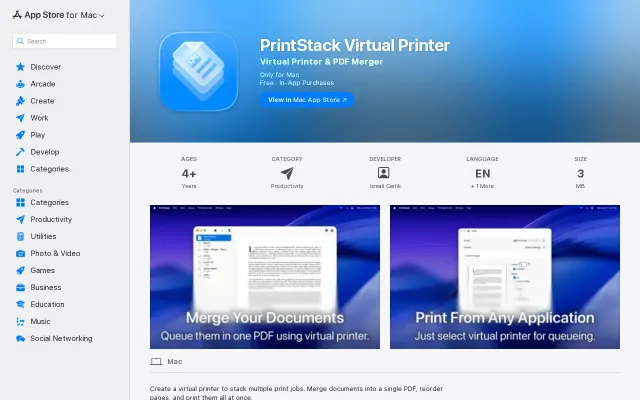
You send prints to a local virtual printer, inspect a smart queue (rename items, check page counts), drag in extra PDFs and then merge or print the whole stack — exact workflow-level tooling that saves annoying manual merging. The app is small, privacy-friendly (developer claims no data collection) and includes useful extras like a log viewer, but the core idea is familiar and the free tier’s 5-document limit feels deliberately gating without compelling advanced features shown on the listing.
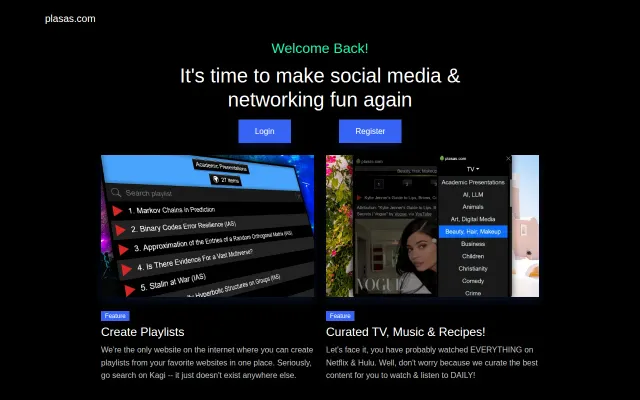
Cross-platform media playlists on MySpace-style profiles, but social networks are incredibly crowded.
Append-only audit trail with merge queue support beats cla-assistant.io on edge cases.