Social●Mid
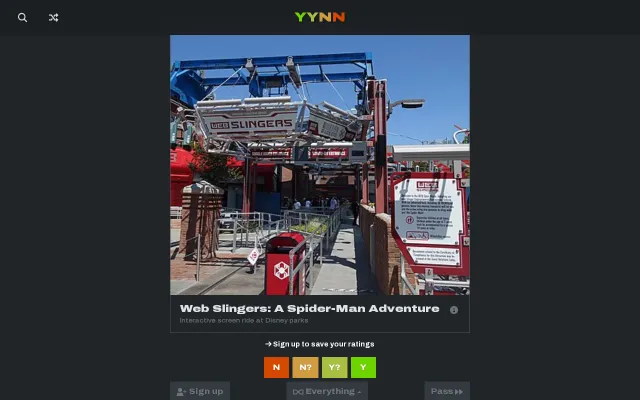
Tinder Swipe Everything in Wikidata
Tinder-style swiping for Wikidata adds gamification to data browsing.
Rabbit Hole
wilg
103mo ago
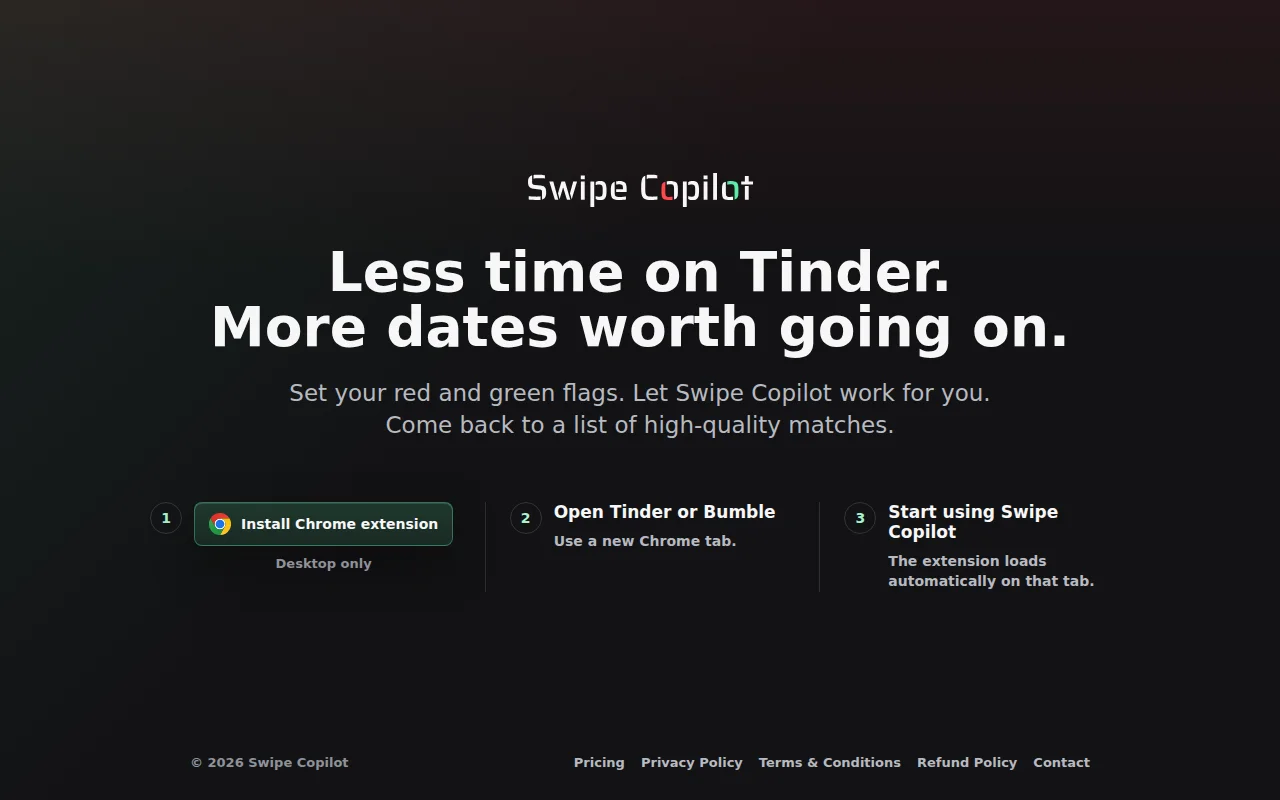
Automates Tinder swiping, but several free extensions already do this.
Online daters frustrated with manual swiping
TinderPlusPlus · Auto Swipe for Tinder · Tinder Bot
Several Chrome extensions already do this, but their UIs are terrible, the filters you can apply are limited, and there's no way to filter based on the content of profile photos.
I initially built Swipe Copilot (https://www.swipecopilot.com) for myself, but then realized others might find it helpful too, so I thought I would publish it and share it :)
It works for both Tinder and Bumble. If you try it out, let me know how it goes!
In the 2 weeks I've been testing it myself, I went from dreading the apps and barely using them to getting several interesting matches each week, with two of them leading to first dates.
I know this kind of tool may not be for everyone, but for me, there's no way I'm ever going back to swiping manually.
PS: I haven't been able to test this with free Tinder/Bumble accounts yet, so it's possible that when you run out of likes or an ad appears, things might break.
---
HOW IT WORKS
The easiest way to understand it is to try it out, but if you're curious and want to read...
First you set Red Flags: if a profile matches any of them, it's an instant Nope. As an example, some of my Red Flags are "Smokers" and "Workout = Never". For each Red Flag you set, you can choose whether it should apply only if the person is looking for a long-term relationship.
If a profile clears all Red Flags, its first 3 photos are analyzed with AI.
1) First check: whether the photos are of an actual person and whether they match the gender you're attracted to. In my case, if at least 2 of the pics don't show an actual person, or the person is a man (happens sometimes), it's an instant Nope.
2) Second check: Body type. You can choose accepted body types (choosing ALL is the default option).
3) Third check: Attractiveness, which can be Low, Mid, or High. This was very hard to fine tune. Low and High ratings are generally correct (at least from my POV), Mids can be tricky.
For each Attractiveness tier you can choose what Swipe Copilot should do: Instant Nope, Instant Like, or Conditional. If you choose Conditional, a Like will be triggered only if some of your Green Flags are met.
You choose how many Green Flags are needed to turn a Conditional into a Like. As an example, some of my Green Flags include "Don't want children" and "Interests contain Meditation or Mindfulness".
Tinder-style swiping for Wikidata adds gamification to data browsing.
Waitlist-only landing page for a food swiping app that already has many competitors.
Agents negotiate introductions privately before humans ever see each other's profiles.
AI matches dating profiles from text essays instead of photo swiping.
AI agents date for you—novelty premise, zero evidence this solves anything people want.
Tinder-style swiping for city itineraries when Google Maps already does discovery.