Productivity●Mid
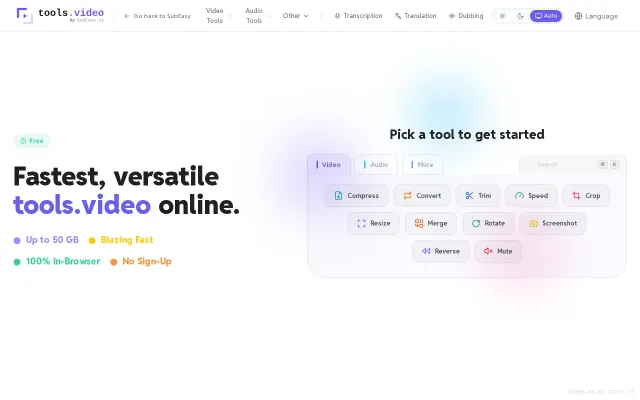
Tools.video – Browser-native video processing at 50 GB scale
WebCodecs handles 50GB files when FFmpeg WASM tops out at 4GB.
Slick
terryops
204mo ago
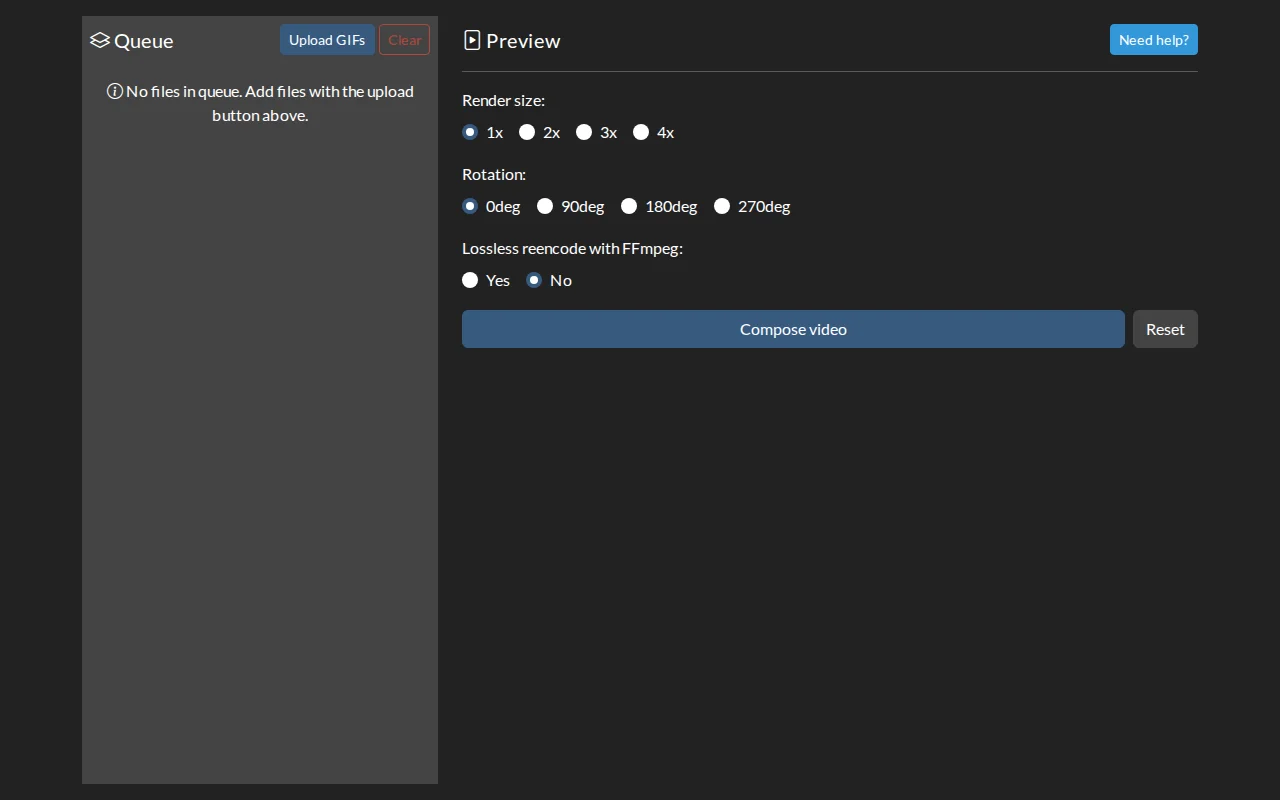
FFmpeg WASM + WebCodecs in browser, but only useful if you use WigglyPaint.
WigglyPaint users creating social media content
FFmpeg · CloudConvert · EZGIF
The first iteration I did was manually mangling FFmpeg commands to loop GIFs over n seconds, before combining them into a video. After that I thought, I might as well make a web application to help make this easier.
Ironically, the videos I created in my Firefox Windows appears to be unplayable, which prompted me to go full circle, by importing a FFmpeg WASM to fix the file.
But it was definitely interesting to see how the JS code work to splice GIFs into image data, replaying it over a canvas, which then feeds to a WebCodec. GitHub link is in [2] if you are interested to see the source code. Cheers!
WebCodecs handles 50GB files when FFmpeg WASM tops out at 4GB.
WebCodecs + FFmpeg WASM means zero uploads — Clipchamp alternative that respects privacy.
Yet another ffmpeg.wasm wrapper with no differentiation from existing tools.
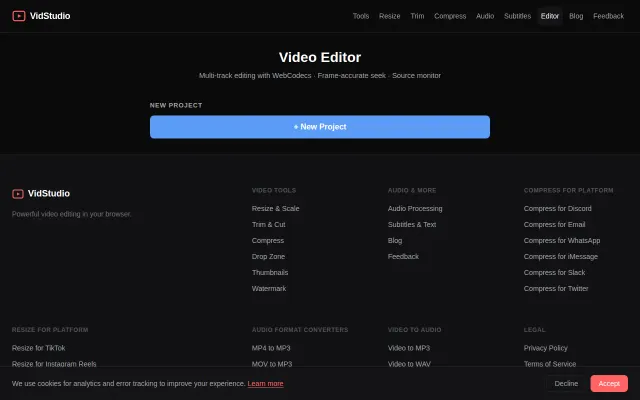
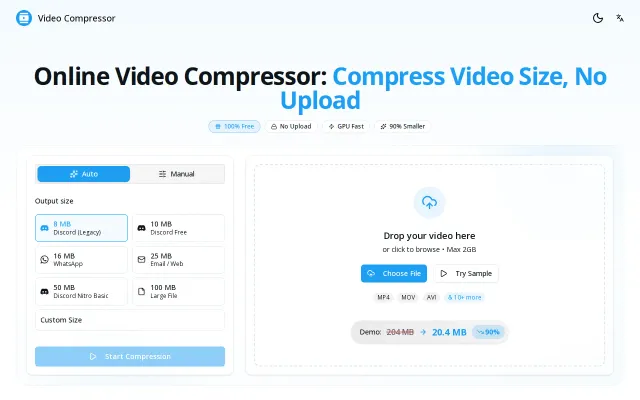
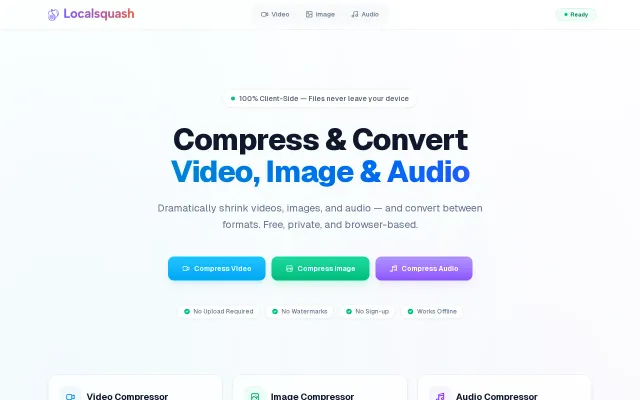
This runs entirely in the browser and routes encoding through the WebCodecs path for GPU-accelerated speed, falling back to a WASM engine when needed — that dual-engine approach is the real hook. The UI gives sensible presets (Discord, WhatsApp, email) and clear privacy messaging, but the pitch leans heavily on speed claims without visible cross-browser compatibility or quality/bitrate tradeoff details.
Privacy-first video editing but it's just ffmpeg.wasm with a UI wrapper.
FFmpeg.wasm GUI when CloudConvert and Ezgif already do this with server-side processing.