Productivity●●Solid
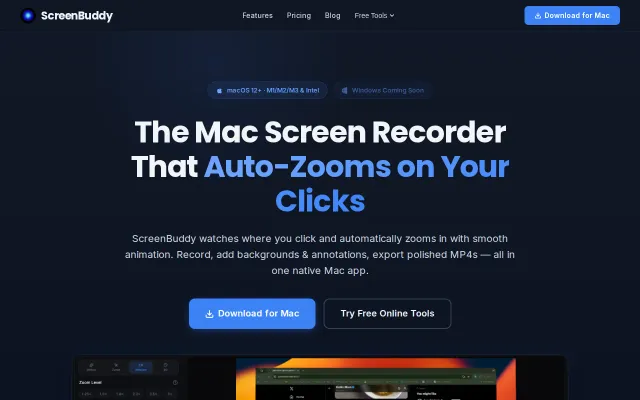
ScreenBuddy – Mac screen recorder with auto-zoom on clicks
Auto-zoom on clicks saves manual keyframing, but Loom already owns this workflow.
Eye CandySolve My Problem
jiabins0303
103mo ago
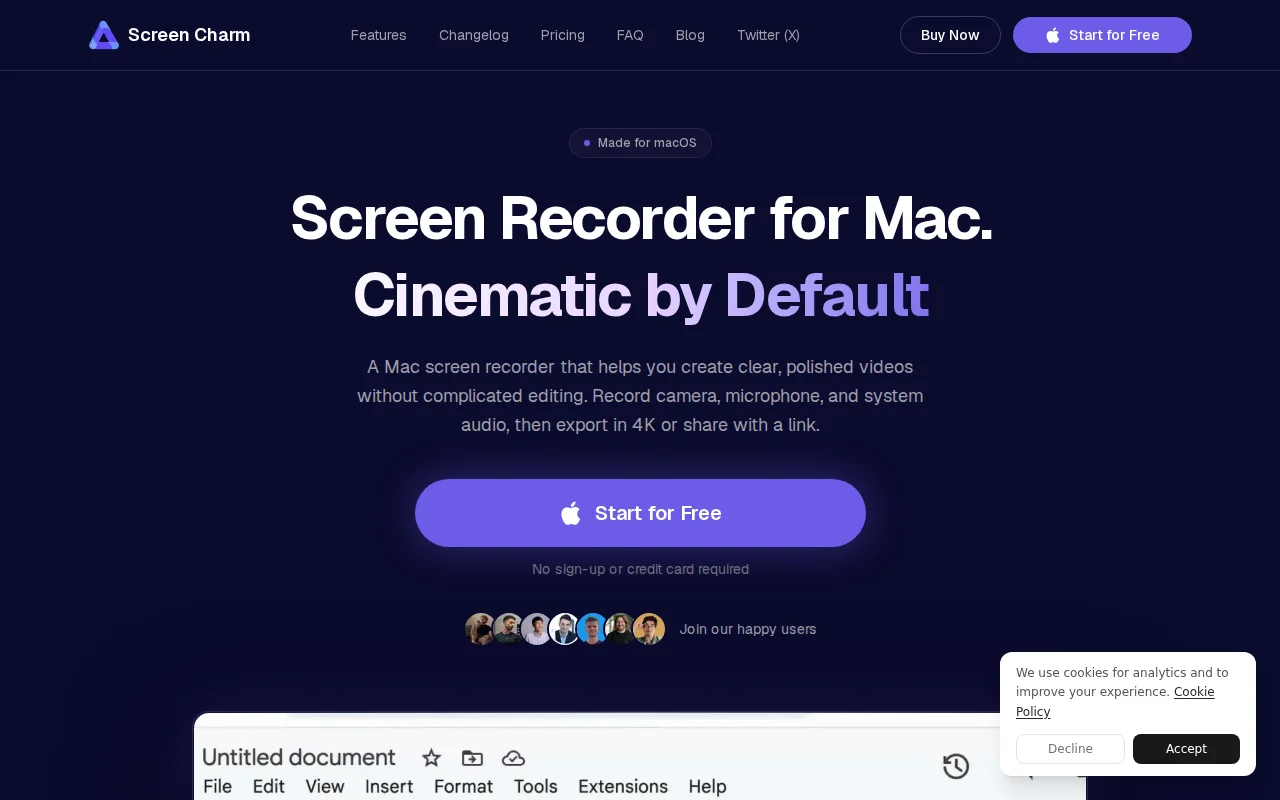
Click-driven zoom pipeline with outlier clamping beats manual editing in Loom or ScreenFlow.
Developers, course creators, founders making demo videos
Loom · CleanShot X · ScreenFlow
Overall I spent about 2 years on the development. The more interesting part is tracking the cursor movements when user starts recording and transforming it into smooth cursor movements and click-driven zoom effects. I use Swift scripts for low-level cursor tracking, then run a post-processing pipeline: resampling to timeline FPS, outlier-jump clamping, stillness detection/snap-to-median, cursor-type flicker smoothing, and coordinate normalization for area vs full-screen recording. Clicks are converted into timed zoom segments with easing so playback feels intentional, not jumpy
For the video preview and export I use PixiJS. Before I used Remotion, which had the needed functionality, but the rendering was slower because it relied on a Chromium + FFmpeg pipeline. PixiJS uses WebGL so the 4k video rending is much faster. It took me about 3 weeks on switching from Remotion to PixiJS. The rendering speed improved by about 3-4x on the same projects and hardware. I was honestly relieved when it finally worked
I would never have built this product without AI assistants, since I had never built an Electron app before. Many things were not obvious to me, and my first users ran into lots of issues and edge cases I didn’t even know existed. I spent the last year fixing them.
I'm happy to answer on your questions
Auto-zoom on clicks saves manual keyframing, but Loom already owns this workflow.
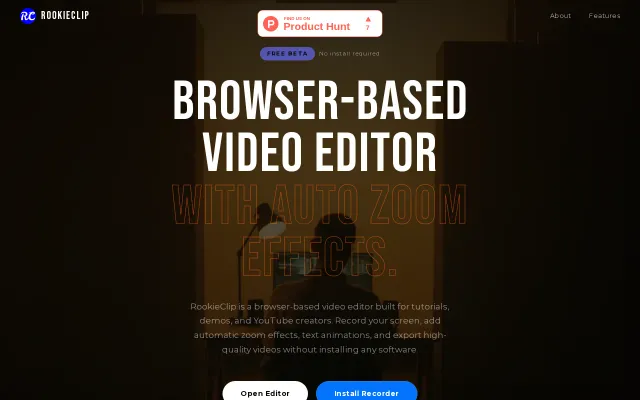
Browser-based screen recorder with AI-driven auto-zoom to replace heavy desktop software.
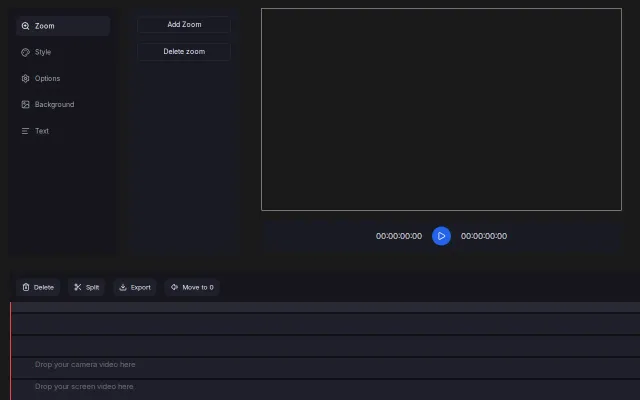
Interface leans into a focused workflow: separate tracks for camera/screen/images, an obvious 'Add Zoom' control, and timeline operations like Split / Move to 0 for fast edits. It looks engineered for creating tutorial-style zooms quickly, but it doesn't show advanced keyframing, audio tools, or anything that clearly outclasses established browser editors.
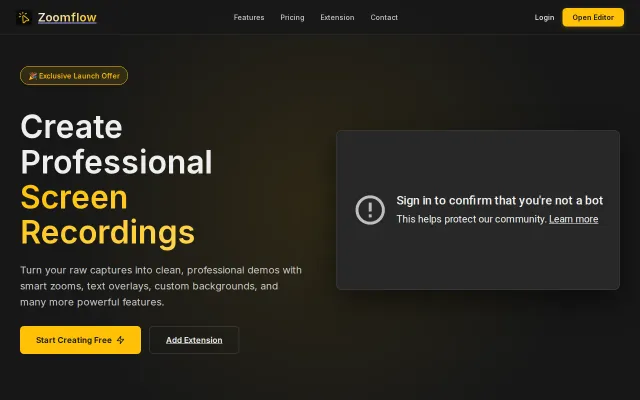
Auto-zoom to cursor removes editing friction, but Camtasia and Loom already do this.
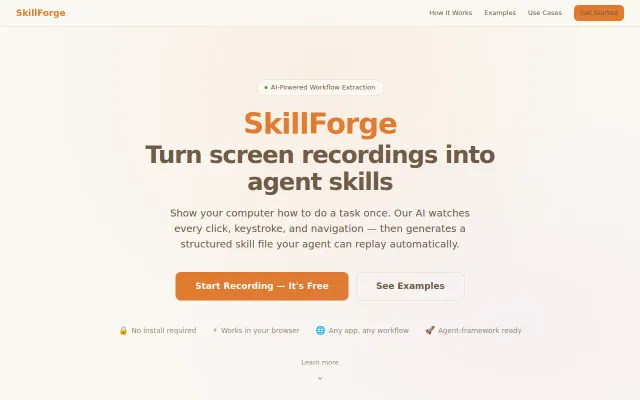
SkillForge turns the old 'show, don't tell' trick into code: record a task, and their AI teases clicks, keystrokes and navigation out of pixels into a stepwise skill file you can edit and export. The ability to trim video, rewrite steps via AI, and output a SKILL.md for agent frameworks is a practical, opinionated workflow that could shortcut lots of brittle RPA scripting — my main questions are reliability across dynamic UIs and privacy/recording controls, but the product direction is smart and tangible.
YAML-to-animated-SVG terminal demos with pure CSS—no recording, embeds everywhere.