Productivity●Mid
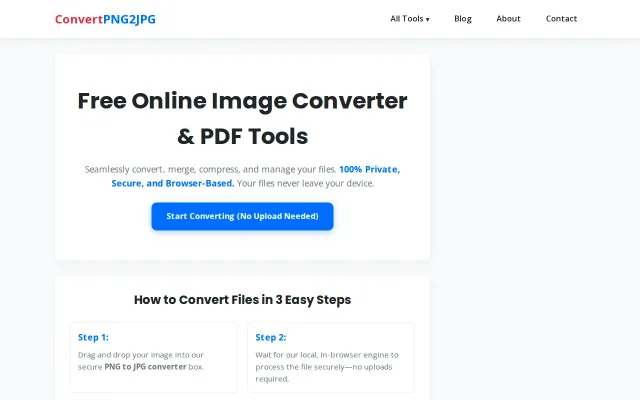
ConvertPNG2JPG – A 100% free, client-side image and PDF converter
Yet another client-side converter when ilovepdf and Squoosh already dominate.
Solve My Problem
pramaz
422mo ago
Client-side compression when dozens of free alternatives already exist.
Users submitting documents to portals with file size limits
TinyPNG · iLovePDF · Squoosh
Yet another client-side converter when ilovepdf and Squoosh already dominate.
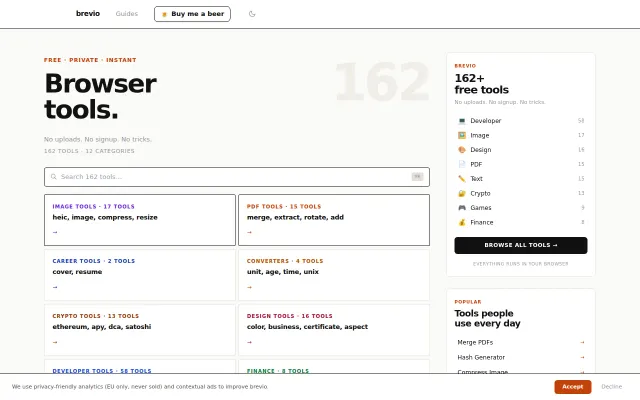
Yet another CyberChef clone with 162 basic tools nobody needs aggregated.
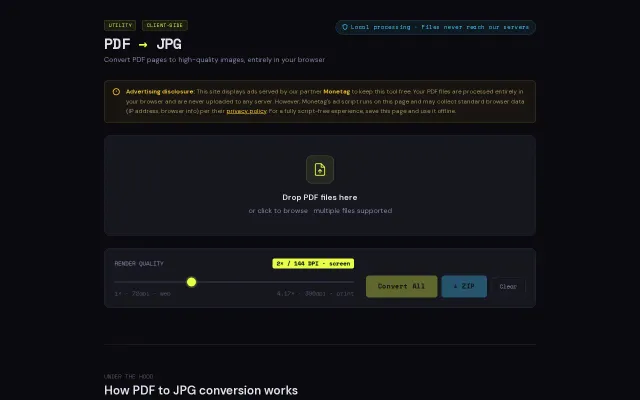
Client-side PDF conversion when Smallpdf already does this free.
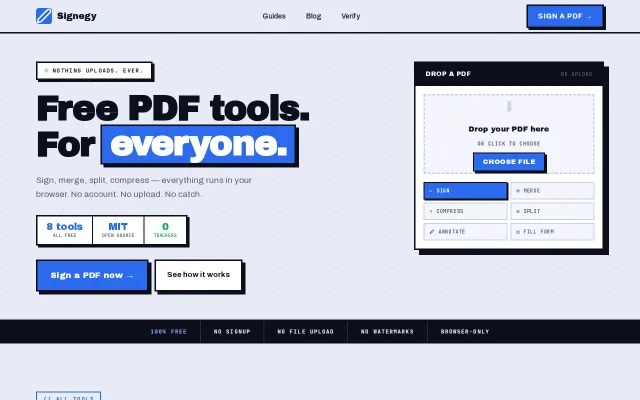
Free browser-only PDF tools with audit trails, but iLovePDF and CyberChef already dominate.
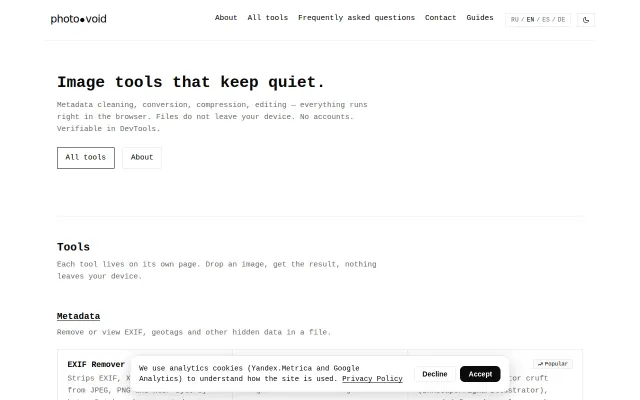
C2PA inspector and true PDF redaction stand out in a sea of basic EXIF removers.
Zero-server processing inside the browser is the clever bit — Web Workers + pdf-lib/PDF.js lets you compress, merge, split and convert large PDFs without uploading sensitive files. The app also supports offline use and multiple languages, but the repo is early-stage with minimal community traction, so it’s useful now for cautious users or integrators rather than a drop-in replacement for mature SaaS players.