Productivity●●Solid
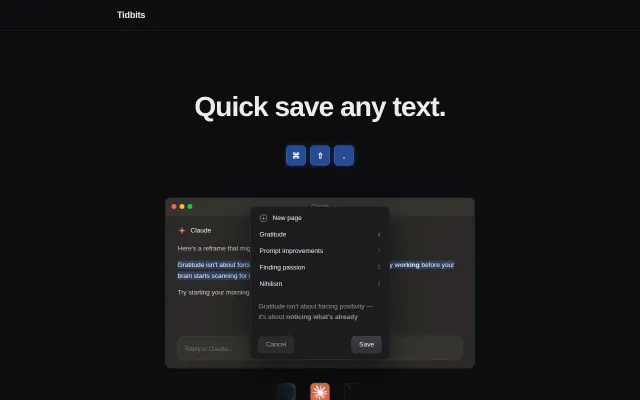
Tidbits – Quick save any text without switching windows
Global hotkey saves text to local files for Claude Code context integration.
CozySolve My Problem
uglyburger
212mo ago
Quick Access for Pass
Encrypted SQLite index keeps secrets off disk while enabling fast Proton Pass searches.
Proton Pass users on macOS, especially those migrating from 1Password
1Password · Bitwarden CLI
I could not find an equivalent solution, so I built one and have been using it for a few months.
Quick Access for Pass is a native macOS application that lets me search Proton Pass vaults from anywhere using a global keyboard shortcut. It supports passwords, OTPs, SSH keys, and command execution with credentials from Proton Pass.
The project is built entirely around the Proton Pass CLI. To keep searches fast, it maintains an encrypted local index that contains only metadata for search and ranking. Secrets are fetched on demand from the Pass CLI and never stored locally.
Curious whether other Proton Pass users have run into the same issue, particularly those coming from 1Password.
Global hotkey saves text to local files for Claude Code context integration.
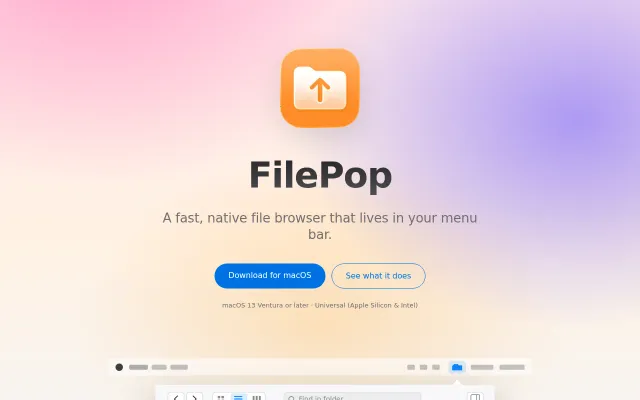
Nice menu bar Finder wrapper, but macOS file browsing is already solved.
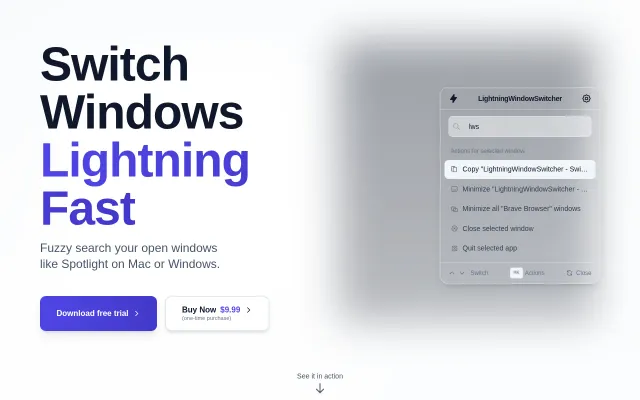
Spotlight for window switching when Raycast and Alfred already do this.
ElevenLabs Scribe wrapper for macOS when Epicenter already does this with more features.
Native macOS wrapper for zot CLI with auto-updating binary, but lacks novel agent capabilities.
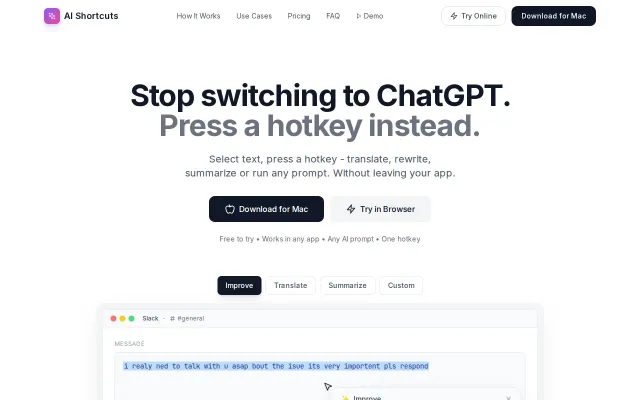
Turning any selected text into an instant AI edit with a single hotkey is a small UX idea that pays off — no more tab-switching or clipboard juggling. The BYO API key and customizable prompts/hotkeys are thoughtful: this keeps control (and costs) in your hands. It's not revolutionary — macOS already has a handful of similar utilities — but if the native accessibility hooks are robust and privacy is clear, this is exactly the kind of convenience tool people will use daily.