Back to browse
Prompt Foundry-tasks with focused context + instructions = sharper AI

Prompt Foundry-tasks with focused context + instructions = sharper AI

by espresso_dev·Jun 18, 2026·1 point·0 comments

AI Analysis

●●SolidSolve My ProblemCozy

MCP feedback loop lets AI update its own context library without manual upkeep.

Strengths
  • Self-updating prompt blocks via MCP solves the stale context problem elegantly.
  • Liquid templating makes prompt blocks dynamic without reinventing the wheel.
  • Benchmark shows measurable improvement in code structure and reduced handholding.
Weaknesses
  • Only 26 installs means the feedback loop hasn't been tested at scale yet.
  • Prompt management space is getting crowded with various library tools.
Target Audience

Developers using AI assistants in large codebases

Similar To

Claude Code · Cursor · Windsurf

Post Description

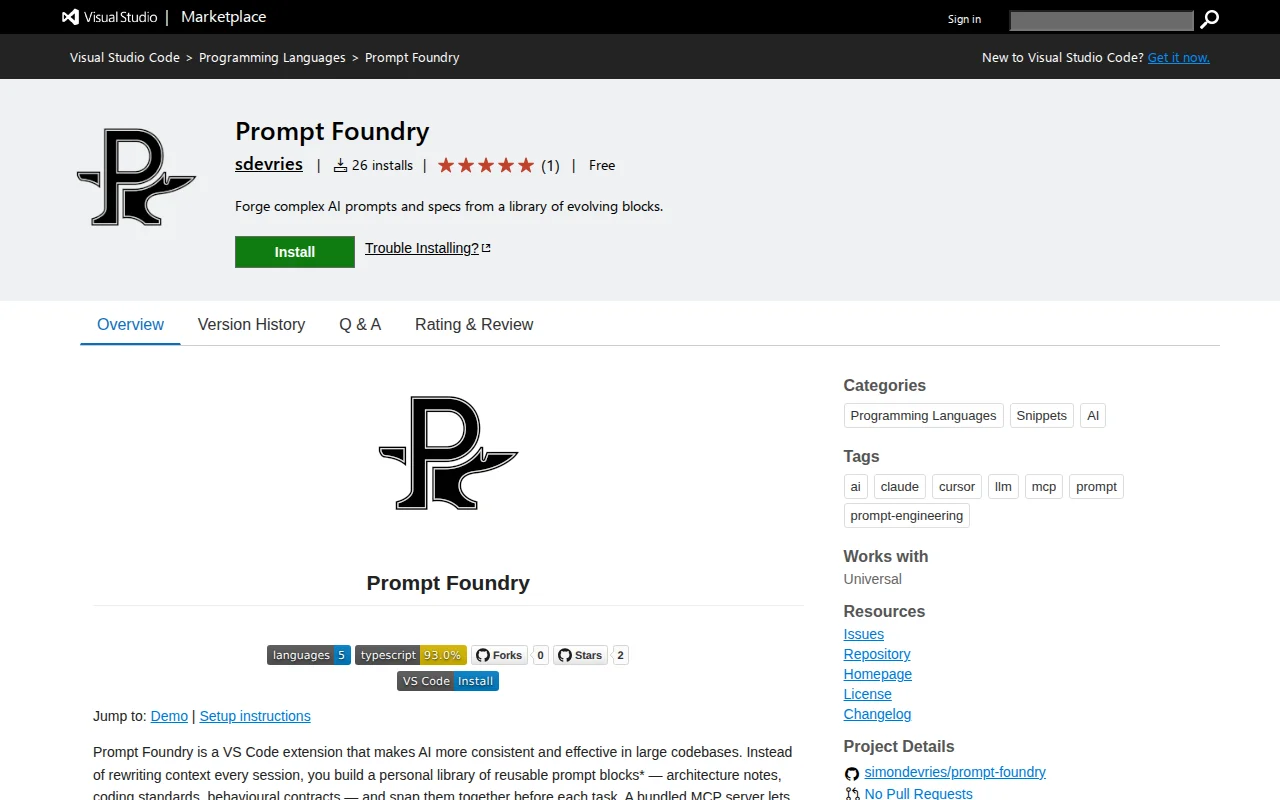
To get an AI to do a task well, you need to give it the right context and the right task description. I've had a lot of struggles working in a large codebase getting AI to follow the existing patterns and architecture. So I started building a VS Code / Cursor extension that lets you quickly snap together sub prompts/instructions relevant to a specific task. After seeing the value of this, I realized you could make those sub prompts more customizable by using a liquid syntax engine. That worked fine for a few days, until the original context blocks got stale as the project progressed. I wrote an MCP server that can update those blocks, creating a feedback loop. A few days later I added an amend option too, so the AI can write a log and decision record as it goes. At this point I realized there were a lot of opportunities here: my AI isn't spending the first 5 minutes doing research, I've got better control over my context window, there's less irrelevant data leaking in from my agents.md file when I switch repos, I can write prompt groups for separate workflows, and so on. The last blocker for me was that I actually use Claude Code and not VS Code much anymore. So I figured out how to hook into the external editor command to open a TUI directly from CC and write a prompt from there. Now I'm happy to finally share it after spending the last 5 months perfecting it. Would love for you to try it and let me know what you think. I've

More details see GH: https://github.com/simondevries/prompt-foundry

install vscode: https://marketplace.visualstudio.com/items?itemName=sdevries...

Install OpenVsx: https://open-vsx.org/extension/sdevries/prompt-foundry

Similar Projects