Hardware●Mid
Simple Audio Sweeper
REW and Room EQ Wizard already do frequency sweeps with more features and calibration.
Cozy
pjdude
322mo ago
VS Code extension to visualise music right inside your code
Multiline cursors become frequency bars, turning your editor into a music visualizer.
VS Code users, audio visualizer enthusiasts
Winamp · Cava · Rainmeter
While programming and listening to music, I had this habbit of moving multiline cursors back-and-forth. Since code lines have different widths, it used to look like a music visualizer in my imagination. So, I turned that into a VSCode extension.
Demo video: https://www.youtube.com/watch?v=WM2GeKBBX5E
Disclosure: While I've been obsessed with audio visualiser from the start of my programming days and built one in Processing and another in C++/OpenGL from scratch, this one was partially vibe coded.
REW and Room EQ Wizard already do frequency sweeps with more features and calibration.
SoundCloud-to-video one-click export with beat-reactive visuals and remix community.
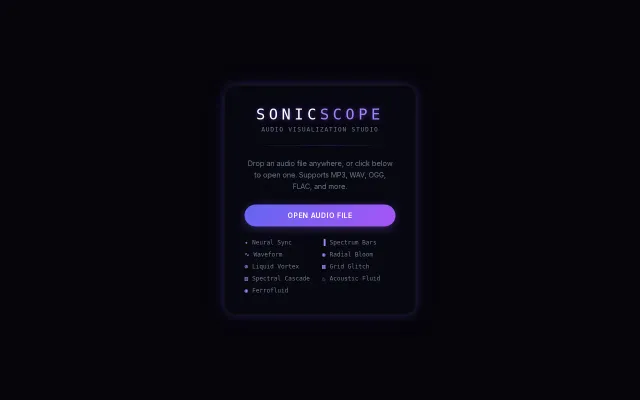
Browser audio visualizer when Webamp and dozens of alternatives already exist.
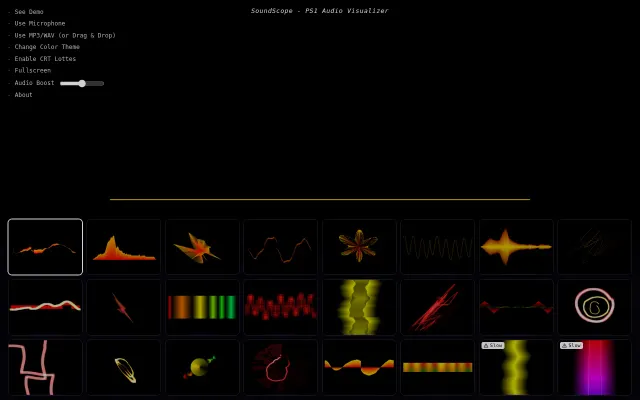
PS1-style CRT visualizer with 20+ modes that runs entirely in browser.
Winamp visualizers from 20 years ago, but in your browser now.
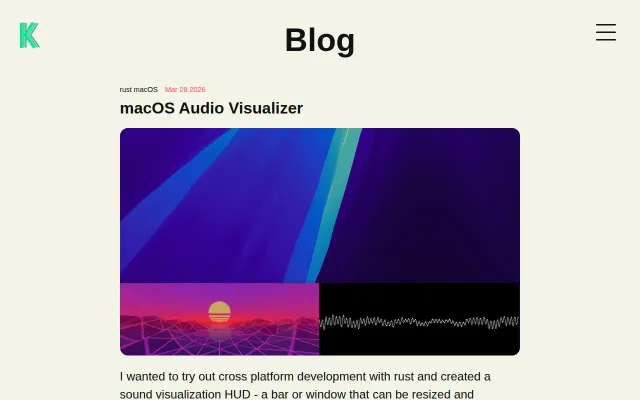
Custom WGSL shaders are cool but 30fps alpha with manual window management limits utility.