Developer Tools●●Solid
CursorLens – Open-source screen recorder/editor for product demos
macOS-native screen recorder with timeline editing, but Loom/ScreenFlow dominate this space.
Ship ItNiche Gem
blueberrycongee
104mo ago
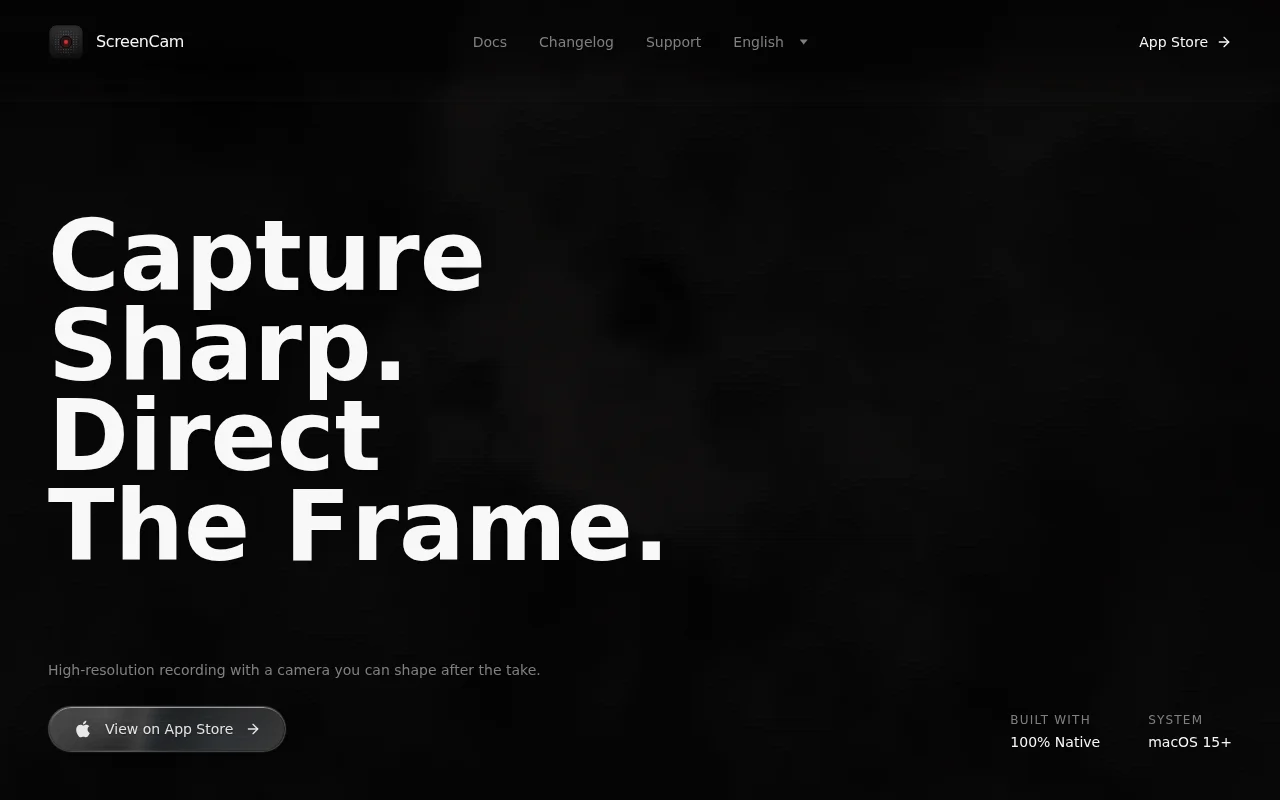
Screen Studio alternative at 20MB with manual zoom anchors and native macOS performance.
Product marketers and developers creating demo videos on Mac
Screen Studio · Loom · Camtasia
macOS-native screen recorder with timeline editing, but Loom/ScreenFlow dominate this space.
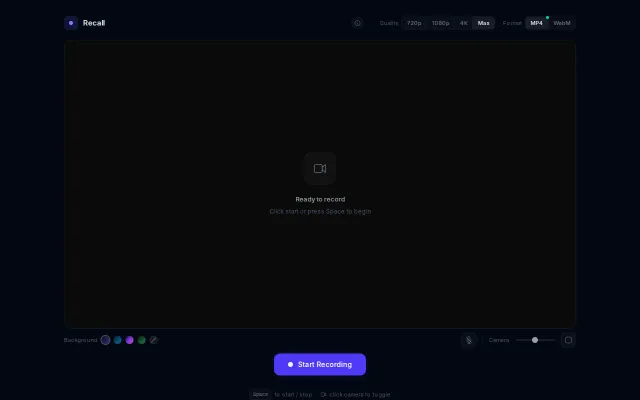
Everything runs client-side and the UI gives you real control — pick MP4 or WebM, toggle 720/1080/4K, pick gradients, and resize the camera overlay. It's not reinventing the wheel (Loom/OBS already exist), but the minimal, no-install flow plus thoughtful controls (format/quality toggles, mic and camera sizing) make it genuinely handy for quick recordings. Would be way more compelling with basic trimming or one-click cloud upload.
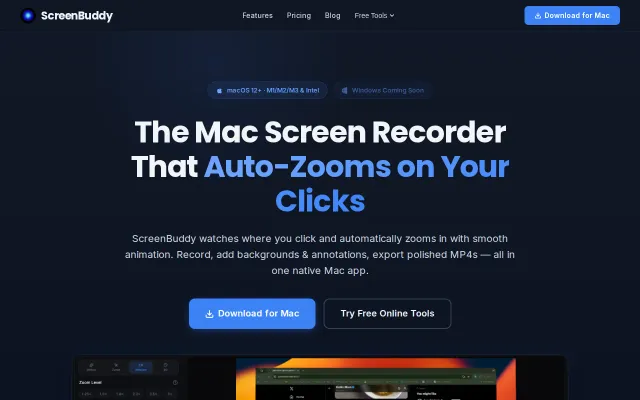
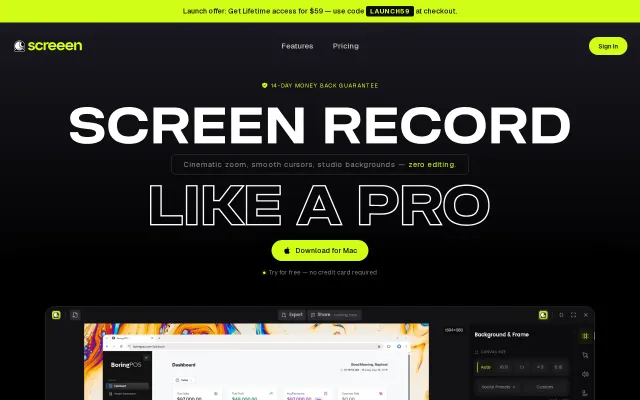
Auto-zoom on clicks saves manual keyframing, but Loom already owns this workflow.
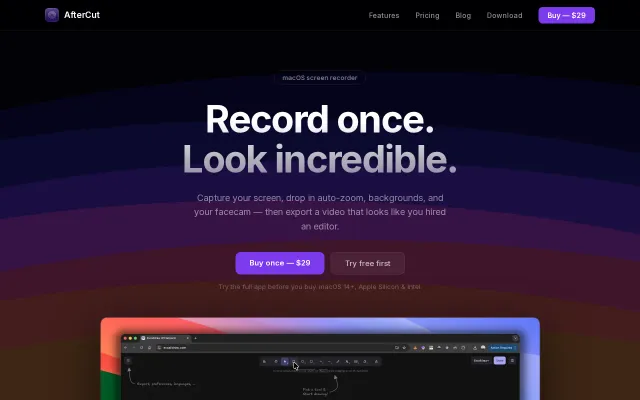
Smart Zoom and click/keystroke highlighting are sensible UX-first features that actually matter for tutorial makers — they reduce editing overhead. The one-time $29 license and native macOS build are the selling points here, but nothing on the page suggests a technical leap over ScreenFlow/other tools; it feels like a focused, friendlier alternative rather than a reinvention. Missing cross-platform support and more detail on multi-track audio or sharing workflows keep it from feeling essential.
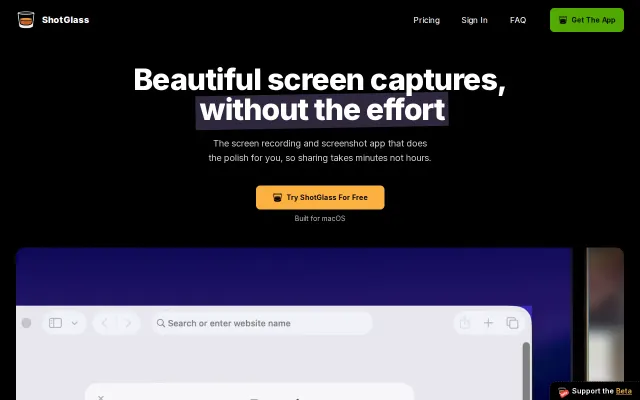
Automated 3D MacBook mockups replace hours of After Effects work.
Auto-zoom on clicks is neat, but Loom and ScreenFlow already own this space.