Developer Tools●●●Banger
Node-Vmm – Linux MicroVMs in Pure Node.js for Mac/Windows/Linux in ~1s
Pure Node SDK for KVM microVMs that beats Firecracker's DX for JS devs.
WizardryZero to One
misaelzapata
812mo ago

I've been spending the past month on PAI, a Linux-esque harness for a personal assistant AI for your Mac. Instead of giving a chatbot a bunch of tools, I wanted to just drop the LLM into a terminal and see how it'd fare.
I've been using it to manage my calendar, 5+ email accounts, and engaging with / responding to people in a timely manner (casus belli for this entire project).
After seeing how other always-on assistants were designed, I thought the Unix / Linux philosophy of system design could be applied to AI harnesses, and I wanted to experiment with how it'd hold up compared to them. So, I built PAI with the following things in mind:
1. Engaging "code mode" in the LLM (LLMs are natural SDEs / SysAdmins) - If you remember the [code mode](https://blog.cloudflare.com/code-mode/) post from a while ago, I wanted to try and utilize those capabilities within the model for it to naturally interface with the harness rather than trying to load it up with a bunch of exposition. An LLM naturally knows that config-related things belong in /etc/, how to `cd`, `cat`, `tail` stuff, etc.
2. Avoid polling with an LLM. - I wanted to see if I could avoid polling because it's a waste of tokens and an arbitrary interval seems inelegant. - Instead, I created an event bus that wakes the LLM and accepts arbitrary sources that PAI might wire up itself. - Polling with a script is sometimes unavoidable and fine.
3. PAI has its own FHS(-ish) directory - The directory hosts several different users (agents) in ~/.pai/home/; Default configuration is a root agent, the user-facing agent, and the `librarian' which handles memory consolidation and learning and whatnot. - Each agent can subscribe to different events from the source, have different perms to access/run stuff.
4. Tools are binaries, APIs / connectors are drivers (& everything is a file) - This is more of a suggestion than a rule I strictly followed, but basically every tool is an executable and every event producer follows the shape of a driver in Linux. Everything is a process that lands in /proc/, events are files, etc.
5. PAI has its own package manager - Aptly called `paiman`, this is just a way for PAIs to share new things they write upstream. I realize this is insanely insecure (not sure how to make it secure if I'm being honest) so I haven't actually made upstream commits possible.
6. Is grep ~ vector search? - I wanted to see if just grep (rg) is good enough since realistically latency is a non-issue here anyway. I might experiment with vector search later.
7. I hate logging in to all my accounts - I used the local SQLite DBs that were stored on Mac to integrate with iMessage and Mail. It works out-of-box (given that your Mac has those apps set up).
*Things you should know before trying * There is no sandbox. PAI expects full disk access. PAI copies your chrome cookies into a separate chrome instance for playwright. You can see everything it's doing though. FOSS & BYOK. I've been using $5 of credit w/ Deepseek and I've yet to run out. If there's interest I might turn it into a cloud thing but I doubt it :D
Try it out with the instructions at https://whitematterlabs.ai | gh: https://github.com/whitematterlabs/pai . Also please excuse the shameless LLM-generated site :-)
Any comments, thoughts, or suggestions would be much appreciated. You can also just tell PAI to change whatever you might not like about it.
Pure Node SDK for KVM microVMs that beats Firecracker's DX for JS devs.
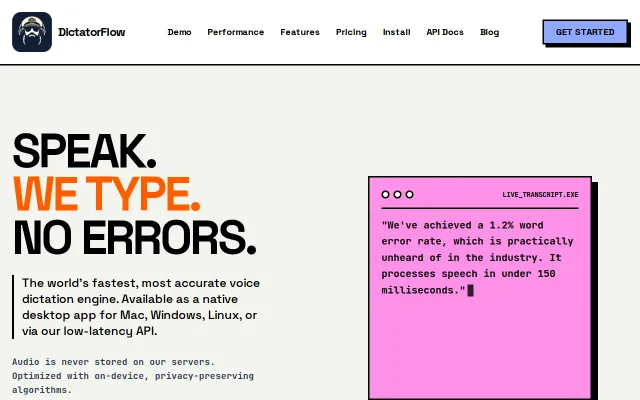
1.2% WER in 150ms beats Whisper and Deepgram, but pricing undercuts adoption vs free.
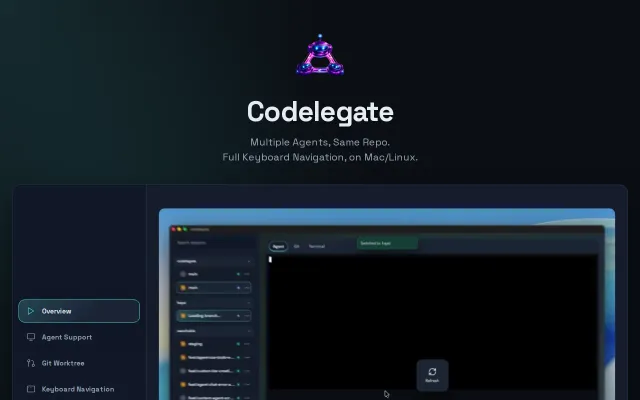
Git worktree isolation per agent session is genuinely clever for parallel work.
One Rust binary does what Electron apps and Python scripts couldn't for Linux dictation.
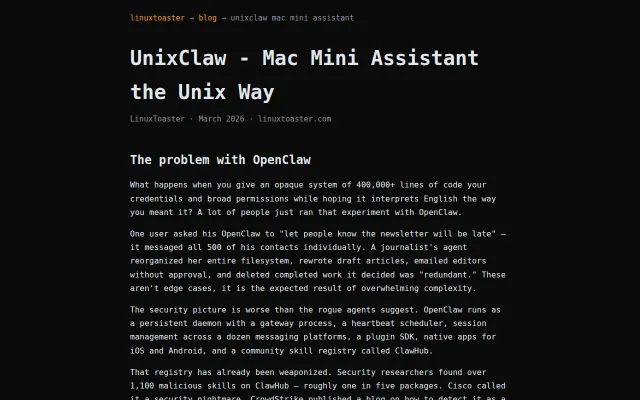
Unix pipes and stateless tools beat complex AI daemons for local privacy.
Browser-accessible Linux shell in a container, but unclear what problem it solves.