Productivity●●Solid
Shacam for macOS – Screen sharing you can touch
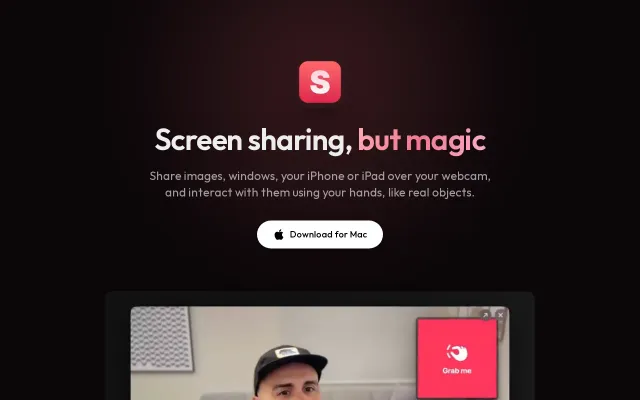
Hand gestures control virtual camera content when OBS and Camo already exist.
SlickNiche Gem
renatoworks
507d ago
Scene transitions with window-following drawings beat OBS complexity for demo workflows.
Developers and consultants who do live demos or customer presentations
OBS Studio · Camo · Ecamm Live
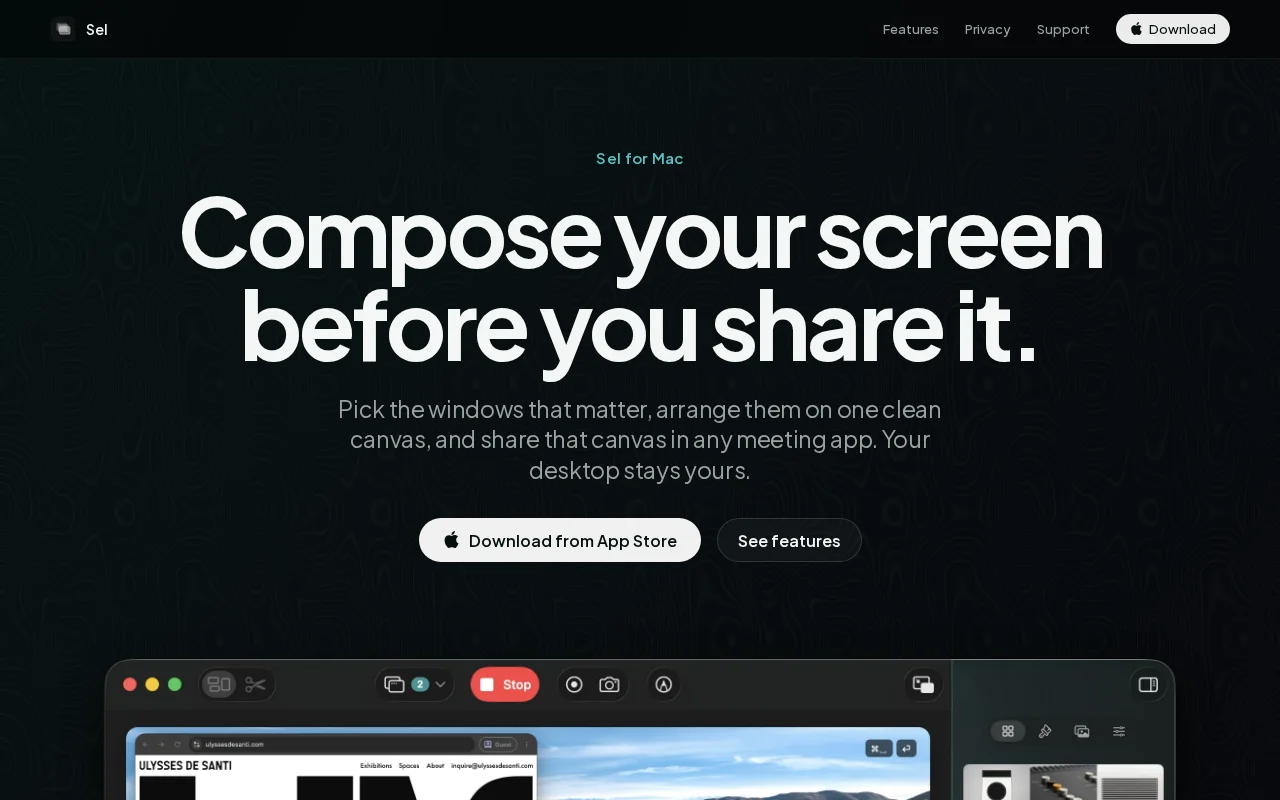
I do a lot of live demos for customers, and I kept being nervous about what else was on my screen: notifications, other clients' windows, a messy desktop. Sharing one window is safer but then I'll be stuck with one window. So I built Sel.
First, pick the windows you want to show. Then, they'll be captured via ScreenCaptureKit and composited on a Metal pipeline into one canvas, over a background, and with an optional webcam bubble (and other kinds of overlays). You share that single canvas window in Zoom/Meet/whatever. The rest of the desktop never enters the frame, and you can prepare named "scenes" (demo, code, browser, etc) before the call and switch between them live, with a transition.
Hand gestures control virtual camera content when OBS and Camo already exist.
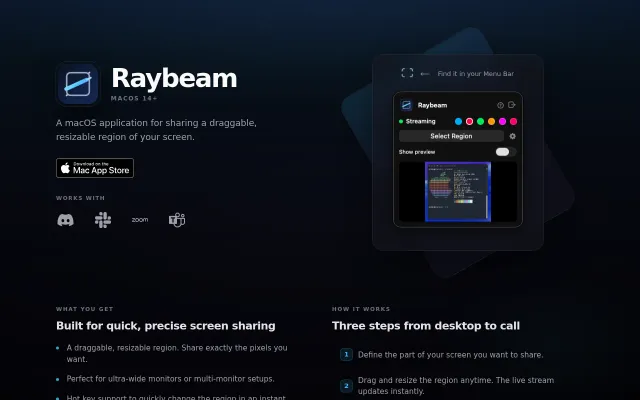
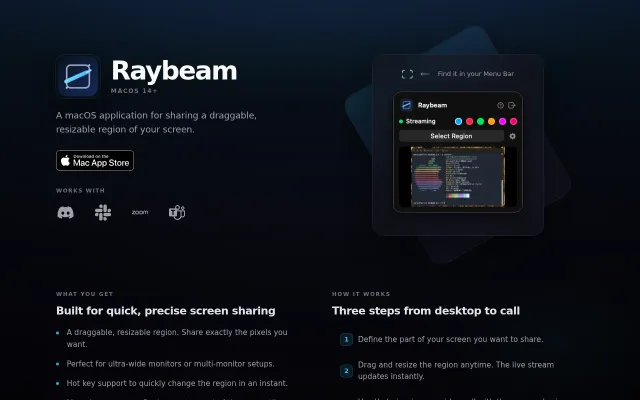
Virtual camera output for draggable screen regions solves the ultra-wide monitor sharing pain.
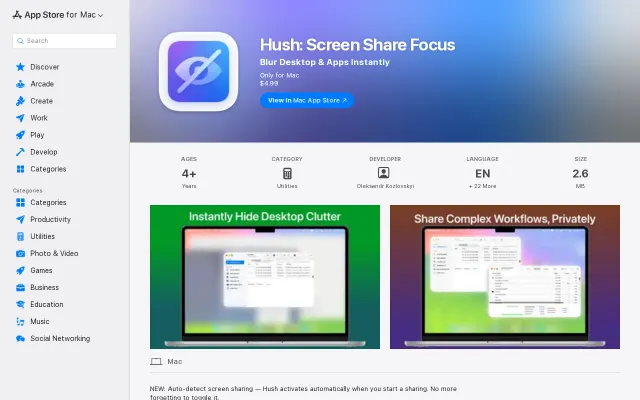
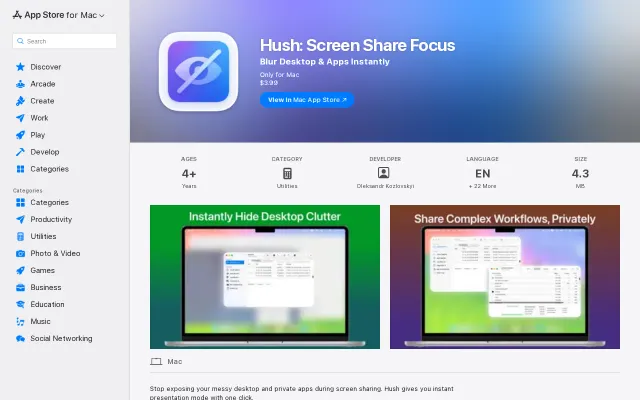
Auto-detects screen sharing via CGS API to blur desktop clutter instantly.
One-click desktop blur for screen sharing, but Zoom and Teams built this already.
Finally, a custom-region screen share that works with Zoom and Discord without window-switching hell.
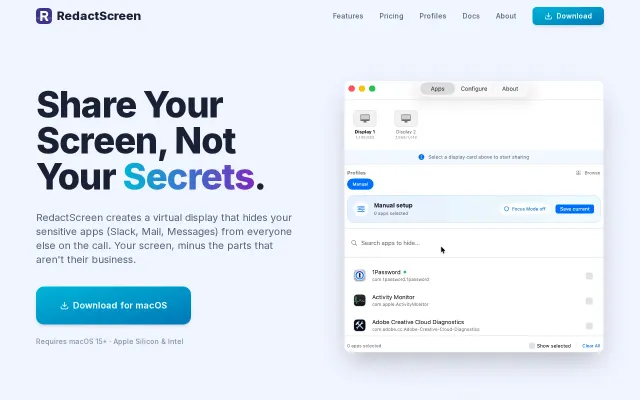
Virtual display hiding Slack and Mail beats manual window switching during calls.