Productivity●Mid
Rethinking browser tabs to treat too many tabs open
Dedupes tabs by full URL and groups by Open Graph metadata in Chrome.
Solve My ProblemCozy
moogas
102mo ago
Another tab manager when OneTab and Workona already dominate the space.
Power users with many browser tabs open
OneTab · Workona · Vimium
My tabs had become another to-do list I never quite finished. Existing browser features helped me store, group, or hide tabs, but not actually work through them.
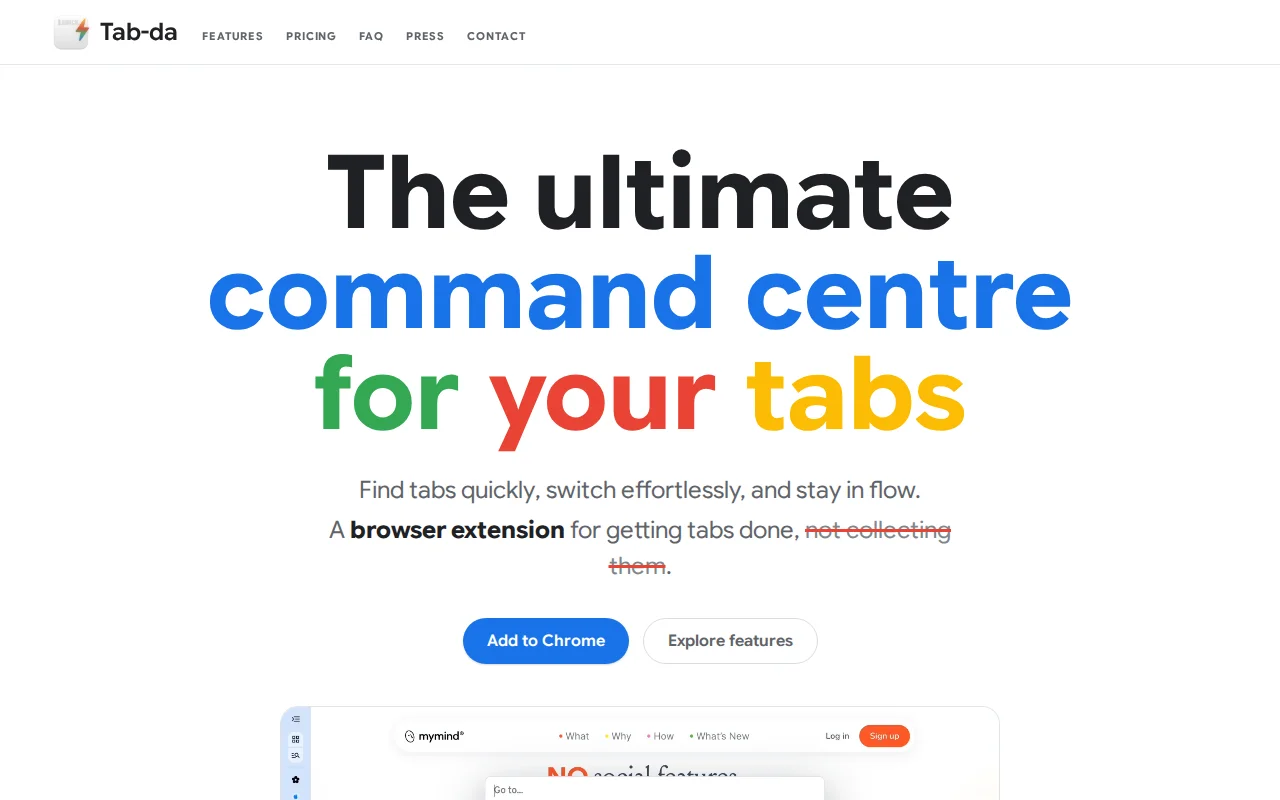
Tab-da is my attempt to make Chrome feel more like the rest of the system: keyboard-first, fast to navigate, and built around finding tabs, moving through related pages, and getting closer to tab zero.
Not going to lie, after building this, Chrome feels way more like an operating system to me than ChromeOS.
I’d love feedback from people with the same tab problem.
Dedupes tabs by full URL and groups by Open Graph metadata in Chrome.
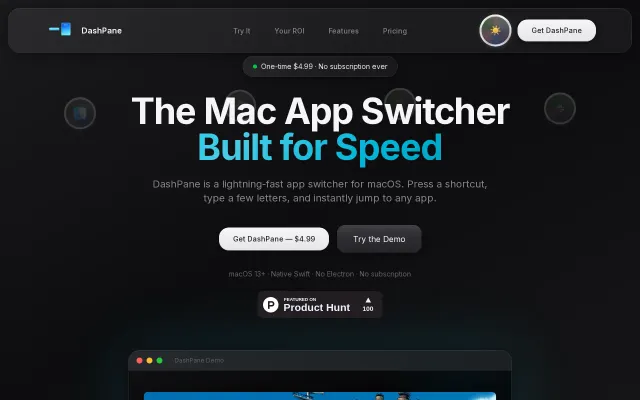
One-time $4.99 payment undercuts subscription app switchers like Raycast Pro.
IDE-style tab switching for web apps, but Electron wrappers are a dime a dozen.
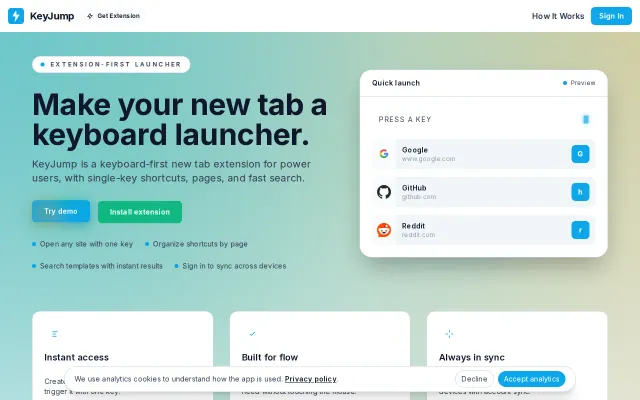
You press one key and land where you need to be — single-key shortcuts, page organization, and site-specific search templates are the core wins. Local-first storage with an optional account sync and an in-page overlay for saving links shows practical thinking for real workflows; it’s not revolutionary, but it looks and feels like something a power user would actually keep open.
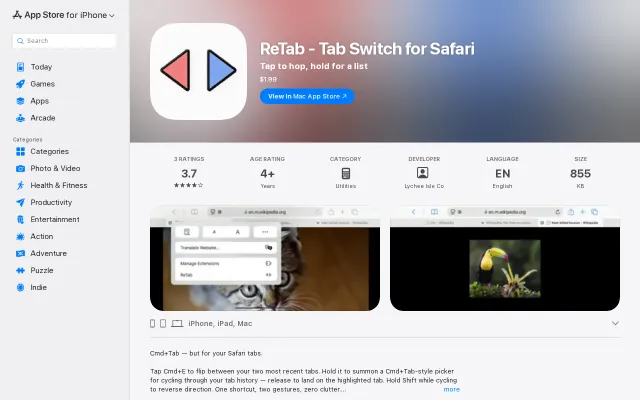
Brings macOS system-level tab switching to Safari with a frosted-glass overlay.
Per-app Alt-Tab bindings beat generic switchers like AltTab for macOS.