Developer Tools●●Solid
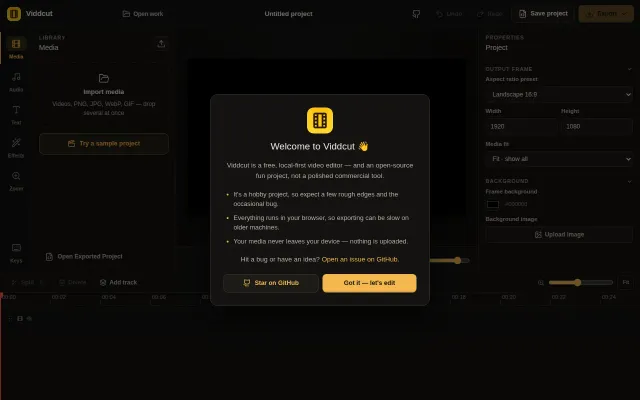
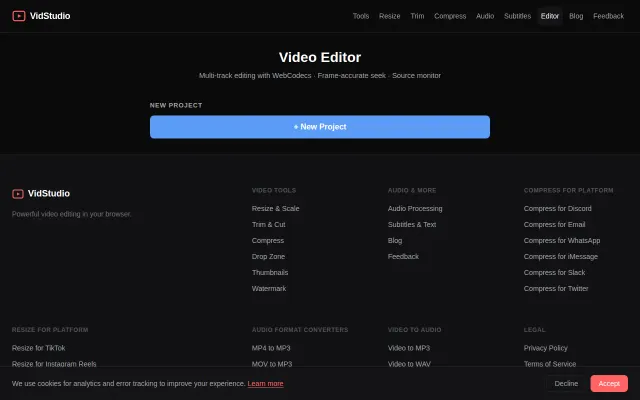
Viddcut – local-first video editor (Rust/WASM)
Rust/WASM video editing in browser is impressive, but browser editors already exist.
WizardryCozy
n4ze3m
511mo ago
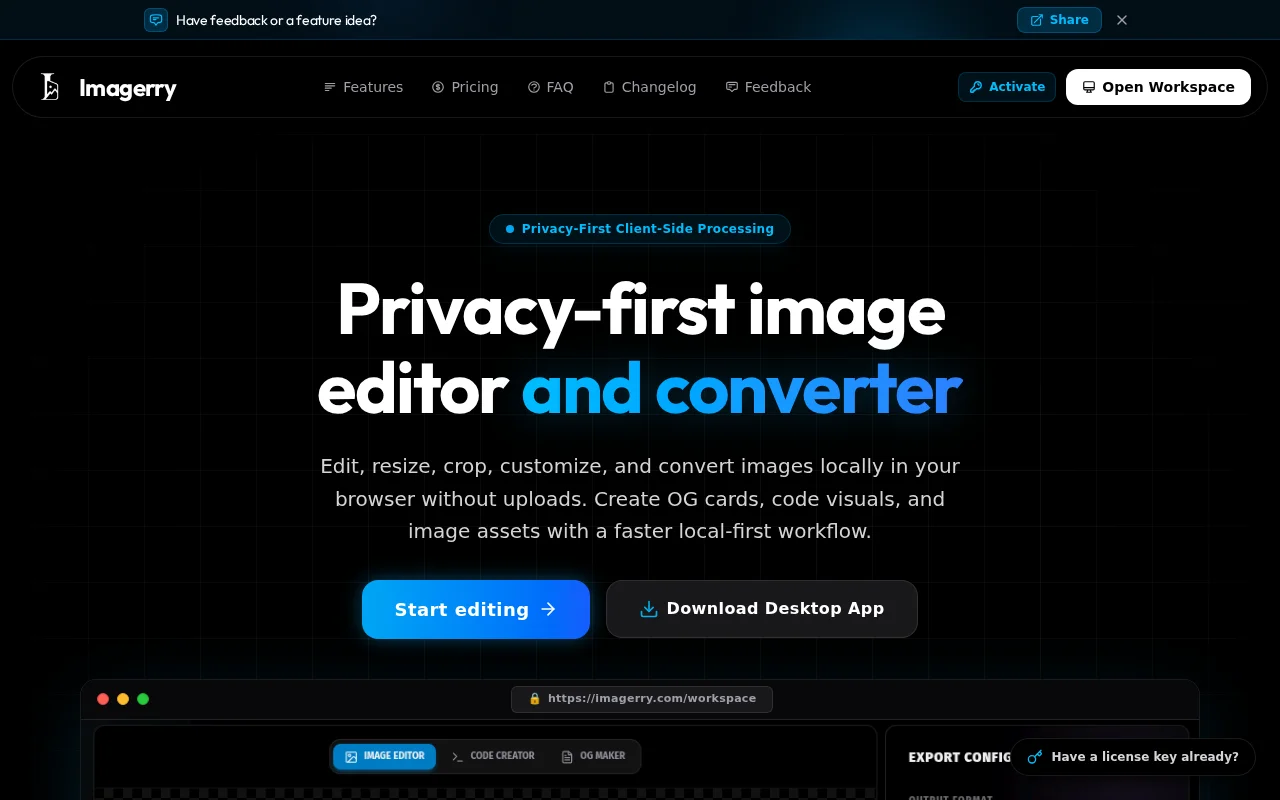
Yet another client-side image tool in a sea of remove.bg and Canva clones.
Developers and marketers needing quick, private image assets
Photopea · Canva · Squoosh
### What it does till today:
- 100% Client-Side: Zero file uploads, all processing happens locally using HTML5 Canvas & WebAssembly, though gpu is heavy on desktop apps. - Format Conversions & Resizing: PNG, WebP, AVIF, JPEG, SVG with high-quality Lanczos scaling (`pica`). - Utility Tools: Code Snippet Beautifier, App Icon Studio, Social OG Card Generator, and Passport Photo Arranger. - Cross-platform: Available as a PWA and desktop app (Electron).
### Some Suggestions and tradeoff's for adding ?? :)
I’m considering adding *local AI models* (such as in-browser AI image upscalers or background removers using ONNX Runtime Web / WebGPU) - by desktop apps preferable only.
Since Imagerry focuses on privacy and zero cloud uploads, running models locally in the browser feels like a natural fit, but it comes with a *20MB–50MB initial model or even more depending on local model's download trade-off*.
1. Do you think adding local-first AI models is the best direction for a web tool like this for support in desktop apps only? 2. Would the model download size bother's for a privacy-first web app, or would prefer keeping it ultra-lightweight without AI?
As well some landing page design suggestion to add before and after image concepts ??
I’d love to hear your thoughts and any technical feedback on the current build mainly on using good tools!
Rust/WASM video editing in browser is impressive, but browser editors already exist.
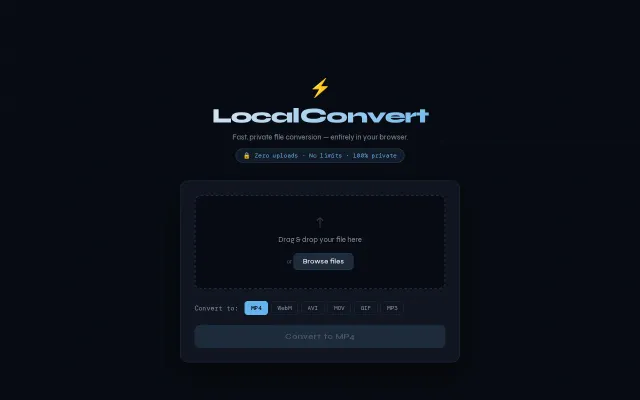
ffmpeg.wasm converter running entirely in-browser so files never leave your device.
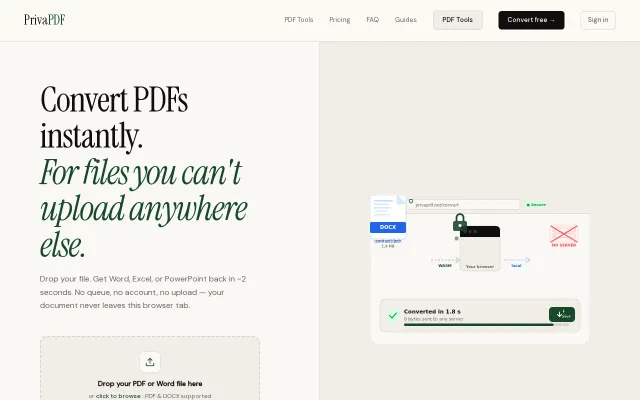
Client-side WASM conversion is nice, but CyberChef and pdf2go already do this.
WebCodecs + FFmpeg WASM means zero uploads — Clipchamp alternative that respects privacy.
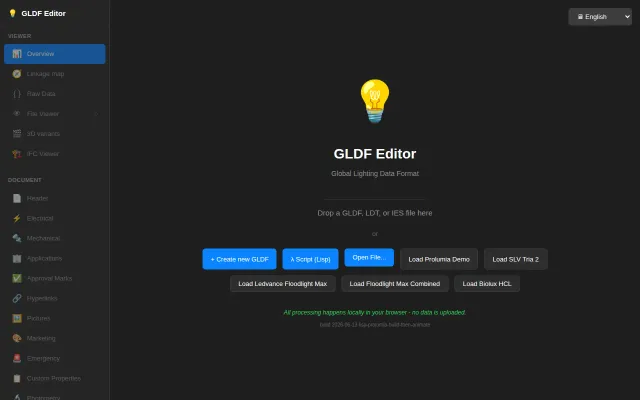
Rust/WASM lighting file editor with AutoLISP scripting that runs entirely in-browser.
Local processing is nice, but Clipchamp and Kapwing already do this.